Trying to reprogram your 2015 Chevrolet Equinox TCM? Learn why the GM MDI2 is the essential tool and how it works with GM's official SPS software for successful programming.
Are you trying to reprogram the Transmission Control Module (TCM) in your 2015 Chevrolet Equinox with a GM Tech2? If so, you're using the wrong tool. While the GM Tech2 was a legendary diagnostic device, it is no longer capable of performing complex module programming on modern GM vehicles like your 2015 Equinox. For this job, you absolutely need the GM MDI (Multiple Diagnostic Interface).
The End of an Era: Why the GM Tech2 is Outdated
The GM Tech2 scanner served its purpose brilliantly for nearly two decades, handling diagnostics and programming for GM's older communication protocols. However, starting around 2010, GM introduced a new vehicle electrical architecture known as Global A and its successor, Global B. These systems require a more advanced, PC-based "pass-thru" programming method that the Tech2 simply cannot perform.
Global Architecture: Your 2015 Equinox is built on this newer, more secure architecture. It uses the Global Diagnostic System 2 (GDS2) for diagnostics and the Service Programming System (SPS) for module reflashing.
Legacy Hardware: The Tech2 is a self-contained unit that stores calibrations on a PCMCIA card. The GM MDI is an interface device that connects to a PC, allowing it to download the latest calibration files directly from GM's servers.
Why the GM MDI2 is Essential for Your Equinox
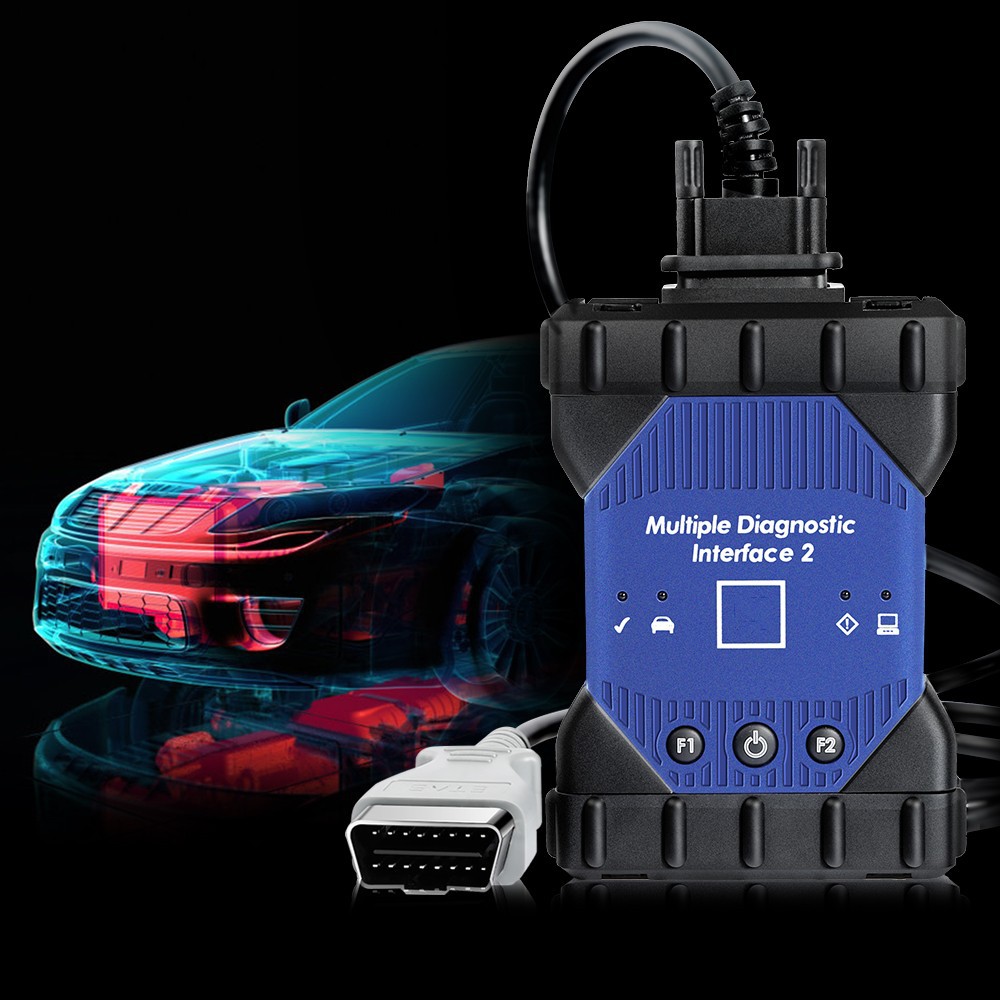
The GM MDI (or its newer version, the MDI 2) is the crucial link between your vehicle and GM's official programming database. It acts as a bridge, allowing your computer to "flash" new software onto the TCM, which is a process known as "reflashing" or "reprogramming."
To successfully reprogram your 2015 Equinox TCM, you need more than just the MDI hardware. The complete setup requires:
GM MDI or GM MDI 2: The official hardware communication tool.
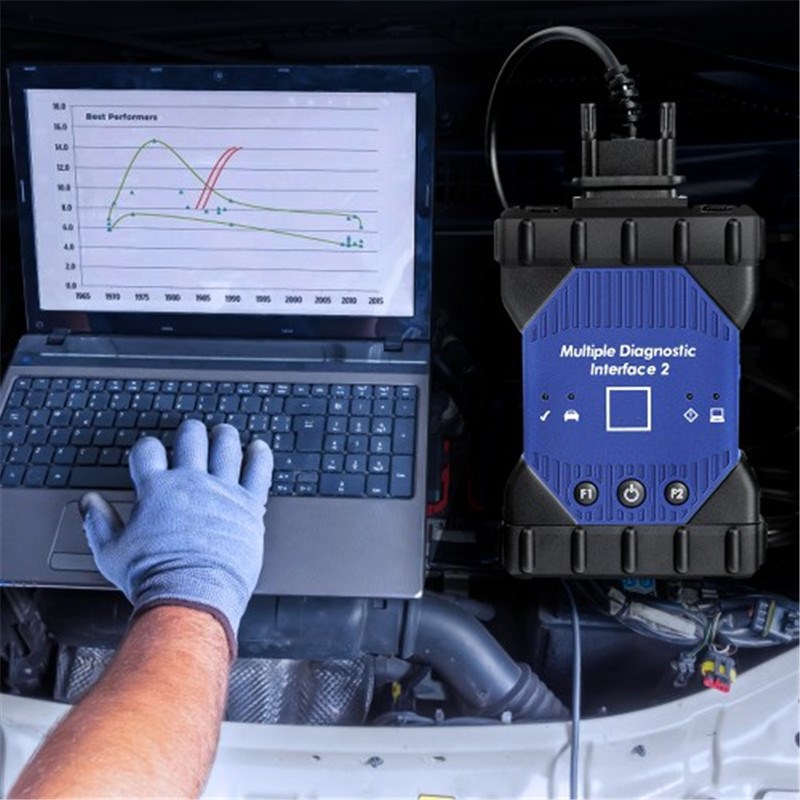
A PC or Laptop: A computer with a stable internet connection and a clean installation of the required GM software.
www.cartooldeal.com offer
GM MDI2 with HDD Software installed on a second Hand laptop
 A Licensed SPS Subscription:
 This is a non-negotiable requirement. You must purchase a subscription to GM's Service Programming System (SPS) via their Techline Connect platform. This subscription provides access to the necessary calibration files and software updates.
A Stable Power Supply: Connect a battery maintainer to the vehicle to ensure a constant voltage (12-15V) throughout the programming process. A power drop can corrupt the module and cause permanent damage.
How the GM MDI Programming Process Works
The MDI's "pass-thru" programming method is a multi-step process:
Connection: The MDI is connected to the vehicle's OBD-II port and a computer via a USB or Ethernet cable.
Software Launch: You log into your SPS account on the computer, which launches the programming software.
VIN Recognition: The software automatically detects the vehicle's VIN and checks for any available calibration updates for the TCM.
Calibration Download: The latest calibration file is downloaded from GM's secure servers.
Flashing: The MDI flashes the new software onto the TCM. This process is time-sensitive and requires a stable power source.
Attempting to use a GM Tech2 for this procedure is a waste of time and could lead to frustration. The only reliable and factory-approved way to reprogram a 2015 Chevrolet Equinox TCM is by using the GM MDI in conjunction with a valid SPS subscription.