While the GM Tech 2 Scanner is the legendary factory tool for classic 1992–2006 General Motors vehicles, technicians looking to perform PCM reflashing, ABS/EBCM module programming, or service post-2013 platforms face distinct hardware and software limits. The Tech 2 requires a PC connection with GM SPS/SPS2 for reflashing, cannot handle 2014+ Global A/GEM vehicles, and presents hardware failure risks on aftermarket clone units.
Understanding where the Tech 2 stops working is essential before making an investment:
1992–2006 (Legacy Class 2 & OBD-I): Full factory-level diagnostic and bidirectional control. This is where the Tech 2 excels.
2007–2013 (Transition Era / High-Speed CAN): Requires an inline CANdi (CAN Diagnostic Interface) module attached between the main cable and the vehicle’s OBD-II port. Without CANdi, the Tech 2 cannot communicate with CAN-bus controllers.
2014 & Newer (Global A / GEM Architecture): Strictly unsupported. Vehicles such as post-2010 Camaros, Equinoxes, Buick LaCrosses, and post-2014 K2XX platform trucks (Silverado/Sierra) require a GM MDI or GM MDI2 interface running GDS2 software.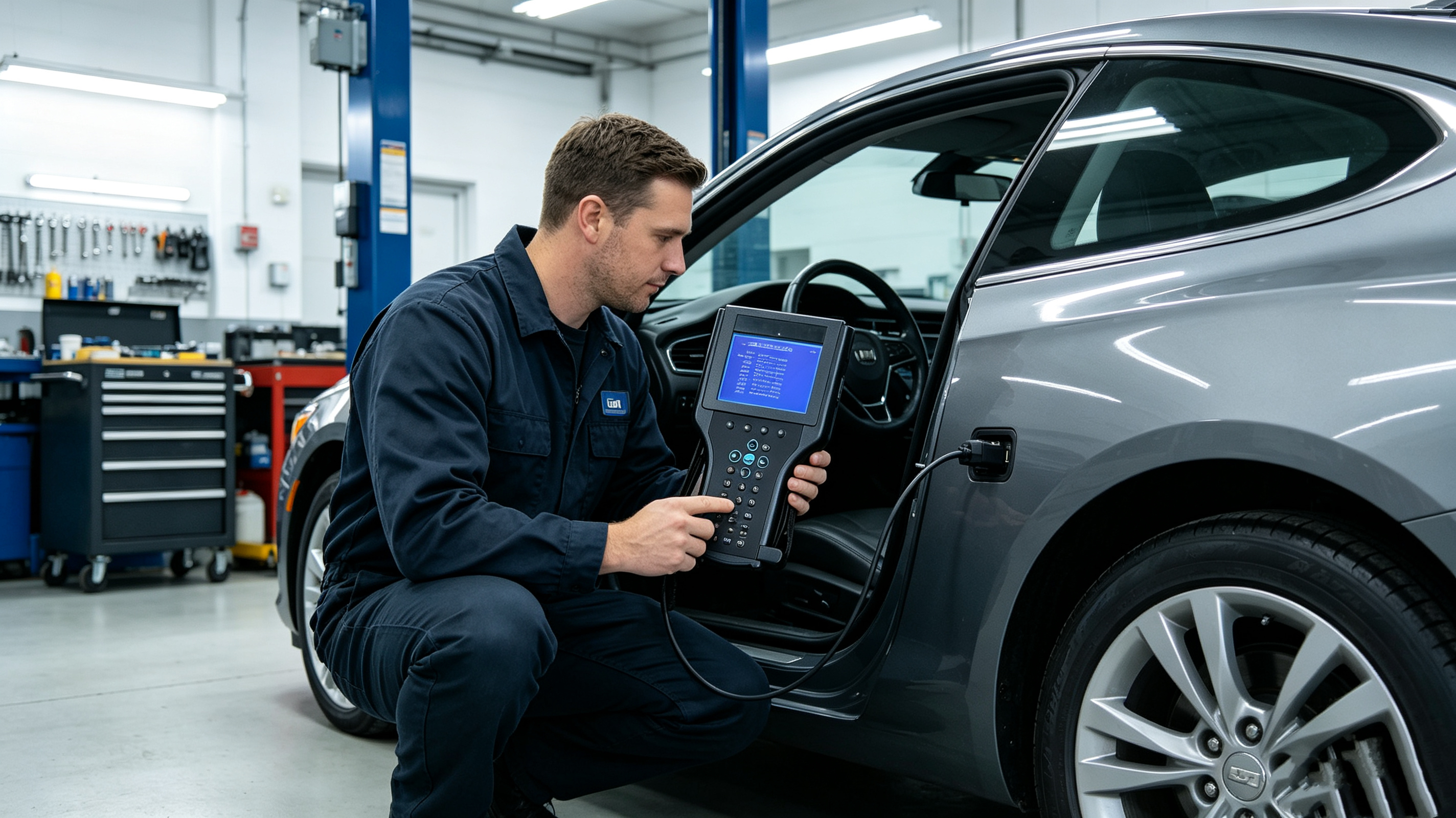
A common misconception is that the Tech 2 holds software calibration files internally. It does not. It acts strictly as a Pass-Thru device or intermediate data interface during programming.
To flash a PCM, BCM, or ECM:
Legacy Offline Flashing (Pre-2007 via TIS2000): Requires an old PC running 32-bit Windows XP or 32-bit Windows 7, utilizing a physical RS-232 serial port or an FTDI-chip USB-to-Serial adapter.
Modern Online Flashing (SPS2 Subscription): Connecting the Tech 2 to modern 64-bit Windows computers requires legacy Tech 2 pass-thru drivers that frequently suffer from USB handshake dropouts and driver instability.
If using an aftermarket or clone Tech 2 unit:
DC-DC Power Supply Noise: Sub-par power supply boards in clone units can cause sudden voltage drops during a 15-minute PCM reflash, resulting in a bricked (corrupted) controller.
RS-232 Serial Chip Failures: Low-quality MAX232 chips overheat or drop signal mid-stream, interrupting calibration writes.
If your main task is swapping and setting up Electronic Brake Control Modules (EBCM):
Post-Flash Calibration Routines: Flashing the calibration file is only step one. You must run bidirectional routines such as Automated Brake Bleed, Steering Angle Sensor (SAS) Zeroing, and Yaw Rate Sensor Recalibration.
Donor Module VIN Mismatches: Installing a used ABS module from a donor car will throw a VIN mismatch DTC. The Tech 2 cannot rewrite the VIN inside many ABS EEPROMs without an active online GM SPS2 programming session.
Voltage Sensitivity: ABS pumps and solenoids draw significant current. Running a clean 13.5V–14.0V battery maintainer is mandatory to prevent voltage drops from halting the procedure.
| Feature / Scenario | GM Tech 2 | GM MDI2 Interface | Generic J2534 Device |
| Supported Eras | 1992–2013 (Class 2 / Early CAN) | 1996–Present (Global A / VIP) | 1996–Present (OBD-II Standard) |
| 2014+ Coverage | Unsupported | Fully Supported (GDS2) | Supported (SPS2 Flashing) |
| Standalone Diagnostics | Yes (Handheld Display) | No (Requires PC/Laptop) | No (Requires PC/Software) |
| Standalone Reflashing | No (Requires PC + TIS/SPS) | No (Requires PC + SPS2) | No (Requires PC + SPS2) |
| Required PC Software | TIS2000 / SPS2 | Tech2Win & GDS2 | GM SPS2 Subscription |
Q: Can a GM Tech 2 flash a PCM without a computer?
A: No. The Tech 2 does not store full calibration files. It must be tethered to a PC running GM TIS2000 (legacy) or GM SPS2 (online).
Q: What is the cutoff year for the GM Tech 2?
A: The Tech 2 tops out at 2013 models (using the CANdi module). It cannot service 2014 and newer GM vehicles built on modern Global A architectures.
Q: What is the best alternative to a Tech 2 for module programming today?
A: The GM MDI2 interface paired with an online GM SPS2 subscription and Tech2Win software provides complete legacy coverage (1996–2013) along with full diagnostic capabilities for current-model GM vehicles.