For farmers, construction contractors, or independent repair technicians who own John Deere equipment, John Deere Service Advisor is a name you cannot ignore. It is often called a "dealer-level diagnostic tool" capable of reading fault codes, performing calibrations, and even reprogramming controllers. But many users still have questions about its actual capabilities, hardware requirements, and whether it is worth the investment.
This article breaks down Service Advisor from a practical standpoint, covering its core functions, hardware needs, and version selection strategy.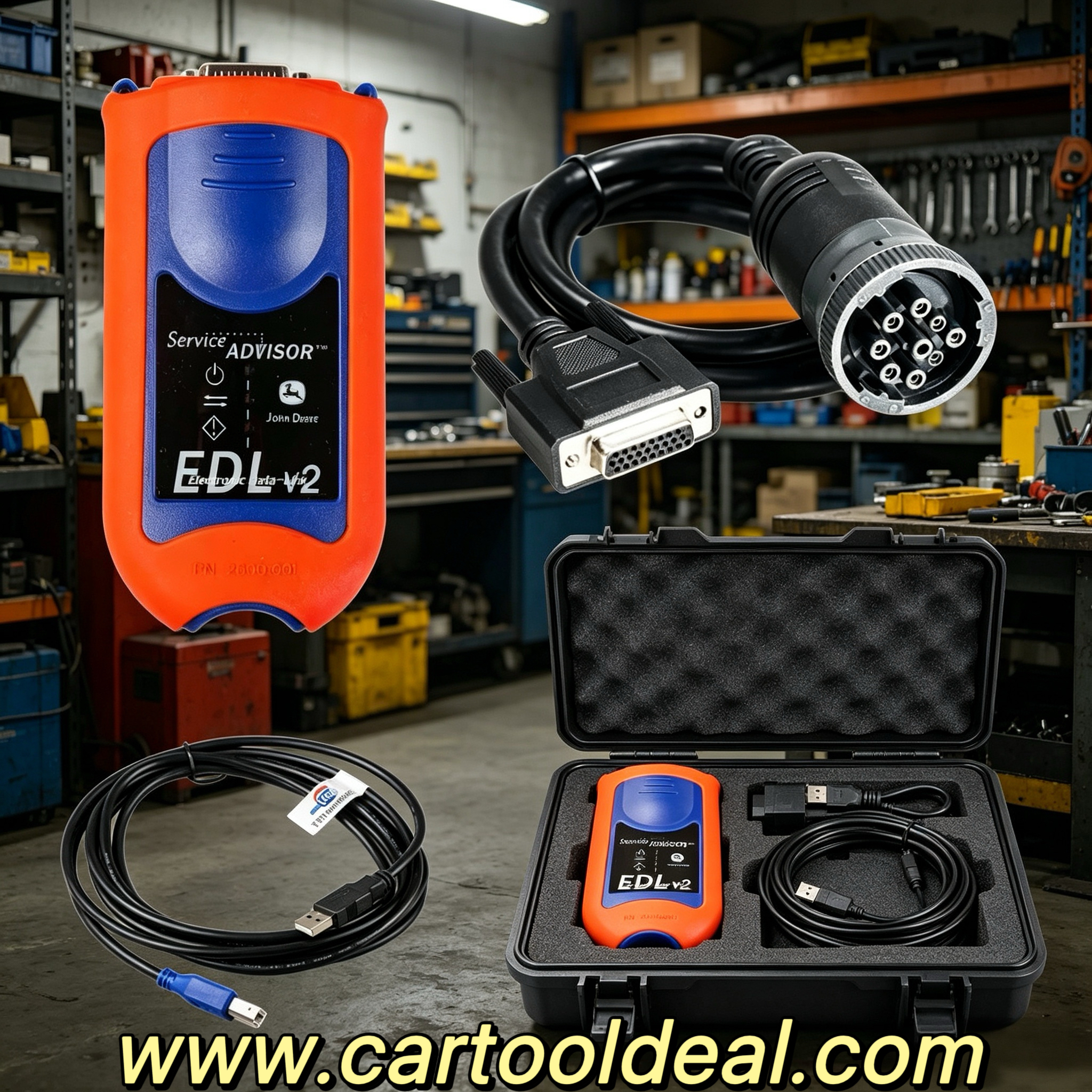
Service Advisor is John Deere's official Windows-based service diagnostic platform, covering two major equipment lines: Agriculture (AG) and Construction & Forestry (CF) . It is not a simple fault code reader — it is an integrated system combining technical manuals, diagnostic functions, calibration procedures, and controller programming.
According to official documentation, technicians need at least 8 hours of training to become certified on the tool, which speaks to its depth far beyond ordinary OBD scan tools.
The software runs as an offline application with an interface built on the Internet Explorer engine. Once installed, it does not require a continuous internet connection to access the local database.
John deere service advisor edl 's capabilities can be grouped into four areas:
Fault Diagnosis and Data Monitoring. Once connected to a machine, the software reads diagnostic trouble codes (DTCs), live parameters, and sensor data streams. It supports creating readings and recordings to help pinpoint intermittent faults.
Technical Manuals and Repair Guidance. It includes complete repair manuals, electrical and hydraulic schematics, and supports model-specific repair procedures. For users with older equipment, this electronic library function is often more valuable day-to-day than the diagnostic features themselves.
Calibration and Programming. It supports limited calibration operations and ECU reprogramming for compatible controllers. Note that advanced programming is typically limited by equipment year, controller type, and firmware version — not all models support the full programming capability.
Job Records and Reports. It can generate printable job reports for repair record management.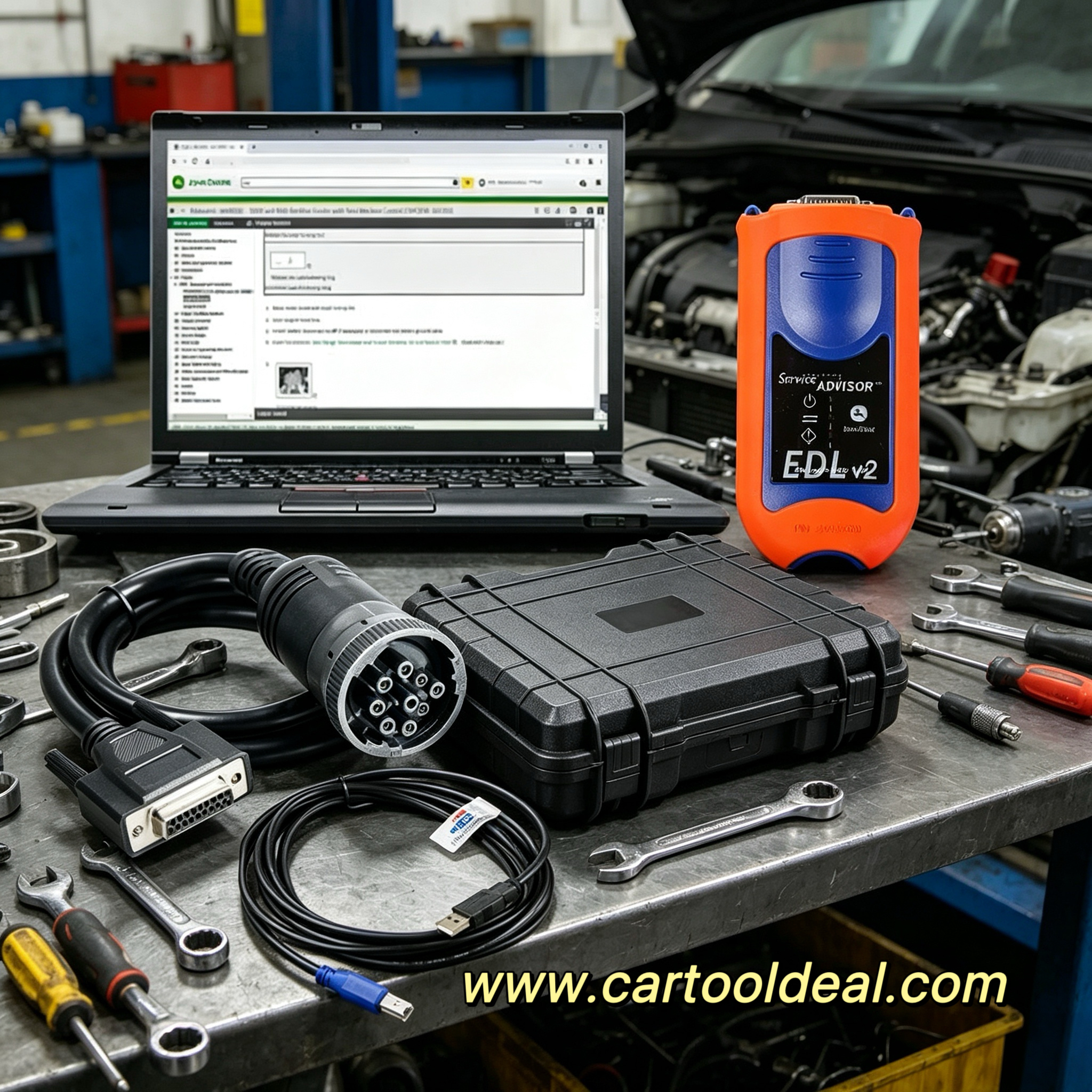
Notably, the Nexiq USB-Link 3 has been officially validated for use with Service Advisor 5.4.44 and above. This means there are officially recognized alternatives for adapter selection, allowing users to make flexible decisions based on budget.
The software's computer requirements are not demanding: a 64-bit Windows 10 or 11 system, 8GB of RAM, and about 40GB of available storage will meet basic operating needs. However, a full installation with both AG and CF databases requires approximately 450GB of space.
Service Advisor data is divided into two independent databases: AG (Agriculture) and CF (Construction & Forestry) . Many third-party sellers bundle both together, so users do not need to pay twice for a single domain.
For construction equipment users, the CF version is mandatory. Take a 2005-era John Deere 450J dozer as an example — this model falls within CF database coverage, allowing diagnostic functions to read fault codes from controllers such as the TCU and ECU and perform related tests.
Current mainstream versions are 5.3.225 (2024 database) and 5.4.84/5.4.444 (2025-2026 database). Version updates mainly bring new model coverage and fault code library updates. For users with older equipment, slightly earlier database versions usually meet their needs.
John Deere has been heavily promoting Service ADVISOR Remote in recent years, representing a shift in diagnostic approach. Through the JDLink network connection, dealers can remotely read fault codes, record data, and even push software updates while the machine is running.
The core value of this feature is reduced downtime. For intermittent faults, remote recording can capture data as the problem occurs, without requiring a technician to wait on-site. Remote programming allows some software-level fixes to be completed without waiting for a service visit.
However, it is important to note that Remote functionality depends on the equipment's JDLink connectivity and subscription status — not all older machines support it.
There are two main ways to obtain Service Advisor: official channels and third-party suppliers.
Official channels offer a Customer Service ADVISOR version through Shop.Deere.com, aimed at end users and independent repair shops, supporting limited diagnostic and calibration functions. The full dealer version typically requires access through a John Deere dealer.
In the third-party market, complete Service Advisor software plus EDL adapter kits range from $340 to $1,140, depending on adapter version, whether a laptop is bundled, and database age. Complete kits bundled with rugged laptops like Getac typically price above $900.
A practical choice: if you already have a Windows laptop, buying the EDL adapter and software license separately is often more economical than purchasing a full bundled package.
Service Advisor's coverage spans the full line of agriculture, construction, and forestry equipment. However, feature availability varies by model year and controller architecture.
Newer equipment (roughly post-2010) typically supports full diagnostic, calibration, and programming functions. Equipment from around 2005 (such as the 450J series dozer) can use diagnostic reading, fault code clearing, and calibration functions, but ECU programming may be limited by controller compatibility.
The test is simple: whether the equipment's diagnostic port can be recognized by the EDL adapter, and whether the target controller appears in the software's programming support list.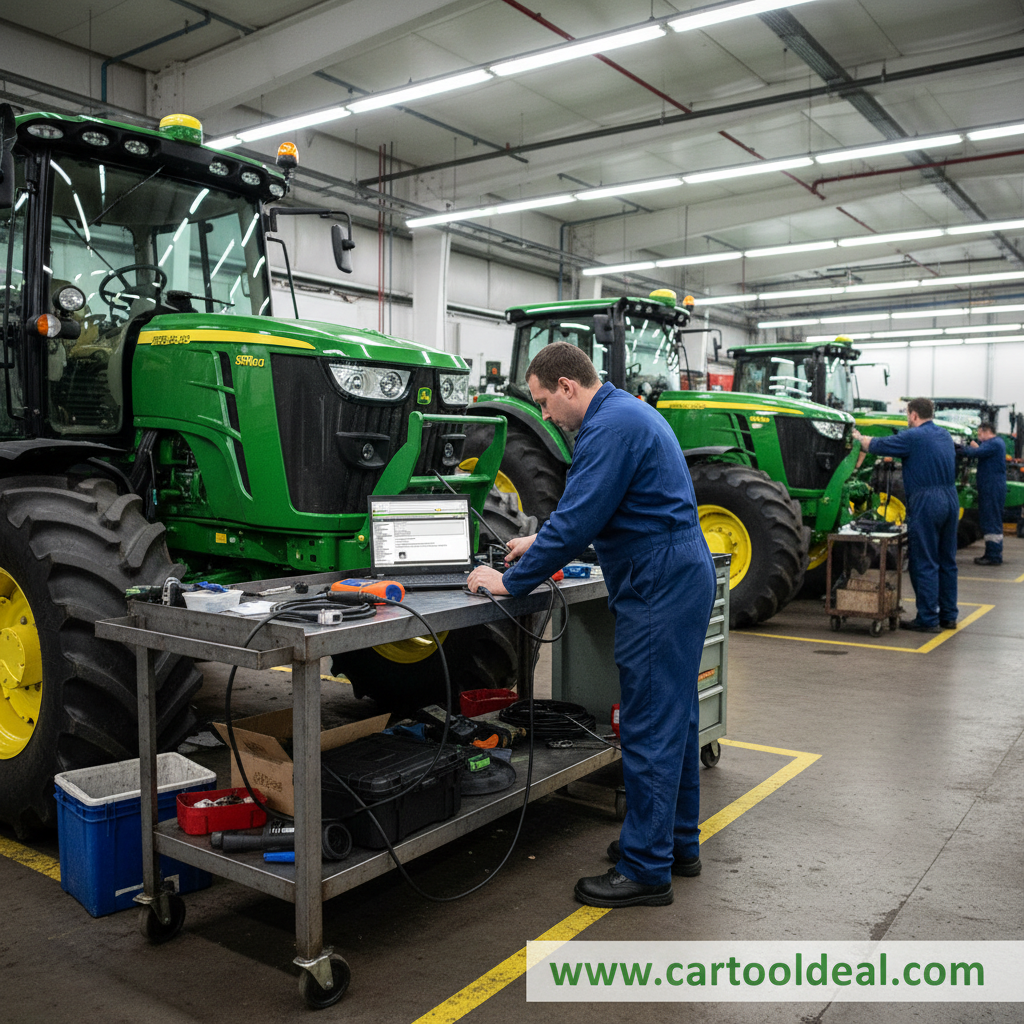
The value of John Deere Service Advisor depends on your use case. For fleet managers with multiple machines or independent repair shops, it provides dealer-level diagnostic capability that can significantly reduce outsourced repair costs over time. For individual users with only one older machine, the return on investment takes longer, but immediate access to technical manuals and the convenience of self-diagnosis still hold value.
The key to choosing is: clearly identify your equipment year, the depth of functionality you need, and whether you are willing to accept a cost-effective third-party channel option. Service Advisor is not a "plug-and-play" consumer tool, but for those willing to invest in the learning curve, it opens a door to deep-level maintenance capability for John Deere equipment.