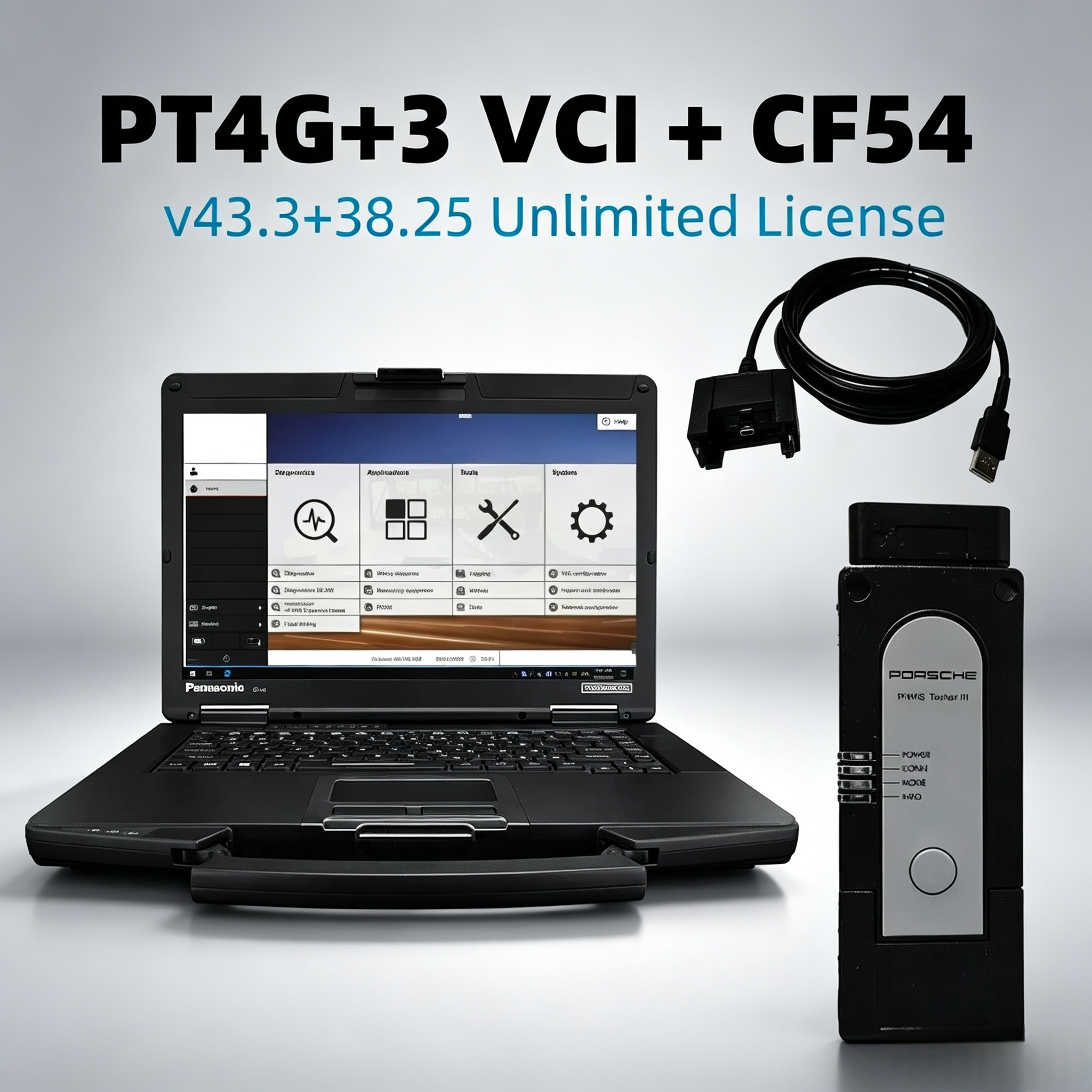
The Porsche PIWIS 3 (PST3) is the newest professional diagnostic tool on the market for Porsche vehicles. It is designed for deep diagnostics, programming, and repair across the full Porsche range. Whether you run an independent workshop or you're a serious Porsche owner, understanding what PIWIS 3 can do — and how to set it up correctly — will save you a lot of frustration.
PIWIS 3 covers the full workflow of Porsche vehicle diagnostics and programming:
Read and clear trouble codes — full scan of all control units, with fault memory reading and clearing
ECU information display — view control unit model, software version, hardware number, and other key data
Live data and actual values — monitor sensors and actuators in real time
Programming and coding — supports control unit replacement programming, coding, and retrofit functions
Guided fault navigation — step-by-step troubleshooting to locate the root cause
Circuit diagrams — displays complete interior wiring diagrams, especially for vehicles produced after 2005
Oscilloscope and multimeter — built-in original oscillometer and multi-meter functions for signal analysis
PIWIS 3 was introduced around 2017 as the successor to PIWIS 2. It retains backward compatibility with older models while adding support for newer electrical systems and updated technology. Compared to the previous generation, the interface is more intuitive and system response is faster.
Porsche PIWIS 3 Diagnostic Software has strict hardware requirements. If your laptop doesn't meet them, the software will not display completely or may not run at all:
| Spec | Minimum Requirement |
|---|---|
| Resolution | 1920×1080 |
| Memory | 8GB or above |
| CPU | Intel i5 or above |
Laptops from Lenovo, Dell, ASUS, Panasonic, and other brands that meet these specs will work fine.
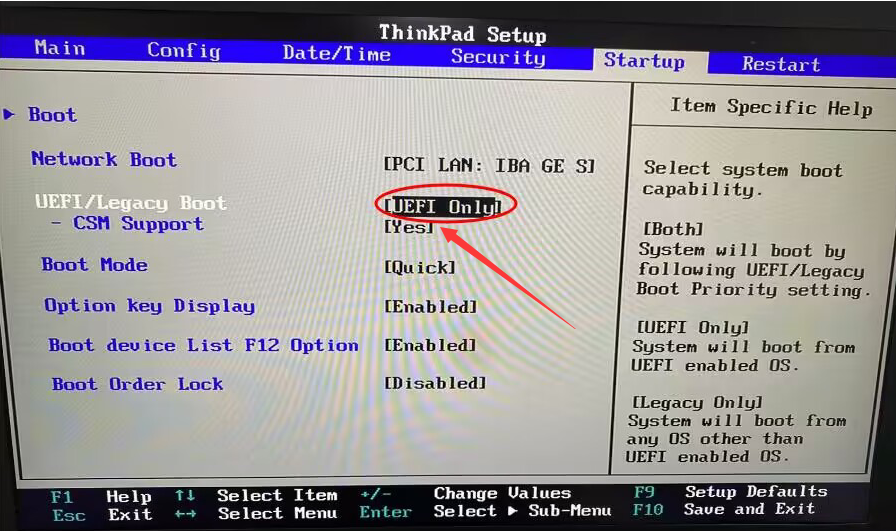
If you choose Package Configuration 1 (SSD and VCI only, with your own laptop), here is the complete setup process:
Step 1: Physically install the SSD
After receiving the device, insert the software SSD as the internal disk inside your laptop — not connected via USB. Do not connect the SSD to the laptop by USB to boot. It will not work properly, and you will lose the warranty.
Step 2: Enter BIOS and set the hard disk mode
Press the appropriate key at startup (usually F2 or Del) to enter the BIOS system. In the Boot-related options, set the hard disk mode to UEFI mode. Once saved, the Windows system will start normally.
Step 3: Connect the VCI and activate the software
After the system boots, connect the VCI first, then send your TeamViewer ID and password to the seller so their team can remotely activate the PIWIS 3 software. Once activation is complete, the tool is ready to use.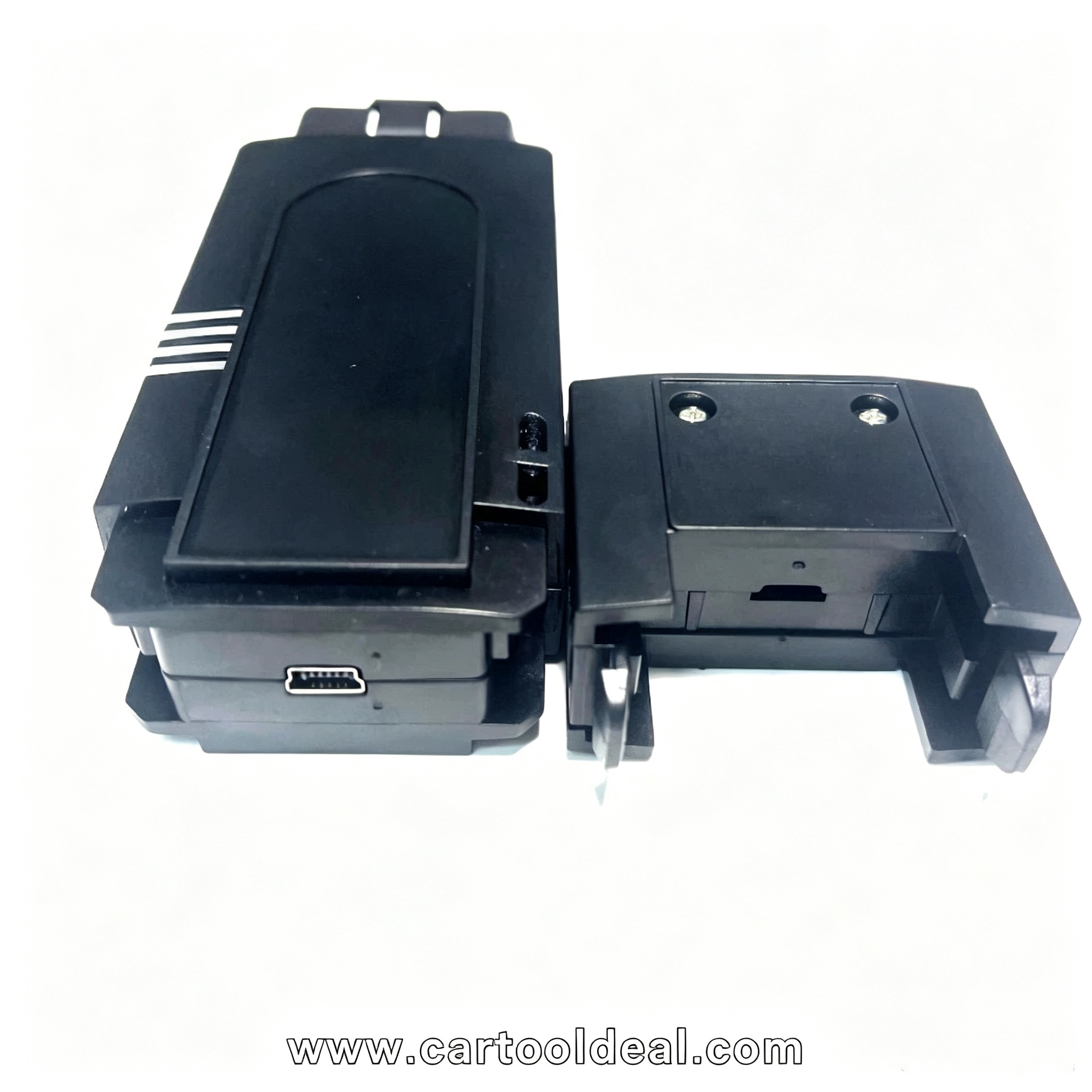
Do not copy the hard drive. Cloning or copying the software SSD will cause it to stop working and will void the warranty.
Do not use the SSD via USB. It must be installed as the internal disk to boot the laptop. USB connection prevents the software from correctly recognizing the hardware and license.
Make sure your laptop meets the specs. On laptops with resolution below 1920×1080 or less than 8GB of memory, the software interface will not display completely, and some function buttons may be inaccessible.
Consider buying the full package with a laptop. If you're not familiar with laptop configuration or BIOS settings, order the PIWIS with a laptop. It is ready to use when you receive the package — no setup needed on your end.
PIWIS 4 is the latest version, aimed primarily at new models from 2022 onward and full electric vehicles like the Taycan. But for most users:
PIWIS 3 coverage: Porsche models from roughly 1998 to 2022, including 911 (997/991), Boxster/Cayman (987), Cayenne, Panamera, and Macan
PIWIS 4 advantages: newer hardware and software architecture, better electrification support, though detailed public information on its specific improvements is limited
If you mainly service pre-2018 Porsches, PIWIS 3 is more than enough. If you need coverage for the newest models, consider PIWIS 4 or confirm whether your PIWIS 3 software version has been updated to support your target vehicles.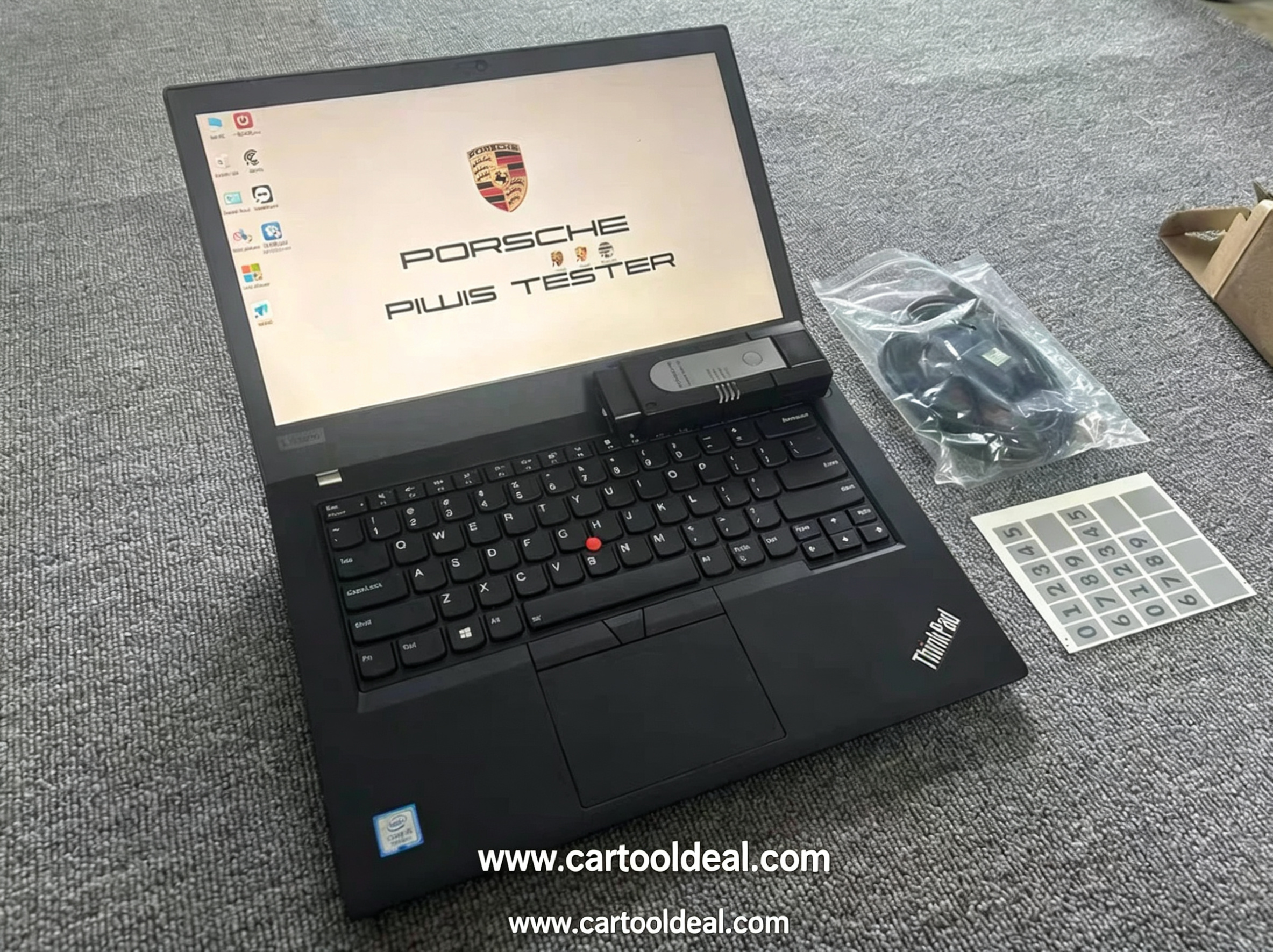
PIWIS 3 hardware packages generally come in two forms: Piwis 3 with a laptop or SSD + VCI only. Full packages (such as Lenovo T440 or Panasonic CF-54 setups) usually come with the software pre-installed and activated, making them ideal if you want plug-and-play. The SSD-only option costs less but requires you to handle BIOS setup and system configuration yourself.
Whichever option you choose, confirm the software version number — it matters. Newer versions (such as V41.x or V42.x) offer better support for recent models and more up-to-date programming data. After receiving your device, complete activation and run a basic function test before using it on an actual vehicle.
PIWIS 3 is one of the most complete diagnostic solutions available for independent Porsche repair, but it has a learning curve. Before any coding or programming operation, save the original data first to avoid irreversible mistakes.