Vehicle security systems have evolved significantly over the past three decades, and few immobilizer systems are as widespread—or as misunderstood—as Ford’s Passive Anti-Theft System (PATS), also known as SecuriLock. When replacing lost keys, adding spares, or swapping engine control modules, automotive locksmiths and technicians frequently ask: Does the XTOOL X100 Pro3 Key Programmer support Ford PATS key relearning?
The short answer is yes. The XTOOL X100 Pro3 features robust, dedicated immobilizer capabilities designed to program transponders and perform PATS relearns across a vast range of Ford, Lincoln, and Mercury vehicles. However, operating the X100 Pro3 successfully on Ford vehicles requires a clear understanding of Ford's immobilizer logic, hardware constraints, and security access delays.
In this comprehensive guide, we examine how the XTOOL X100 Pro3 interacts with Ford PATS, break down the various PATS generations, and outline critical rules to ensure seamless key programming without locking out the ECU.
The XTOOL X100 Pro3 is a specialized handheld diagnostic key programmer equipped with advanced OBDII functionality and multi-brand immobilizer support. For Ford vehicles, the tool offers deep module communication across global markets (North America, Europe, Asia, and South America).
Transponder Key Programming: Add new keys to existing immobilizer memory slots.
Key Deletion & Memory Clear: Erase lost or stolen keys from the vehicle's ECU/BCM memory.
PIN Code & Access Token Calculation: Automates Incode/Outcode requests required for security access on legacy and modern Ford models.
Remote Fob & Smart Key Matching: Sync keyless entry remotes and push-to-start proximity keys.
Module Parameter Reset: Re-establish synchronization between the Powertrain Control Module (PCM), Instrument Cluster (HEC), or Body Control Module (BCM) following hardware replacement.
Ford PATS spans multiple decades, moving through seven primary architectural generations (Types A through G). How the XTOOL X100 Pro3 behaves during key programming depends on the specific PATS type installed in the vehicle:
| PATS Type | Generation Era | Primary Module Location | Key Transponder Type | Security Access Behavior |
| Type A & B | 1996 – 1998 | Standalone PATS Module | TI 4C Glass/Wedge | 10-Minute Wait or Instant Incode |
| Type C & D | 1999 – 2004 | Hybrid Electronic Cluster (HEC) | TI 4D-60 / Encrypted | 10-Minute Wait or Incode Calculation |
| Type E & F | 2005 – 2012 | PCM / Smart Junction Box (SJB) | 4D-63 (40-Bit / 80-Bit) | Automatic Bypass or 10-Min Timer |
| Type G & Modern | 2013 – Present | Body Control Module (BCM) | Hitag Pro / 128-Bit Proximity | Direct OBD Access / Active Voltage Required |
Because the X100 Pro3 auto-detects system protocols, it automatically selects the appropriate authorization routine based on the vehicle's VIN and control unit response.
When using the XTOOL X100 Pro3 Key Programmer for Ford PATS relearning or parameter resets, you must adhere to three mandatory requirements. Failure to follow these rules will result in failed programming cycles or temporary vehicle lockouts.
+-----------------------------------------------------------------------------------+
|                        CRITICAL PATS RELEARN REQUIREMENTS                         |
+-----------------------------------------------------------------------------------+
| 1. Mandatory 10-Minute Delay  ---> Do NOT switch ignition OFF or drop voltage.    |
| 2. Minimum 2-Key Rule         ---> All-Keys-Lost requires 2 distinct chips.       |
| 3. High-Quality Transponders  ---> Cheap clones fail cryptographic handshake.    |
+-----------------------------------------------------------------------------------+
Ford's factory immobilizer logic mandates a 10-minute (600-second) security access delay before allowing key deletions or parameter resets. This is an intentional security measure engineered by Ford to prevent rapid vehicle theft.
Tool Behavior: When initiated, the XTOOL X100 Pro3 will display a real-time countdown timer on screen (e.g., “Gaining Security Access... Please wait 10 Minutes”).
Crucial Rule: Do NOT turn off the ignition, disconnect the tool, or allow the vehicle's battery voltage to drop during this period. A power interruption during the countdown will cancel the security bypass and may lock out the module, requiring a hard power reset.
If you are performing an "All Keys Lost" service or executing a Parameter Reset (e.g., after replacing an Instrument Cluster or PCM), Ford PATS firmware requires a minimum of two (2) uniquely coded transponder keys to complete the relearn sequence.
Hardware Limitation: This is a hardcoded vehicle firmware restriction, not a limitation of the XTOOL X100 Pro3.
Operational Flow: The tool will guide you through inserting Key 1, turning the ignition switch ON for 3 seconds, removing it, and immediately inserting Key 2 to turn the ignition ON. If only one key is available, the immobilizer security light will continue to flash rapidly, and the engine will not start.
PATS modules perform bidirectional cryptographic verification with the transponder chip in the key head.
The Problem: Low-cost, unverified aftermarket keys or cheap transponder clones frequently fail the high-speed data handshake during the X100 Pro3’s key registration step.
Best Practice: Always use high-quality OEM or verified aftermarket keys (such as Texas Instruments 4D-63 40-bit or 80-bit transponders for legacy models, or genuine ID49/128-bit smart keys for modern models).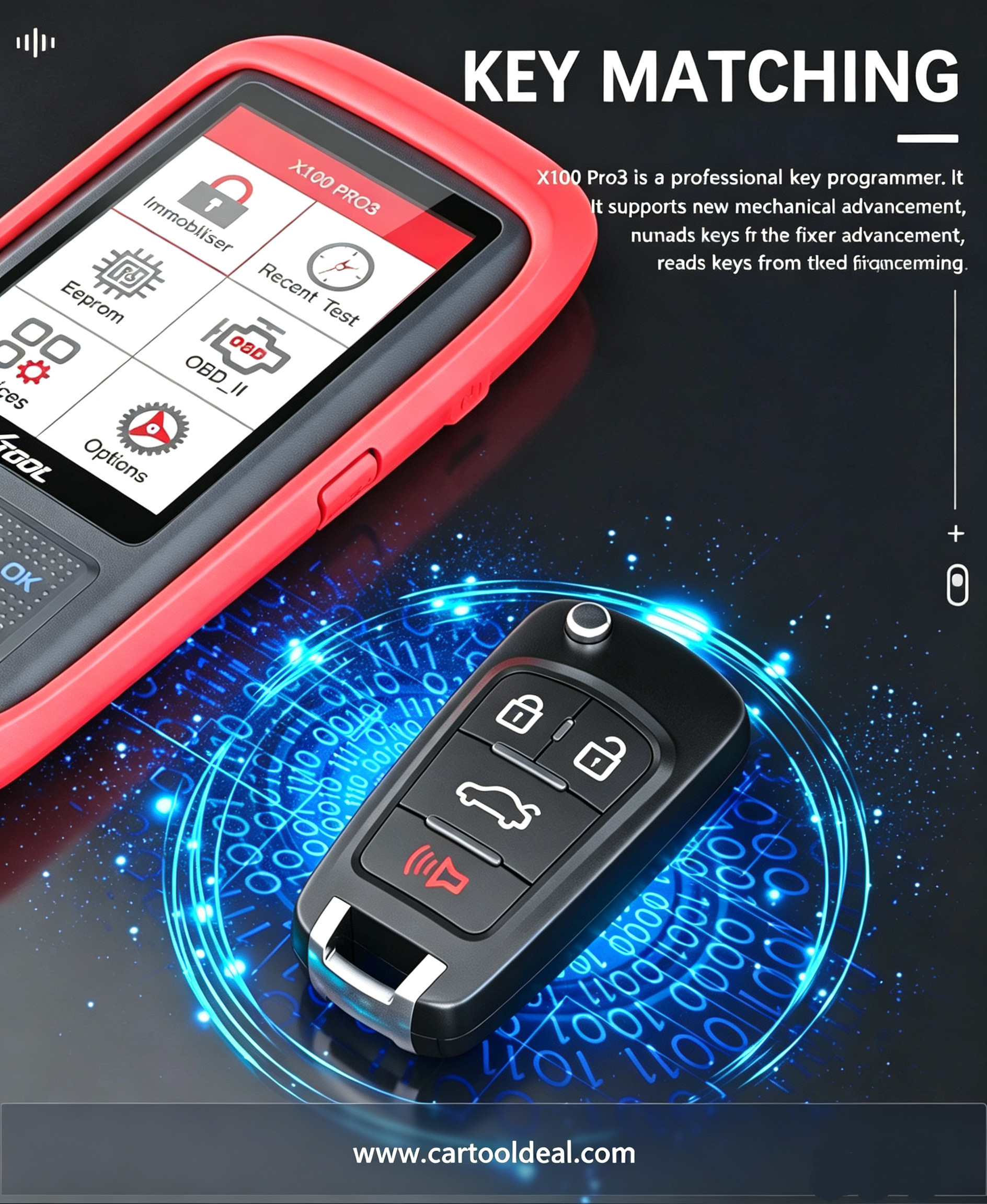
Follow this standardized procedure when performing a Ford PATS key relearn:
[1. Connect Battery Maintainer] ---> [2. Plug X100 Pro3 into OBDII] ---> [3. Turn Ignition ON (Key 1)]
                                                                                 |
[6. Verify Security Light OFF] <--- [5. Cycle Key 1 & Key 2] <--- [4. Wait 10-Min Countdown]
Battery Stabilization: Connect a clean power supply/battery maintainer to the vehicle to maintain voltage above 12.2V throughout the process.
Device Connection: Connect the XTOOL X100 Pro3 to the OBDII port and turn the ignition switch to the ON position using Key 1.
Select Menu: Navigate to IMMO / Key Programmer $\rightarrow$ Ford $\rightarrow$ Auto Scan or select your vehicle model manually.
Choose Action: Select PATS / Immobilizer $\rightarrow$ Erase Keys or Add a Key.
Security Access Wait: When the on-screen countdown appears, leave the ignition ON and wait for the 10-minute timer to reach 0.
Key Cycle Registration:
Insert Key 1, turn ignition ON for 3–5 seconds, turn OFF and remove.
Insert Key 2, turn ignition ON for 3–5 seconds, turn OFF.
Confirmation: Observe the anti-theft security indicator on the dashboard. It should illuminate solid for 3 seconds and then turn off, confirming successful registration.
| Issue / Symptom | Probable Cause | Recommended Resolution |
| Security Light Flashing Rapidly (PATS Code 13/15) | Transponder chip not recognized or incorrect chip type. | Verify transponder frequency (e.g., 40-bit vs 80-bit) and re-seat key in ignition. |
| Timer Aborts or Re-starts | Voltage drop below 11.8V or ignition moved. | Connect an external battery stabilizer and ensure ignition remains untouched. |
| Key Registered But Engine Crank-No-Start | Minimum 2-key count not met or parameter mismatch. | Ensure two distinct keys were cycled back-to-back during registration. |
A: On certain modern Ford PATS systems (Types E, F, and modern BCM systems), the XTOOL X100 Pro3 can perform an automated online Incode/Outcode calculation to bypass the wait time. However, on legacy systems, the 10-minute wait time is enforced directly by the vehicle module and cannot be skipped.
A: The PATS module will remain in "Learning Mode" and will not clear the immobilizer lockout until a second unique key is cycled through the ignition. You must have two keys available to finish the operation.
A: Yes, the XTOOL X100 Pro3 supports smart key adding and loss recovery for Ford proximity keys. Ensure the vehicle battery is fully charged before beginning proximity learning.
Summary Conclusion
The XTOOL X100 Pro3 is a reliable tool for Ford PATS transponder key programming and relearning. By adhering to battery maintenance, observing the mandatory 10-minute security countdown, having at least two quality transponder keys ready, and matching the exact PATS generation, technicians can confidently program keys across the entire Ford lineup.