IPROG+ programmer is a widely used multi-function programmer in the automotive electronics field, with a stable user base among locksmiths, odometer repair technicians, and ECU tuning professionals. As the software iterates to V89 and discussions about the differences between cloned and original units continue, new users face growing confusion about choices, while experienced users encounter more technical bottlenecks. This article compiles the most concentrated high-traffic questions from current community discussions, combining practical feedback to provide reference.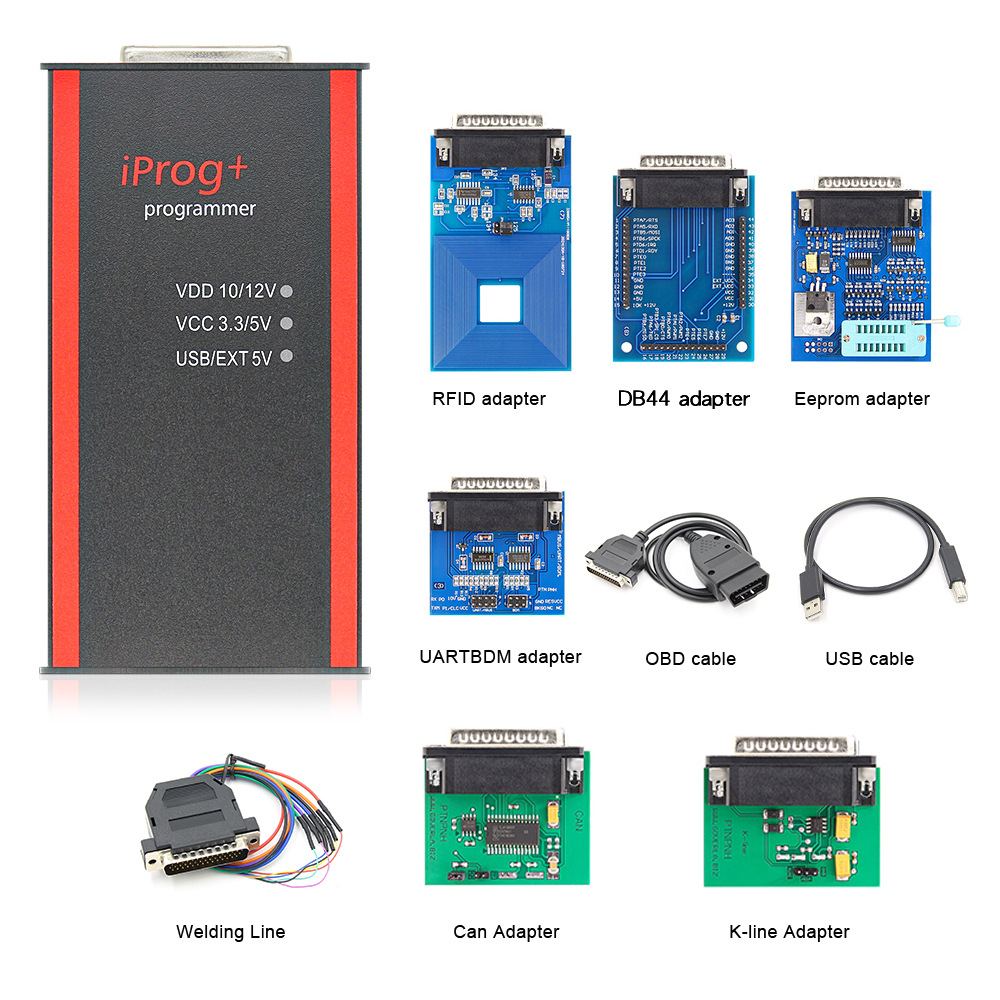
IPROG PRO iterates quickly, and many users struggle to determine which version truly fits their needs when purchasing or upgrading.
The core difference lies in the number of scripts and calculators, not the hardware itself. As noted by the OBD2SKY blog: "The version doesn't matter; the scripts do." V87 added a large number of scripts, and V89 further introduced new calculator functions — these calculators no longer require a dongle or PC to run independently.
In terms of actual coverage, IPROG Pro V89 demonstrates stronger multi-module synchronization capabilities in dashboard correction. Users working on a 2012 Toyota Corolla and a 2019 Porsche Macan found that V89 could synchronously update mileage data stored independently in the engine ECU, transmission control module, and HVAC system, whereas cheaper tools typically only modify the dashboard, leaving data inconsistency risks. However, this advantage fails on vehicles with encrypted mileage storage, including newer Teslas, 2021+ BMW iDrive 8 systems, and Mercedes MBUX units with active tamper detection.
For users still on V84 or earlier, note that iProg programmer (the older device) has been discontinued, and official support has shifted to iProg PRO. So-called "iProg+" units circulating in the clone market are mostly clones of iProg PRO, which actually offer better script compatibility.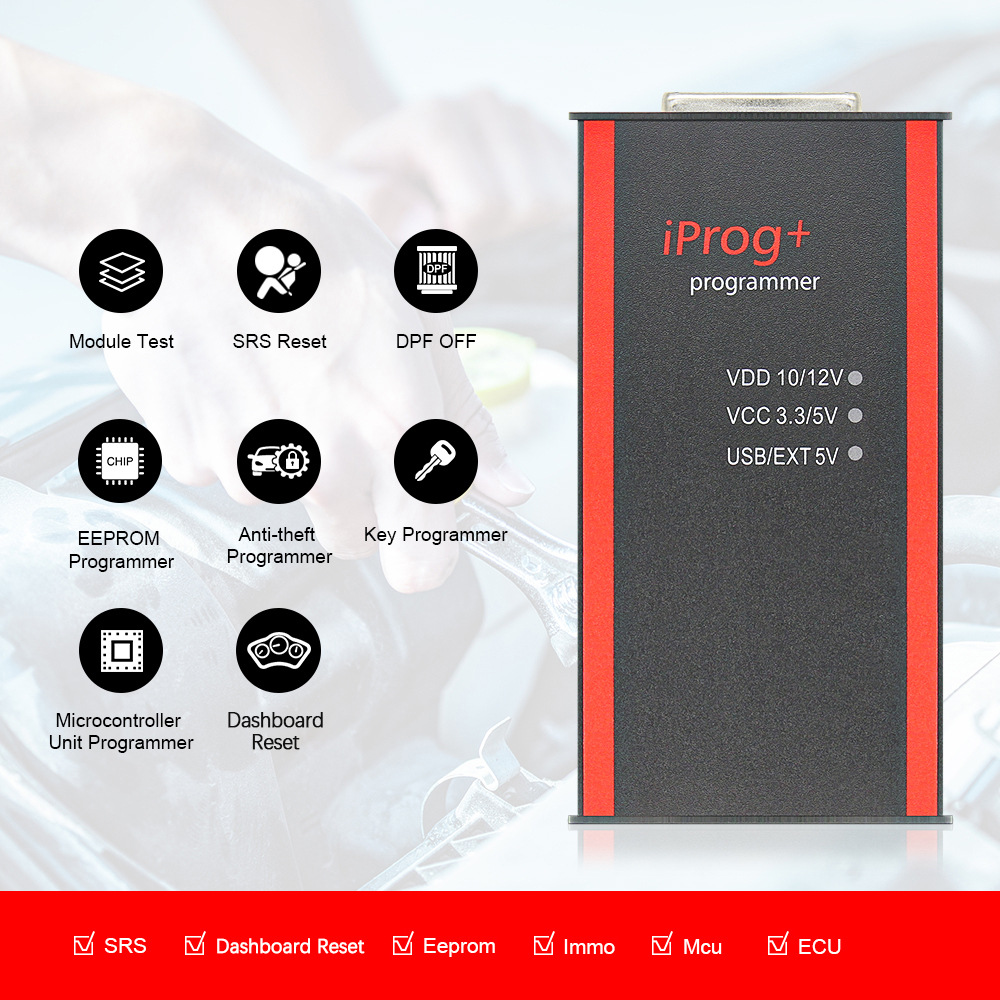
Discussions about Chinese-made IPROG programmer clones remain polarized. Some users report that "90% of dashboard and airbag calculations work normally," while others warn that it "can permanently damage instrument clusters and ABS modules."
The main risks of clones center on power design and specific chip compatibility. A hard limit repeatedly emphasized is: IPROG+ only allows 5V power via the USB port; connecting an external 12V power supply is prohibited. Applying 12V can easily burn out the device, and such damage is typically not covered by warranty. In an IVECO C30C ST95040 chip tuning case, a user reported that the clone read data normally and the calculator recognized it, but writing would stop after changing only 3 kilometers — ultimately judged to be caused by incomplete encryption algorithm handling.
A pragmatic recommendation from experienced users: always read the original dump and back it up before dashboard correction. Even with a clone, you can bypass script defects through "external calculator correction + manual writing." For modules like BMW FRM3 that require handling D-Flash and E-Flash partitions, clones typically can only read/write P-Flash, requiring other tools for complete recovery.
Recurring fault codes in the community cluster around a few fixed scenarios.
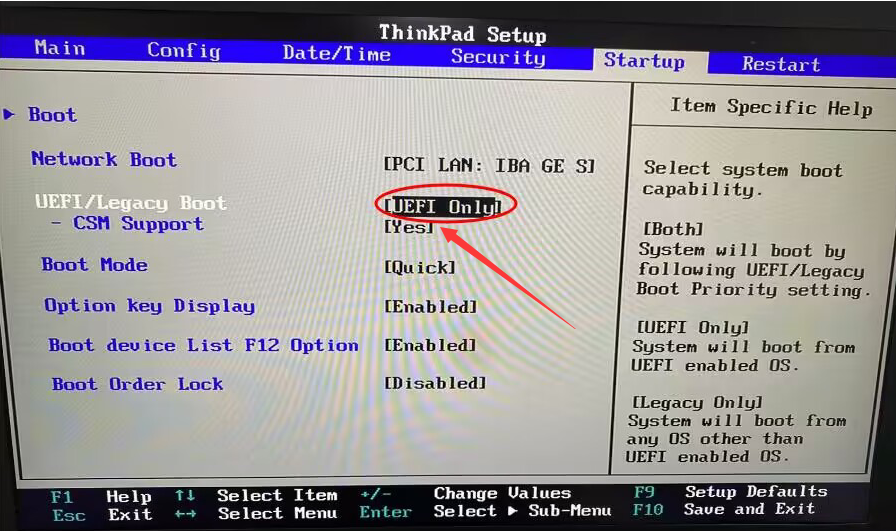
"iPROG not connected" is the most common error. The troubleshooting sequence should be: confirm the USB cable and adapter connection is secure, verify the driver is correctly installed, and try a different USB port. Multiple sources consistently recommend prioritizing Windows 7 32-bit, as some Windows 10 systems still fail to recognize the device even after driver installation.
The "power loaded" error usually points to hardware-level power module damage, specifically a burned transistor or faulty power converter, requiring hardware replacement.
Windows 10 compatibility issues are extensively discussed. Some users report waiting tens of seconds or even a minute between script switches on Win10. Practical solutions from forums include: running the program as administrator, disabling driver signature enforcement, and trying the 32-bit version of the software.
IPROG+'s script coverage directly determines its operational boundaries.
Airbag modules are an area where IPROG+ excels. User feedback shows that OBD operations on Mazda airbag units (Infineon XC2361-56F) complete successfully, with crash data clearing and CFG repair working normally on most supported vehicles. However, some functions get "stuck on Russian-language interfaces" due to incomplete localization, requiring community documentation for reference.
IMMO and key programming: Toyota smart key reset and preparation functions have been verified multiple times, and Hyundai Smartra3 PIN reading has successful cases. However, Delphi system compatibility is notably weaker than Bosch — one user explicitly noted "Bosch EDC16 OK, Delphi not OK."
Scenarios requiring workarounds include: BMW's latest F-series (F90, G05) with CAS5+ anti-theft systems, where IPROG+ returns "Authentication Failed" during key programming — this is not a firmware issue but insufficient hardware computing power for elliptic curve encryption; 2021+ Ford SYNC 4 and GM Ultifi architectures also cannot communicate. For Russian Lada Granta 2020 dashboard correction, experienced users warn that "clones can instantly brick the dashboard and ABS," recommending reading the dump first and having someone else correct it.
IPROG+'s true value largely depends on the richness of its script library. The official website continuously updates scripts and calculators. The Chery Tiggo 8 PRO RH850+24C16 OBD tuning script was released through official crowdfunding channels. A notable improvement in V89 is that calculators are no longer bound to hardware, meaning users can first read the dump with another programmer, then process the data with the IPROG calculator.
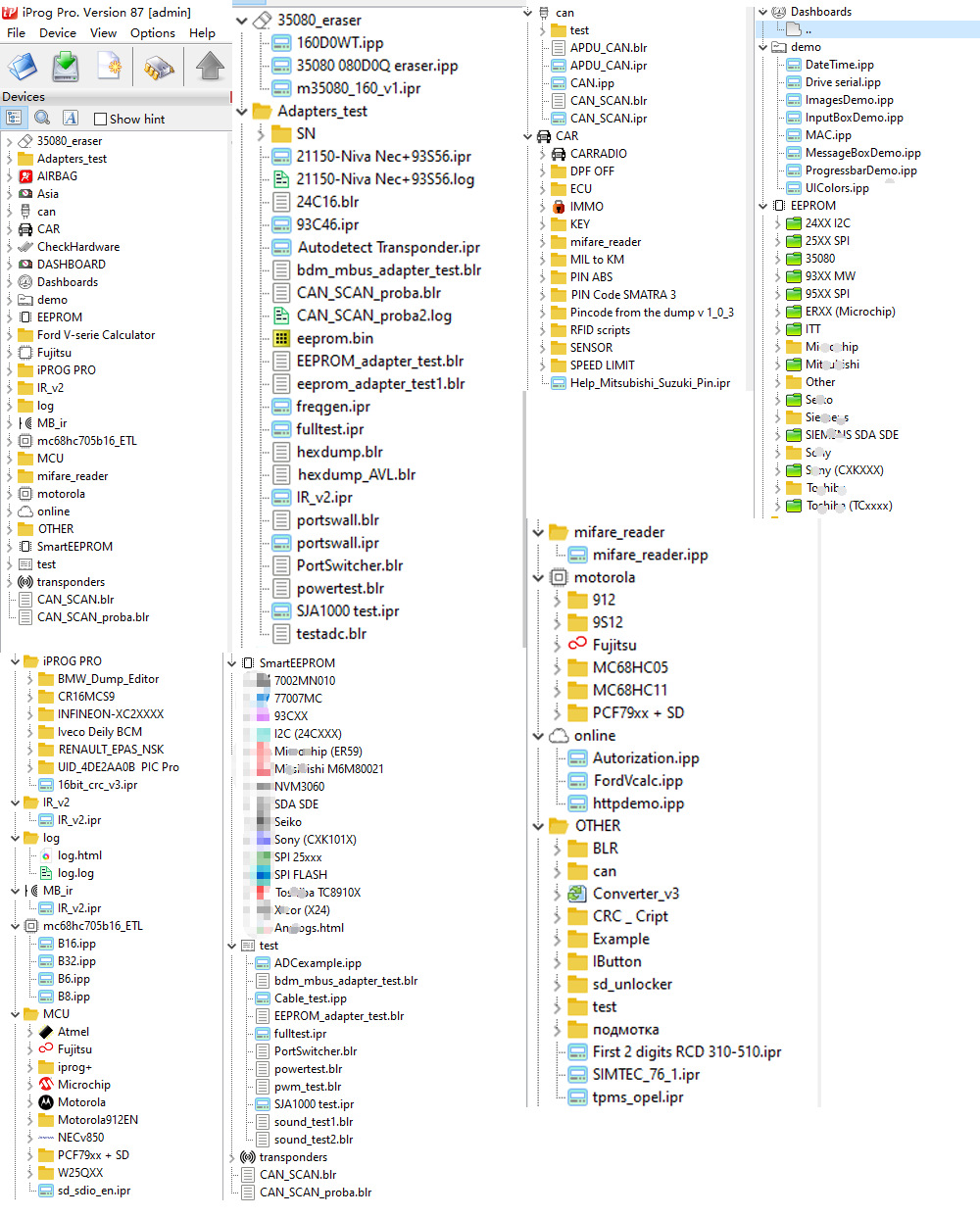
For advanced users who want to write their own scripts, IPROG PRO provides script encryption tools and documentation support. Community members have also shared Renesas RH850 series MCU reading scripts covering multiple models from R7F7010023 to R7F7010073. However, note that clone serial number (SN) locking mechanisms may restrict certain script calls — for example, SN 777 versions cannot use some adapter scripts that depend on specific firmware, and changing the serial number requires reflashing the processor.
IPROG+ positions itself as a cost-effective, chip-level multi-function tool, with its strongest coverage on 2005–2020 Eurasian vehicle models. Its high-traffic discussion points — version selection, clone risks, driver compatibility — all point to the same reality: the tool's functional ceiling depends on the user's understanding of the script ecosystem and chip boundaries. For those considering a purchase, verify whether your target vehicle has documented verification in the script list. For existing users, backing up original data should always be the first step before any operation.