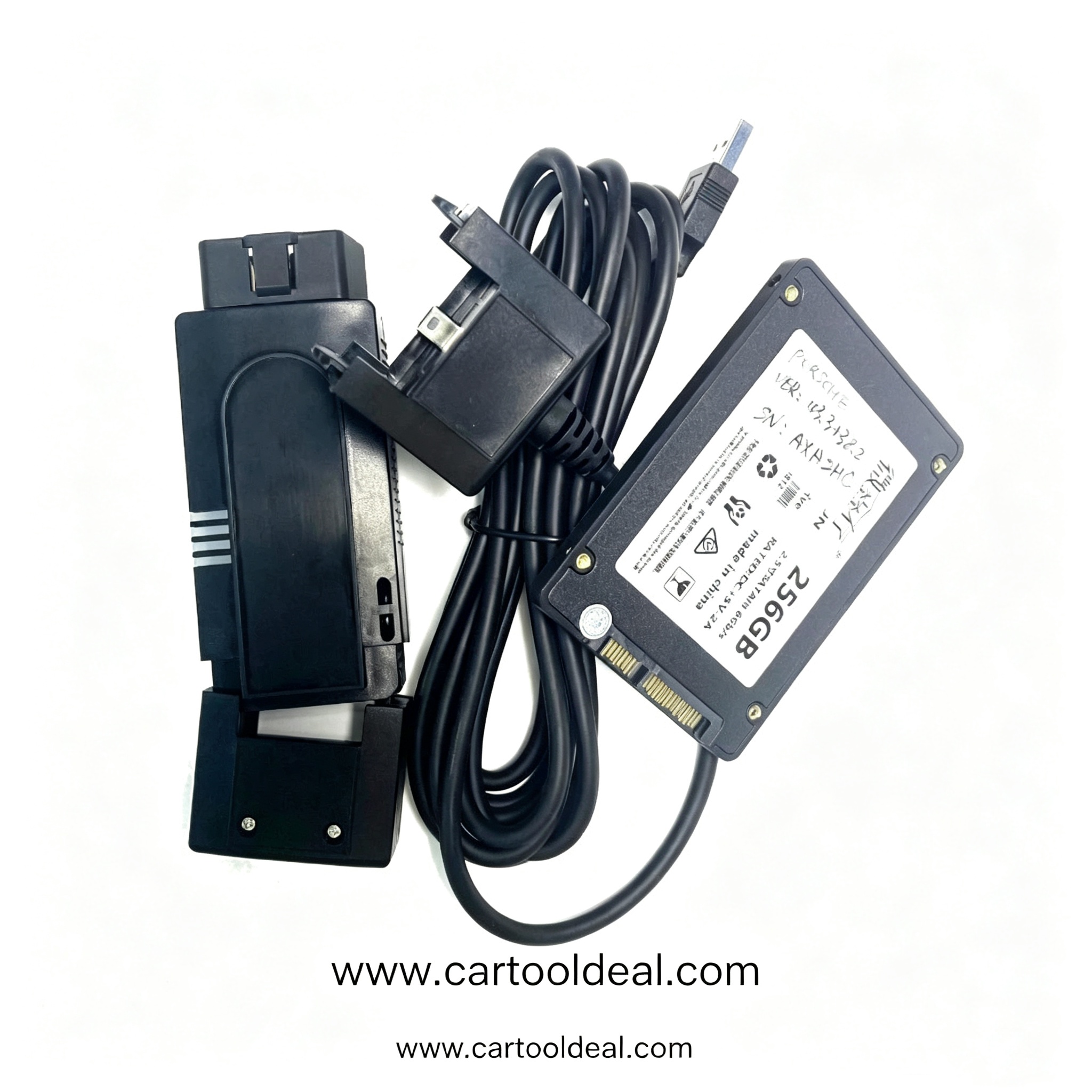
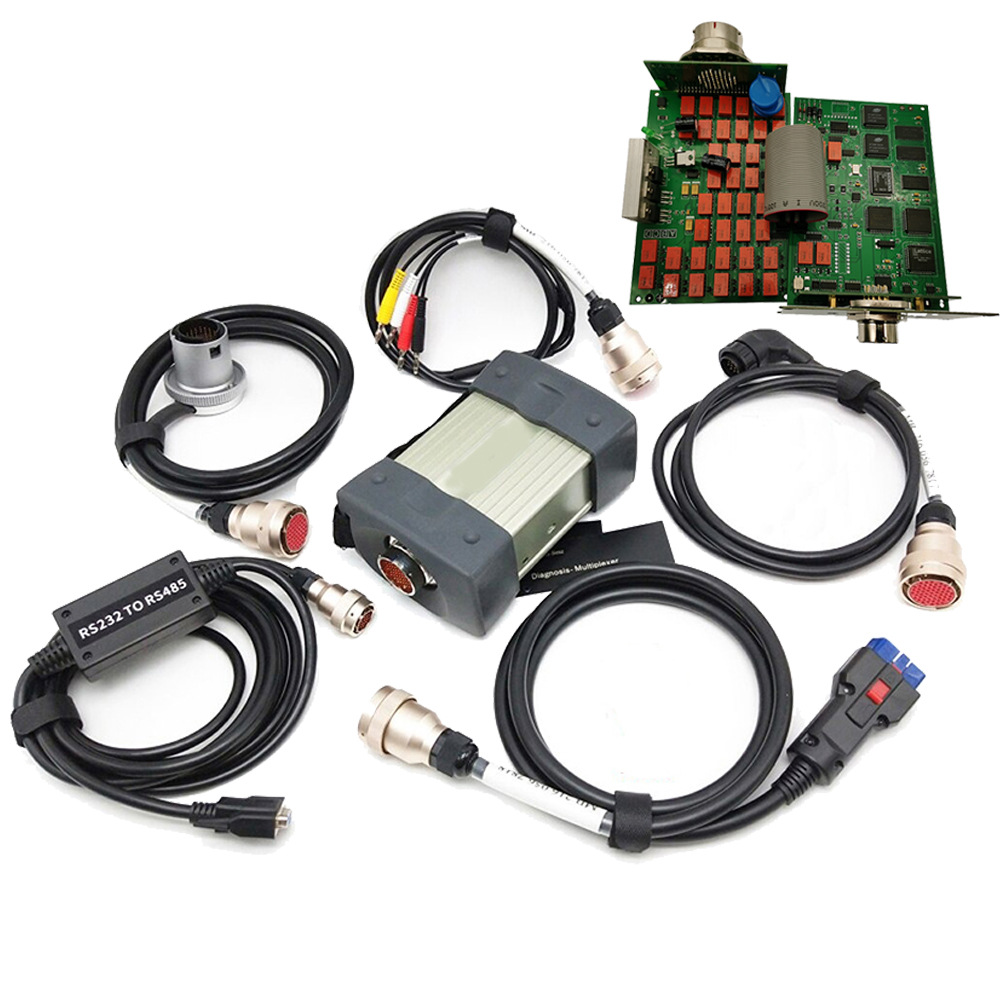
Explore the Xentry Mercedes diagnostic ecosystem: Xentry Diagnosis Kit 5 pricing, Xentry Pass Thru software, StartKey activation, and Portal access for independent workshops.
If you service Mercedes-Benz vehicles, you have likely encountered the name Xentry. It is the factory-grade diagnostic platform that independent shops and dealers rely on for everything from routine fault code reading to complex control unit flashing and coding. Navigating the different versions—Xentry Diagnosis Kit 5, Xentry Pass Thru, and the Xentry Portal—can be confusing, especially when licensing and hardware requirements differ. This guide breaks down the core Xentry products, explains the role of the Xentry StartKey, and helps you decide which configuration fits your workshop. Whether you are pricing a Xentry Diagnosis Kit 5 or exploring a Xentry Scanner alternative for a multi-brand shop, the details below will clarify the Mercedes diagnostic ecosystem.
Xentry Diagnosis is the official Mercedes-Benz diagnostic software used for reading and clearing fault memory, viewing actual values, performing guided diagnostics, and executing actuator tests. For newer vehicles, it also handles control unit flashing and coding—functions that are critical when replacing electronic components or retrofitting features . The platform has largely replaced the older DAS system for modern chassis, though DAS remains integrated for legacy model coverage .
For independent workshops, Mercedes offers two primary paths into Xentry: a dedicated hardware kit or a software-only solution that works with existing J2534 devices.
The Xentry Diagnosis Kit 5 is the current flagship hardware package from Mercedes-Benz. It replaces the outgoing Kit 4 and is described by Mercedes as the most efficient diagnostic tool for all model series . The kit typically includes a ruggedized diagnostic tablet (the Xentry Diagnosis Pad) and the Xentry Diagnosis VCI multiplexer, which serves as the interface between the vehicle’s OBD port and the software.
Key advantages of Kit 5 include:
· Full diagnostic coverage across all Mercedes-Benz model series.
· Integrated flashing and coding capabilities without relying on third-party passthru hardware.
· A dedicated support contract and StartKey tied to the Mercedes ecosystem, ensuring stable updates and access to the Xentry Portal for license management.
Pricing for the Xentry Diagnosis Kit 5 varies by region and configuration, but it represents a significant investment—often quoted in the range of $15,000 for the core hardware, with measurement devices and accessories adding to the total . For shops that specialize in Mercedes-Benz and need guaranteed, factory-level performance, the Kit 5 is the definitive choice.
Xentry Pass Thru: Software-Only Flexibility
Not every shop can justify a dedicated Mercedes-only diagnostic tablet. Xentry Pass Thru (sometimes written as Xentry Passthru) is Mercedes’ answer to this problem. It is the genuine Mercedes-Benz diagnostic software designed to run on a standard Windows PC in conjunction with a third-party J2534 Pass Thru device .
What you should know before choosing Pass Thru:
· Compatibility: The software works with commercially available J2534 devices. Mercedes specifically recommends tested units such as the Actia Passthru+ XS 2G, Bosch KTS 560, and ADIS Technology EURO VCI .
· Coverage: Pass Thru provides “almost full diagnostic scope,” including quick test, fault memory, guided diagnosis, and flashing/coding. However, some technical restrictions may apply depending on the capabilities of your Pass Thru device .
· Connectivity: Xentry Pass Thru is an online-dependent solution. It requires an active internet connection at startup to validate access rights and check time credits. Without connectivity, the software will not launch .
· Licensing model: Access is typically provided via an annual usage fee, with diagnostic operations consuming time credits from your account .
For multi-brand workshops already equipped with a capable J2534 interface, Xentry Pass Thru offers a lower entry point into genuine Mercedes diagnostics compared to buying the full Kit 5 hardware.
No matter which Xentry configuration you choose, you will encounter the Xentry StartKey. This is the access authorization that unlocks the diagnostic software. It is not a generic password—each StartKey is uniquely bound to a specific system’s hardware ID .
Common StartKey scenarios:· Hardware changes: If you replace your PC or diagnostic tablet, your Hardware ID changes, and your existing StartKey will no longer work. You must log into the Xentry Portal (Mercedes’ B2B Connect portal), navigate to your licenses, and update the Hardware ID associated with your account .
· Expiration: Some StartKeys are time-limited, and system clock errors or expired credits will prevent the software from launching .
· Version matching: StartKeys are often generated for a specific Xentry software release. Installing a different version without updating your key can trigger validation errors .
The Xentry Portal is also where you manage subscriptions, download software updates via the Xentry Update Service, and track diagnostic time credits if you are on a Pass Thru plan.
Xentry Scanner vs. Genuine Xentry: A Quick Note
You may see the term Xentry Scanner used loosely in the aftermarket. This can refer to either:
1. A genuine Xentry setup paired with a diagnostic interface (sometimes marketed as a scanner package).
2. Aftermarket diagnostic tools that claim Mercedes-specific coverage but are not affiliated with Mercedes-Benz.
For professional use, genuine Xentry Mercedes software remains the standard for accuracy, coverage depth, and access to the latest flash files. Aftermarket “scanners” may handle basic OBD functions, but they often lack the guided diagnostics, coding routines, and security access required for newer chassis.
Choosing the Right Xentry Configuration for Your Shop
Choose Xentry Diagnosis Kit 5 if: You are a Mercedes-focused or high-volume European shop that needs guaranteed coverage, dedicated hardware, and minimal setup friction. The total cost is higher, but the workflow is streamlined and fully supported by Mercedes.
Choose Xentry Pass Thru if: You already own a quality J2534 device, service multiple brands, and want genuine Mercedes software without buying proprietary hardware. Be prepared for the annual fee structure and the requirement to be online during diagnostics.
Always factor in the StartKey and Portal: Regardless of your path, you will need to manage your hardware ID, software version, and license term through the Mercedes portal. Budget time for setup and renewal, and keep your system clock accurate to avoid unnecessary validation errors.
For workshops sourcing diagnostic solutions,
www.cartooldeal.com carries a range of Mercedes-compatible tools and accessories to support your Xentry workflow. Whether you are upgrading your Pass Thru interface or outfitting a dedicated Mercedes bay, matching the right hardware to your software license is the key to a reliable diagnostic setup.