For owners of the 2013 Mercedes-Benz Sprinter (W906), basic OBD2 scanners often fall short. The MB Star C4 SD Connect clone (China-made) remains the most sought-after tool because it provides dealership-level access through the DAS (Diagnosis Assistance System) and Xentry software.
One of the primary concerns for Sprinter owners is the "Limp Home Mode" caused by stored error codes.
Clear All Codes: The MB Star C4 allows for a Quick Test of all onboard modules (ECM, TCM, ABS, SAM).
Deep Diagnostics: It provides specific sub-codes and repair logic that generic scanners miss, helping you identify if a sensor is actually failing or just dirty.
Diesel particulate filter (DPF) clogging is a common headache for the 2013 Sprinter's BlueTEC system.
Service Regeneration: The C4 can trigger a stationary (parked) regeneration. This is critical if your soot levels are too high for the van to clear them during normal highway driving.
Component Reset: If you replace a DEF (AdBlue) sensor or the DPF itself, the MB Star C4 is required to "Teach-in" the new component so the ECU recognizes the repair and exits limp mode.
There is a common misconception about what a standard MB Star C4 clone can do regarding sensor "deletes."
Standard Programming: You can code replacement modules and update firmware.
The "Ignore" Function: Standard Xentry software does not allow you to simply "delete" or tell the ECU to ignore EGR, DPF, or DEF sensors for emissions bypass.
Advanced Engineering: While clones often come with Vediamo or DTS Monaco, using these to bypass sensors is highly complex and carries risks. For a complete "delete" of certain sensors, professional ECU remapping is usually required alongside the C4 hardware.
To ensure the best performance for your 2013 Sprinter, keep these technical requirements in mind:
For the DIY Sprinter owner or independent shop, the MB Star C4 clone is an essential investment. It pays for itself after just two or three avoided dealership visits for DPF regens or simple sensor resets.
Expert Insight: When performing a DPF regen on your 2013 Sprinter, always ensure your fuel tank is at least 1/4 full and the engine is at operating temperature (80°C) before initiating the process via DAS.
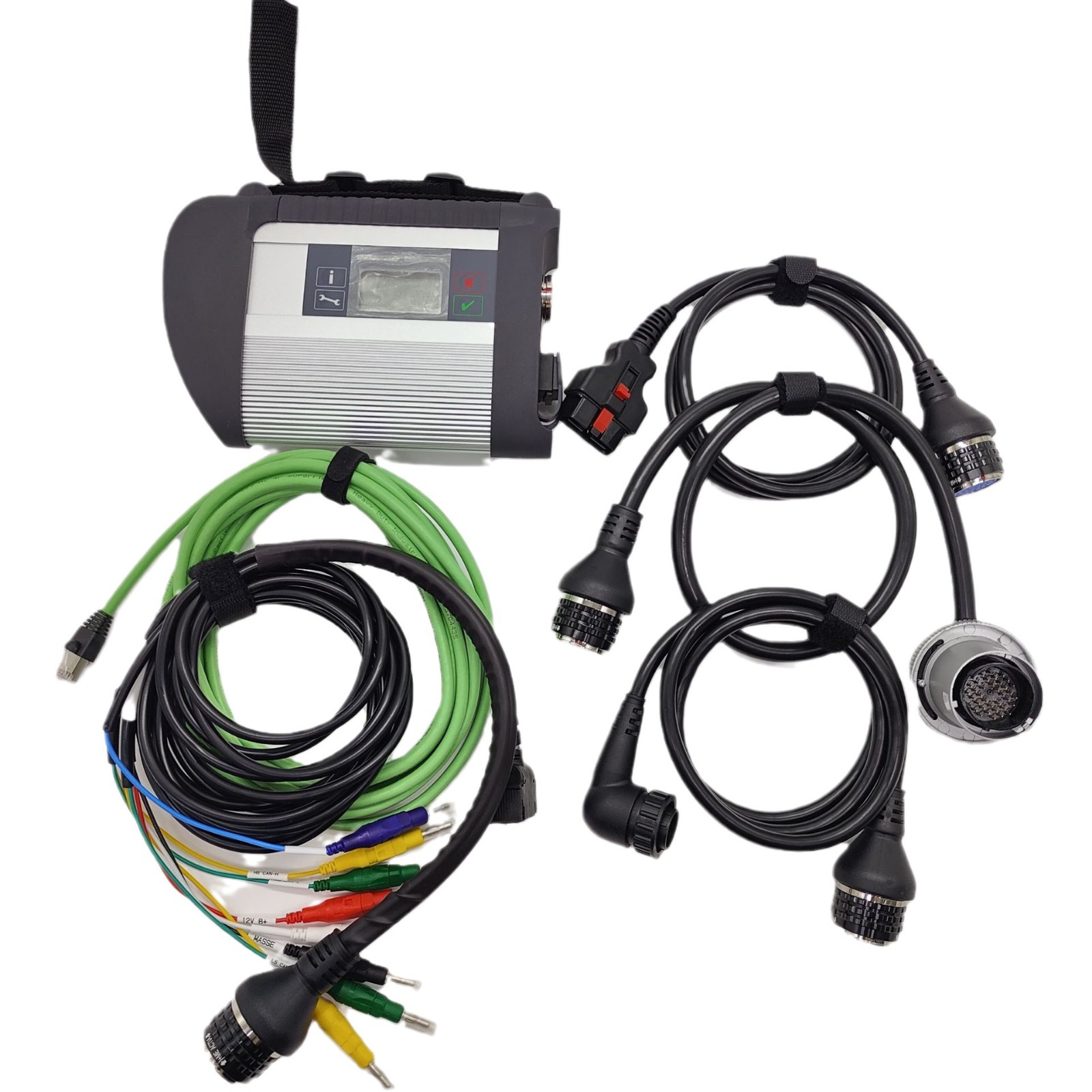
Yes. The 2013 Sprinter (W906) is fully supported. The MB Star C4 uses the DAS (Diagnosis Assistance System) software for this model year. It provides deep access to every control module, including the Engine (CDI), Transmission, ABS, and SRS, offering functionality that generic OBD2 scanners cannot match.
Yes. The C4 allows you to perform a "Quick Test" to identify all fault codes. You can clear Stored codes to exit limp mode. However, if a fault is Current (e.g., a physically broken wire or dead sensor), the code will reappear immediately until the mechanical part is fixed.
Absolutely. One of the best features for Sprinter owners is the ability to trigger a stationary regeneration.
When to use it: Use this when your soot levels are high and the van’s auto-regen isn't activating.
Pro-Tip: Ensure your coolant temperature is at least 80°C before starting the process, or the software will reject the command for safety reasons.
Standard Xentry/DAS software cannot do this. These tools are designed to meet factory repair standards. To "ignore" or "delete" sensors like the DPF or EGR, you would need to use the included engineering software, Vediamo or DTS Monaco, to perform "Variant Coding."
Warning: Modifying ECU parameters via Vediamo is advanced and should only be done by those familiar with Mercedes-Benz hex coding.
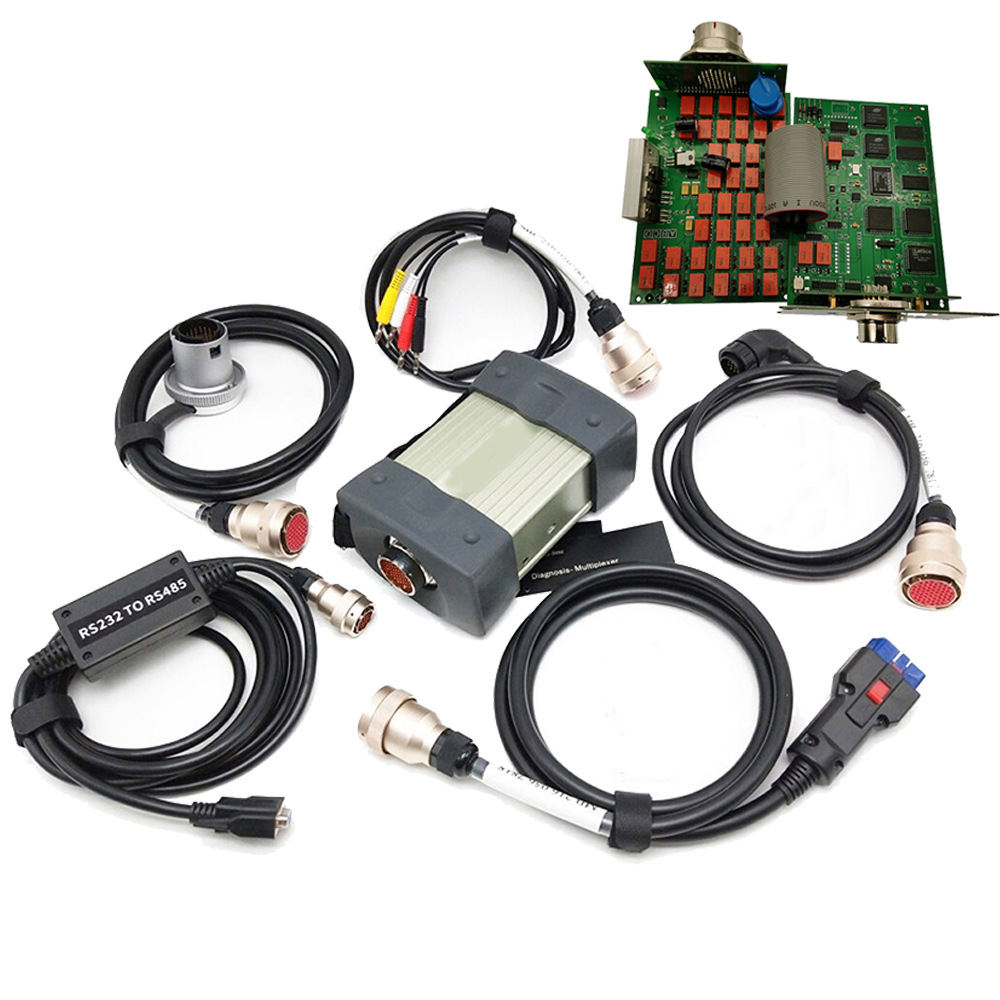
The "China Clone" MB Star C4 offers the same diagnostic capabilities as the original dealership unit at a fraction of the cost. At Cartooldeal, our units feature:
High-Quality PCB Boards: Prevents communication drops during sensitive coding.
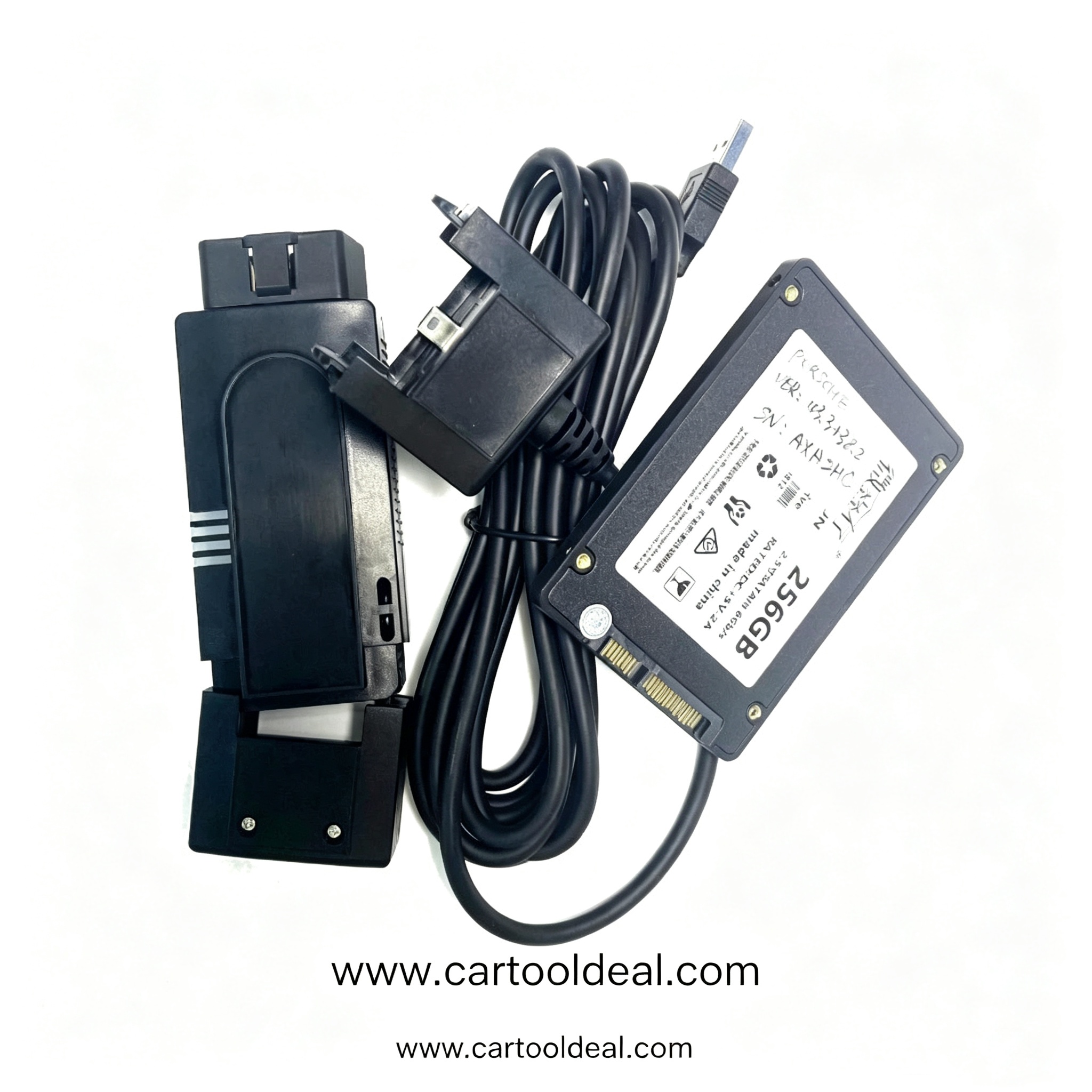
Pre-Installed SSD: We provide 512GB SSDs with the latest 2026 Xentry/DAS software, so you don't have to deal with complex installation errors.
DoIP Support: Ready for newer Mercedes models that require Ethernet communication (Diagnosis over IP).
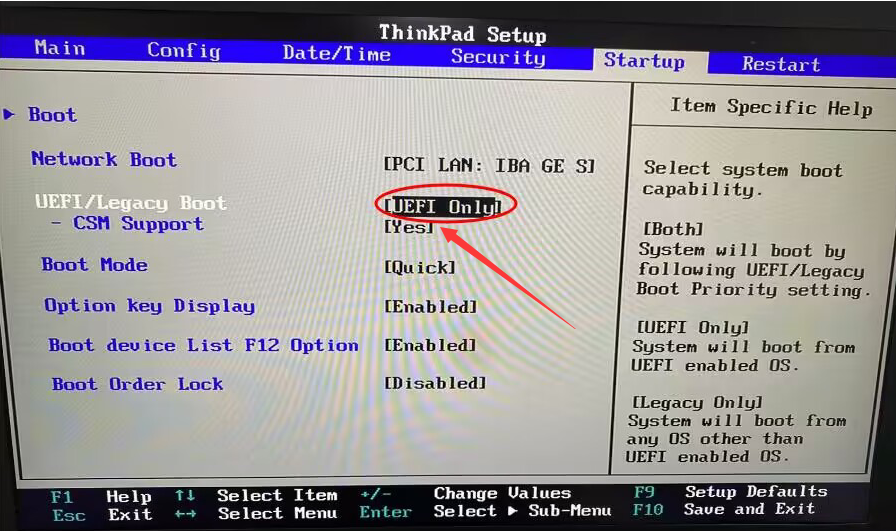
The software requires a dedicated environment. While it can run on most Windows 10/11 laptops with an SSD, we recommend using a Panasonic Toughbook (CF-19 or CF-31). These are the "gold standard" for workshops due to their rugged build and compatibility with the C4 multiplexer drivers.
For Offline Coding, the C4 is perfect. For Online SCN Coding (required for some newer module replacements), you typically need a paid Mercedes-Benz online account. However, for a 2013 Sprinter, most maintenance tasks can be handled offline using the DAS software provided.