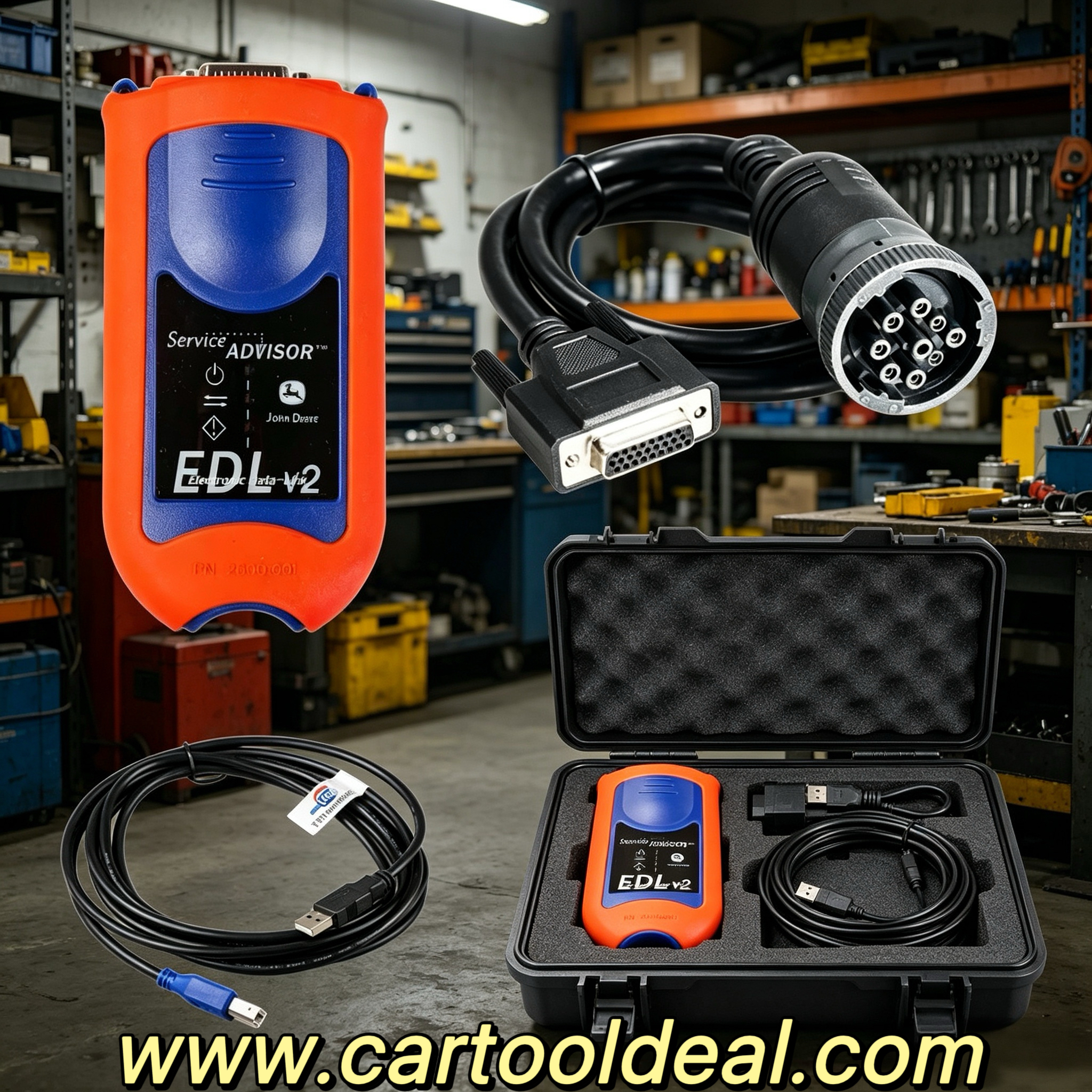
Discover NEXIQ Software, the leading truck diagnostic software for engines, transmissions, ABS, and more. Learn about compatibility (XP & Windows 7), reprogramming, mixed fleet support, and essential setup tips.
For professional mechanics and fleet managers, NEXIQ Software is a powerful truck diagnostic solution that supports engines, transmissions, ABS, instrument panels, and more. Designed to work seamlessly with NEXIQ USB Link 2, this software ensures fast, accurate diagnostics for mixed fleets.
This guide covers system requirements, installation tips, troubleshooting, and compatible applications to maximize performance.
1. Broad System Compatibility Windows XP (Required for Hino, Perkins, Cat, Nissan software) Windows 7 (32-bit for most other applications) 64-bit Windows 7 (if software supports it)
⚠️ Important: Do not update the software—this may damage the multiplexer. Hino, Cat, and Nissan software must run on Windows XP only. Other vehicle software can run on Windows 7 (32-bit).
2. Fast & Reliable Diagnostics Direct USB connection reduces reprogramming times. Quick access to vehicle data for maintenance reports. Easy portability—works on desktops & laptops.
3. Mixed Fleet Support NEXIQ Software is compatible with: Detroit Diesel (DDDL 7.05, DDCT) Cummins (Insite 7.5) International (DLB, ICAP, IPTS, NETS, IPC) Volvo (VCADS 2.35.10) Mack (Dealer Pro, V-Macks 2.6.12) Bendix (6.3.8.0), Allison, Eaton, and more.
Step 1: Prepare Your System ✅ Before installation: Reinstall your computer OS (if needed) to avoid software conflicts. Disable antivirus/firewall (may block registry access).
Install required dependencies: VB / VC++ / JAVA (for application interfaces). Windows Installer 3.1 (for XP SP2). ⚠️ Never plug in the hardware before installing drivers & software!
Step 2: Install Drivers & Software Insert the software CD and locate the "driver" folder. Run the setup for your specific vehicle brand (e.g., "Hino Install" for Hino diagnostics). Use provided keygens (if registration is required).
Step 3: Avoid Common Issues Cummins Inline Lockout: If the system locks after changing laptop time, use the "how-to-unlock-cummins-inline" guide.
Software Conflicts: "P" software cannot run with "C" software on the same PC. Separate installations may be needed for different brands.
Why NEXIQ Software is the Best Choice
✔ Faster Reprogramming with USB Unlike Bluetooth adapters, direct USB connection ensures stable, high-speed communication, reducing downtime. ✔ Wide Vehicle Coverage Supports heavy-duty brands like Freightliner, Volvo, Mack, International, and more. ✔ Easy Data Access for Fleet Management Generate maintenance reports quickly. Monitor engine performance, fault codes, and transmission health. ✔ Portable & Flexible Works on laptops & desktops, making it ideal for on-site repairs and shop diagnostics.
Troubleshooting & Important Notes
⚠️ Critical Warnings: Never update the software—this can damage the multiplexer. Hino, Cat, Nissan software must run on Windows XP only. Cummins Inline locks if system time is changed—use the provided unlock guide. Reinstall your OS before setup to prevent software corruption.
Common Fixes:
"VB Runtime Error"? Install Visual Basic dependencies. Software not detecting the device? Ensure drivers are installed before connecting hardware. Registration issues? Use the keygen included in the software folder.
Compatible Software List
Brand
Software
Included?
Detroit Diesel
DDDL 7.05, DDCT, Calibration Tool
✅ Yes
Cummins
Insite 7.5
✅ Yes
International
DLB, ICAP, IPTS, NETS, IPC
✅ Yes
Volvo
VCADS 2.35.10
✅ Yes
Mack
V-Macks 2.6.12, Dealer Pro
✅ Yes
Bendix
6.3.8.0
✅ Yes
Allison
Service Tool
✅ Yes
Eaton
Service Ranger 3.2
✅ Yes
Hino
2.0.3.0
✅ Yes
Caterpillar
ET 2.0.1.0
✅ Yes
Perkins
EST 2010B
✅ Yes
Conclusion
NEXIQ Software is the ultimate truck diagnostic solution, offering broad vehicle support, fast USB connectivity, and reliable performance. Whether you're diagnosing engines, transmissions, or ABS systems, this software ensures efficient, accurate repairs.
🔧 For best results:
Use Windows XP for Hino, Cat, Nissan. Install dependencies before setup. Never update the software to avoid damage. 🚛 Upgrade your diagnostics today with NEXIQ Software!