Looking for the BMW ICOM V2025.05 Software? Get the latest ISTA-D 4.53.20, ISTA-P 3.72.0.300, and Engineer Programming for BMW ICOM Next, ICOM A2, A3. Includes FSC Coding, INPA, WinKFP, E-Sys, and more. Buy now with pre-installed 1TB SSD!
BMW ICOM Latest V2025.05 Software: Complete Guide for Installation, Updates & Features
The BMW ICOM (Integrated Communication Optical Module) is a professional diagnostic and programming tool designed for BMW, Mini, Rolls-Royce, and BMW Motorcycles. The latest BMW ICOM V2025.05 Software includes ISTA-D, ISTA-P, INPA, WinKFP, NCS Expert, E-Sys, and FSC Coding tools, making it the most comprehensive solution for BMW diagnostics and programming.
BMW ICOM V2025.05 Software Features
✅ Full Compatibility: Supports
BMW ICOM Next, ICOM A2, ICOM A3, and ICOM PRO+A3
✅ Latest Software Versions:
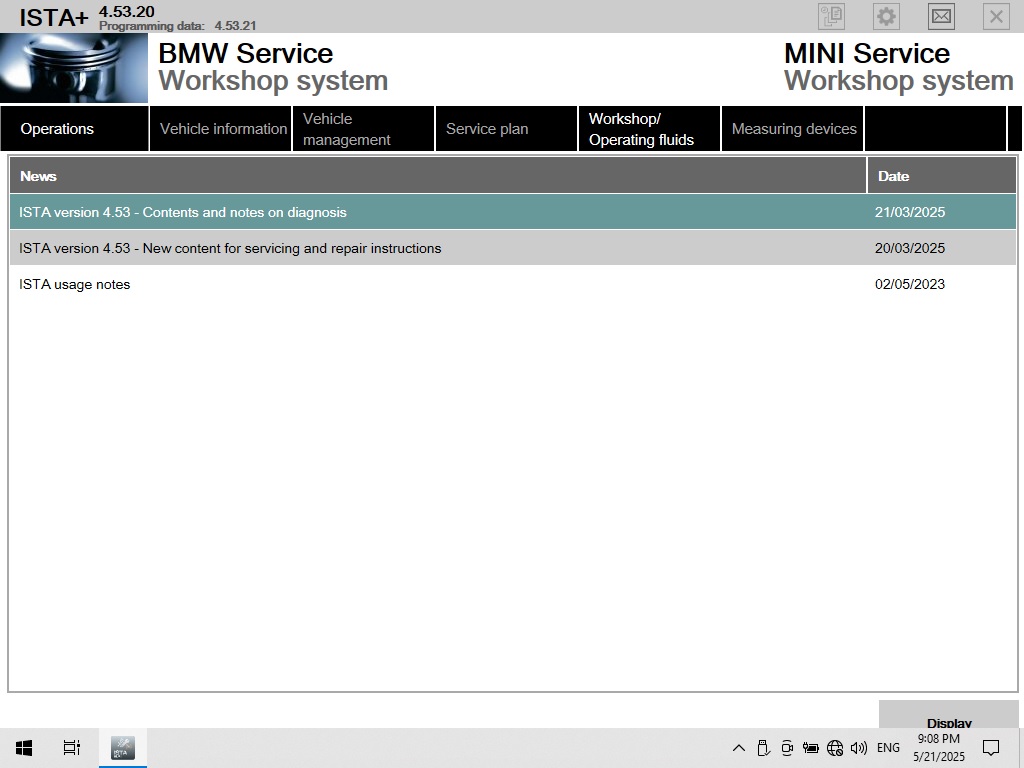
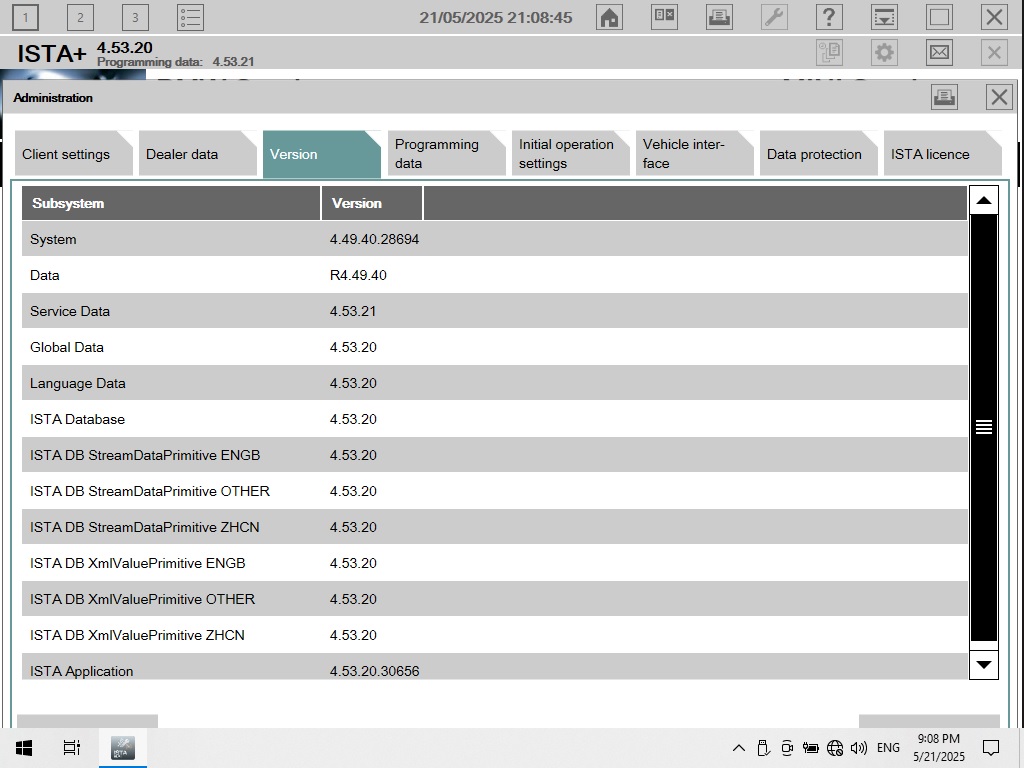
ISTA-D 4.53.20 (Diagnostics)
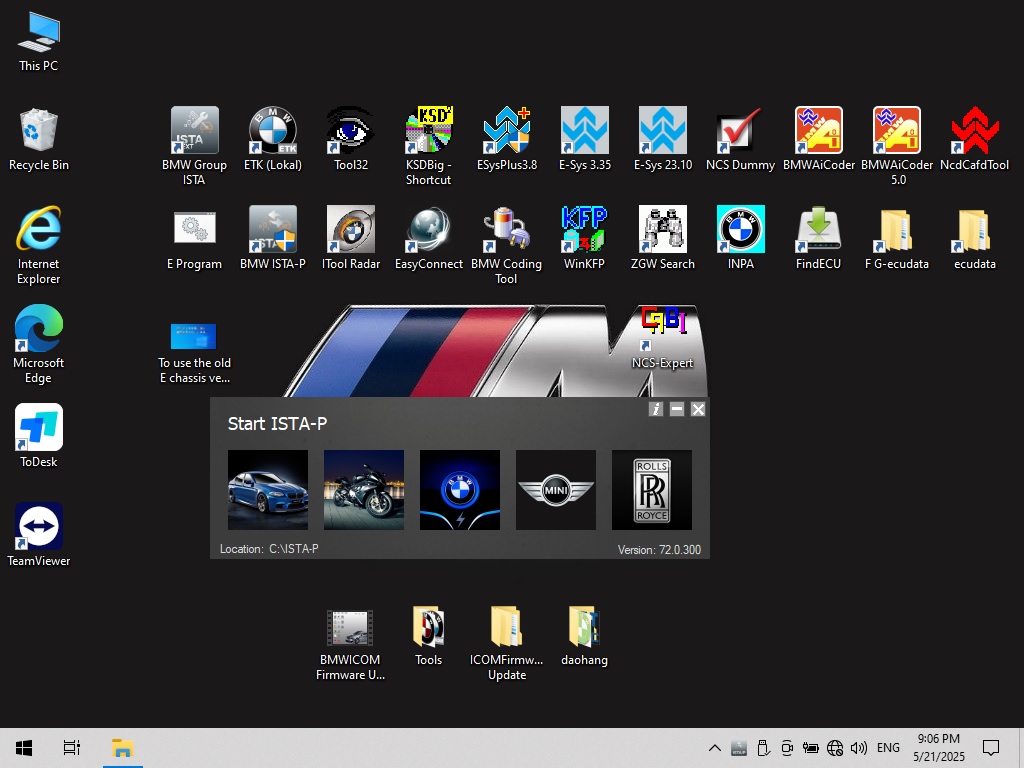
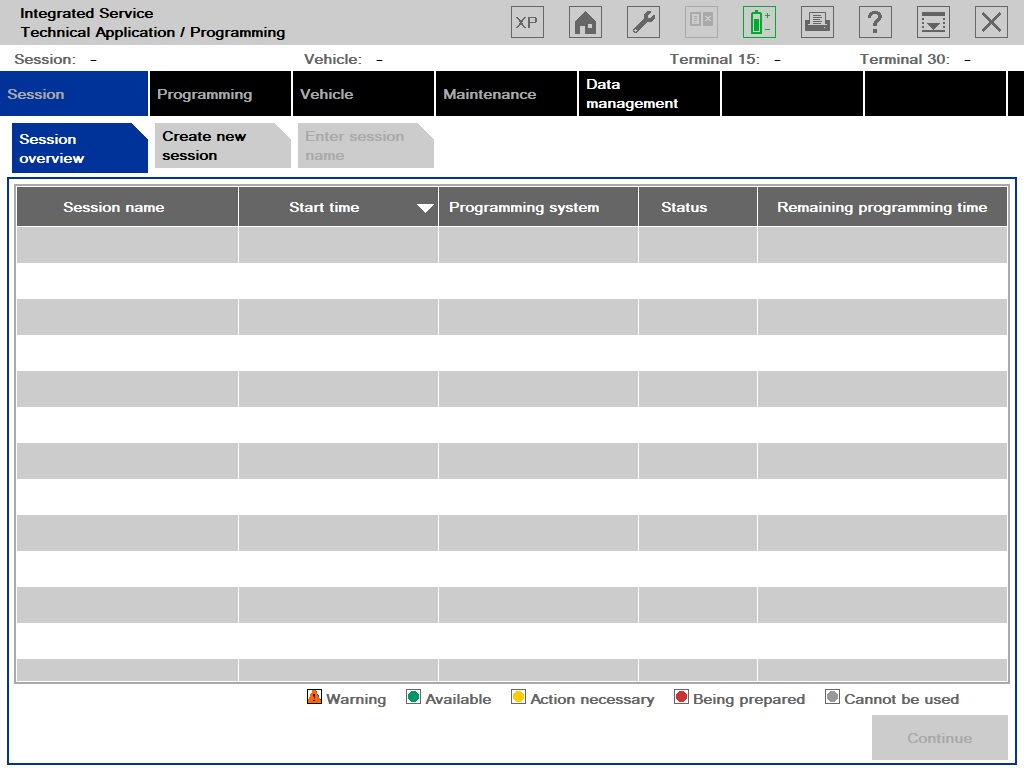
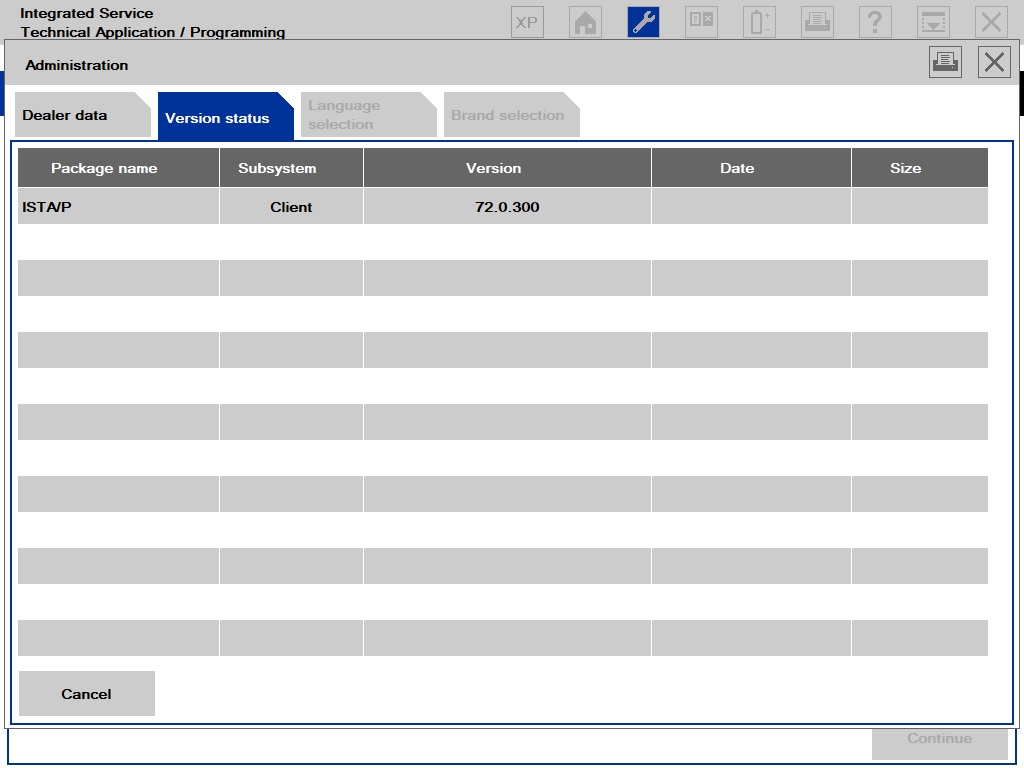
ISTA-P 3.72.0.300 (Programming)
SDP Database 4.53.20
BMW ETK 2020.01 & KSD 2019.12
✅ Engineer Programming Mode: Supports F/G/I/K chassis, BMW Motorcycles, and EVs
✅ FSC Navigation Code Generator for map updates
✅ BMW AiCoder & One-Click Hidden Feature Activation
✅ Multi-Language Support: English, German, French, Spanish, Chinese, Russian, and more
✅ Pre-Installed on 1TB SSD for Fast Performance
Software Included in BMW ICOM V2025.05 Package
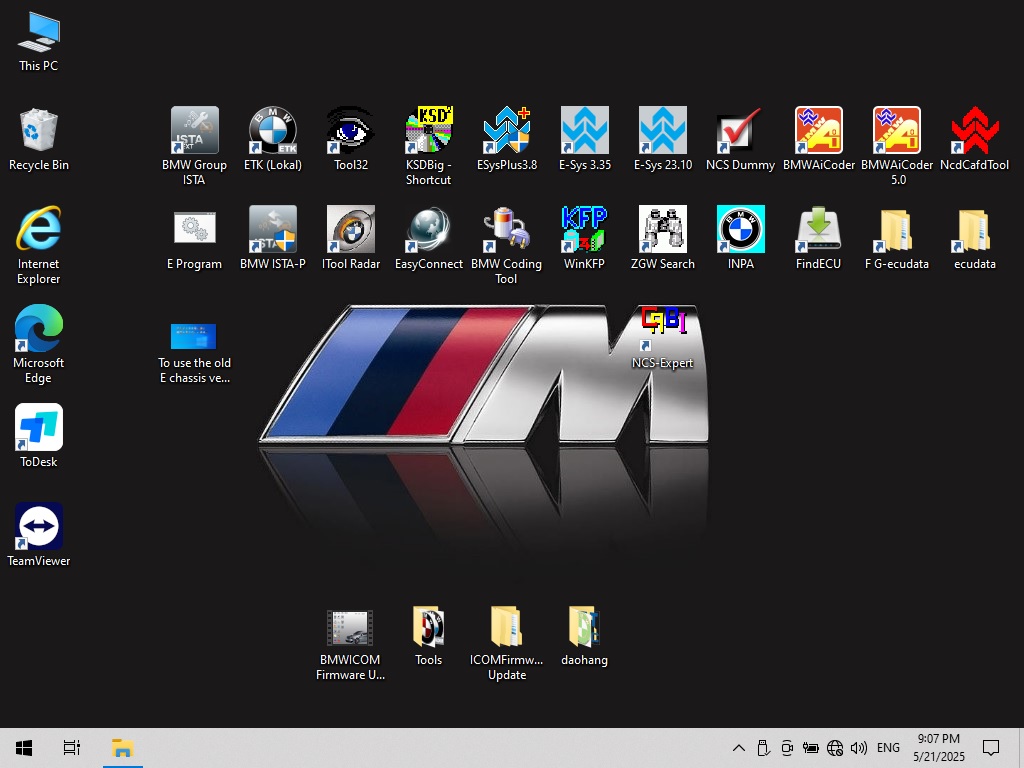
INPA 5.06 + WinKFP 5.3.1 + NCS Expert 3.5.1
E-Sys 3.30 PLUS + 3.35.3 (with Data V71.0)
DR.GINI B022 (Chinese Diagnostic Tool)
FSC Navigation Code Generator
BMW AiCoder V4.6 (One-Click Coding Tool)
BMW ICOM Software V2025.05 Picture Show
System Requirements for BMW ICOM Software
OS: Windows 10 (64-bit recommended)
Processor: Intel i5/i7 (Dual-Core or higher)
RAM: 8GB or more
Storage: 1TB SSD (Recommended for fast performance)
Laptop Compatibility: Lenovo ThinkPad (T61, T400, T410, X220, X230, etc.)
How to Install BMW ICOM V2025.05 Software?
Prepare a compatible laptop (Windows 10, Intel i5/i7, 8GB RAM).
Connect the BMW ICOM device via USB or Ethernet.
Run ISTA-D/ISTA-P Setup from the pre-installed 1TB SSD.
Follow on-screen instructions to complete installation.
Activate software using provided license keys.
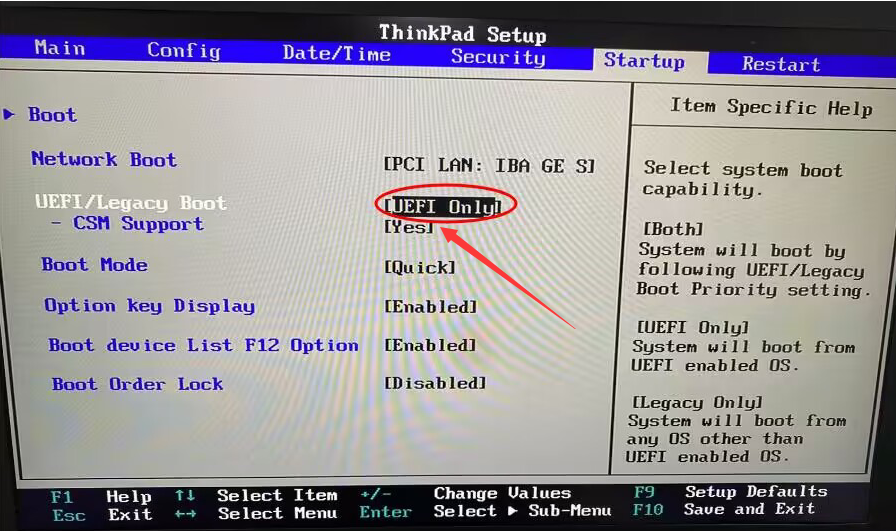
if you meet blue screen when install BMW ICOM Software Hard disk to your laptop, you may follow our this blog to operation:
https://www.cartooldeal.com/blog/detail/how-to-solve-bmw-icom-next-hdd-software-installed-on-evg7-pc-tablet-blue-screen-problem
Where to Buy BMW ICOM V2025.05 Software?
www.cartooldeal.com is a trusted supplier of BMW ICOM diagnostic tools and provide:
✔ Latest BMW ICOM V2025.05 Software
✔ Pre-installed on 1TB SSD for plug-and-play use
✔ Full Engineer Programming & FSC Coding Support
✔ Free Technical Support & Updates
Get your BMW ICOM V2025.05 today and enjoy seamless diagnostics & programming!
Why Choose Our BMW ICOM Software?
100% Latest Version (V2025.05)
Pre-Installed & Ready to Use
Supports All BMW Models (Including EVs & Motorcycles)
Includes All Necessary Coding & Programming Tools
Fast & Reliable Customer Support
Conclusion
The BMW ICOM V2025.05 Software is the ultimate solution for BMW diagnostics, coding, and programming. With ISTA-D, ISTA-P, E-Sys, INPA, and FSC tools, it covers all your BMW repair and maintenance needs. Order now and get a pre-configured 1TB SSD for instant setup!