
If you own a 2005 GMC Sierra with the factory Bose audio system and the 6-disc CD changer, you may have encountered a frustrating sight: the word "LOCKED" staring back at you from the display. Whether you just bought the truck, installed a used radio, or had battery issues, a locked radio can kill your driving experience.
Unlike older vehicles that required a simple code entry, the 2005 GMC Sierra uses a more complex VIN-based Theftlock system. Here is the complete guide on why this happens and exactly how to fix it using the right tools.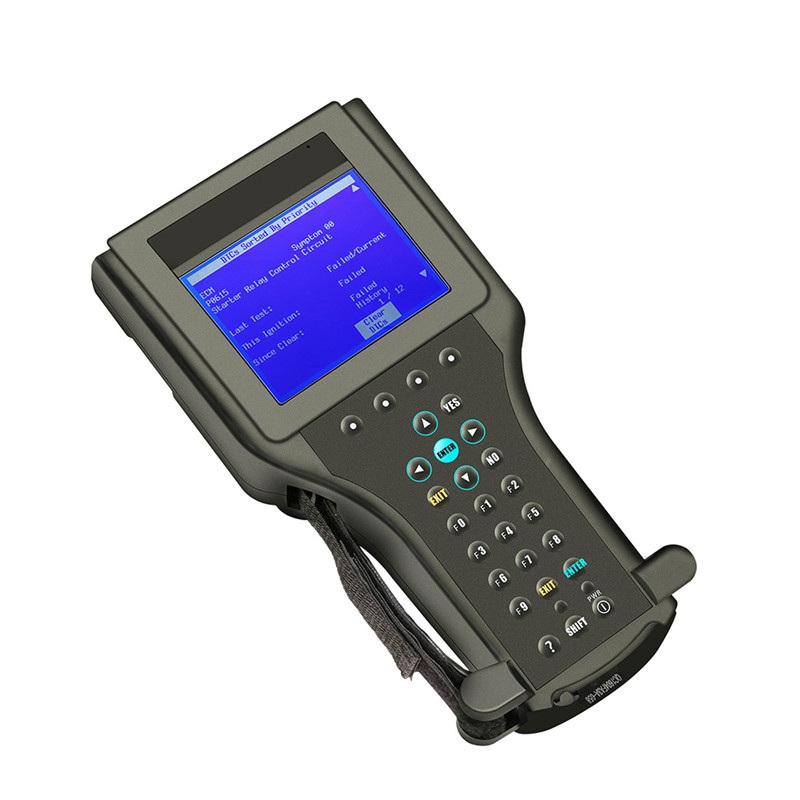
The 2005 GMC Sierra (1500, 2500HD, or 3500) equipped with the Bose system and the 6-disc CD player utilizes a sophisticated theft deterrent system known as THEFTLOCK® .
Here is the technical breakdown of how it works:
VIN Matching: The radio does not use a punch-in code. Instead, it learns a portion of the vehicle's Vehicle Identification Number (VIN) .
Serial Data Communication: Every time you turn the key on, the radio communicates via the Class 2 serial data circuit. It compares the VIN stored in its memory with the VIN being broadcast by the vehicle's other modules (like the BCM) .
The Lockdown: If there is a mismatch—meaning the radio thinks it is in a different truck—the system activates. The display will show "LOCKED" and the radio will become completely inoperative .
Used Radio Installation: You replaced your broken 6-disc unit with a used one from a salvage yard or another Sierra .
Module Replacement: A body control module or other computer was replaced and not properly configured .
Battery/Electrical Issues: In rare cases, a severe electrical spike can corrupt the data in the radio.
Forget about finding a "code" online or pressing a combination of preset buttons—that won't work on a 2005 GMC Sierra with Bose. The only way to unlock this radio is by using a professional-grade GM Tech 2 scan tool .
At Cartooldeal, we understand that getting the right tool is the difference between a working radio and a trip to the dealership.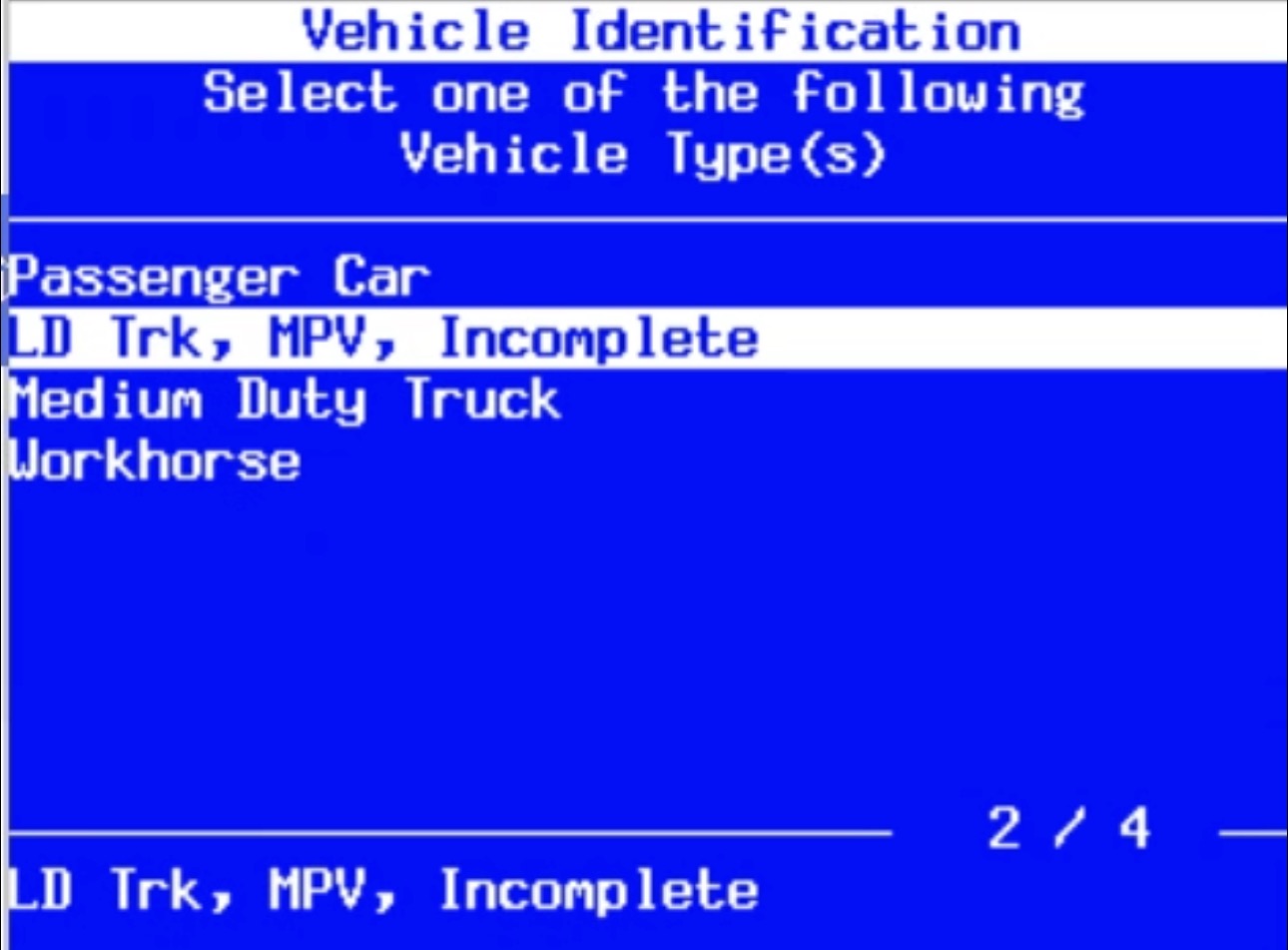
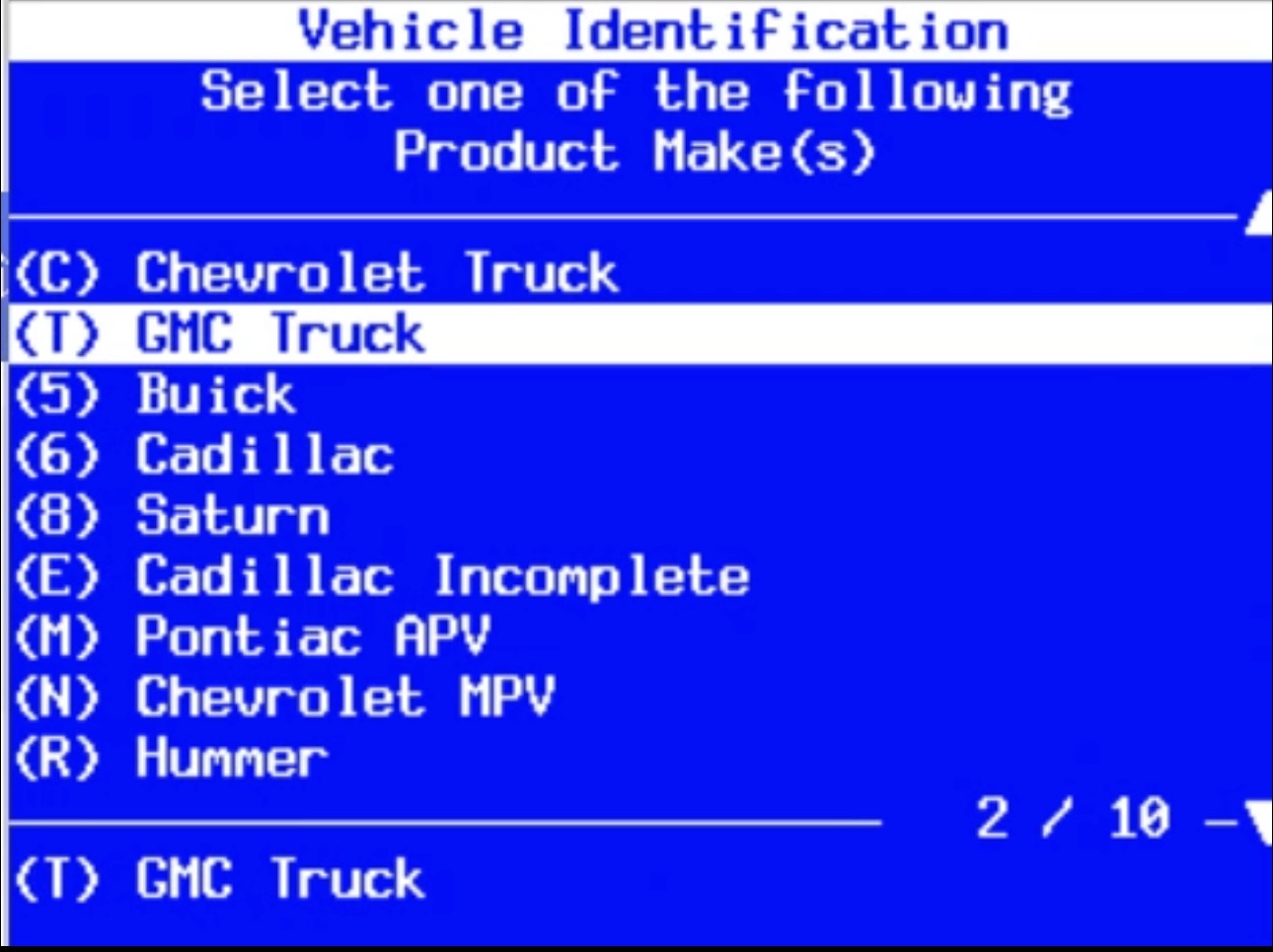
If you have a Tech 2 scan tool (or a high-quality clone like those available at www.cartooldeal.com), you can perform this procedure yourself. It is a quick process that takes about 2 minutes once connected .
The Setup: Ensure the "new" (used) radio is physically installed in the dashboard of your 2005 GMC Sierra.
The Procedure:
Connect the Tech 2: Plug the scan tool into the OBD-II port under the dashboard.
Navigate the Menu: Follow this path on the Tech 2:
Erase Old Data: The tool will likely prompt you to erase the theft data. Select "YES" .
Power Down: Turn the ignition OFF and remove the key.
The 60-Second Wait: This is a critical step. Wait for 60 seconds. Do not touch the key or the radio during this time .
Relearn: Start the truck. The radio should now communicate with the BCM, automatically learn the correct VIN, and unlock itself .
Pro Tip: If you are swapping an identical radio model, simply clearing the old VIN is often enough. When the radio powers back up, it grabs the VIN from the truck's data bus automatically .
Attempting this with a generic OBD2 scanner will not work. You need a tool that can access the specific "Module Setup" or "Special Functions" menus for the Body Control system.
Dealership Cost: Taking your 2005 Sierra to a dealer can cost upwards of $200+ in diagnostic fees for this 10-minute fix.
DIY Savings: Owning your own Tech 2 scan tool pays for itself the first time you use it.
Versatility: Beyond radio unlocks, the Tech 2 is essential for diagnosing ABS modules, airbag systems, and engine performance on GM vehicles from the 90s and 2000s.
Visit www.cartooldeal.com today to browse our selection of GM Tech 2 scan tools. We provide the hardware you need to bypass the dealership and take control of your GMC Sierra's electronics.
Q: Can I enter a code to unlock my 2005 GMC Sierra radio?
A: No. This is a common misconception. The 2005 model year uses a VIN-based Theftlock system, not a manual code entry system .
Q: I installed a radio from a 2003 Sierra. Will the Tech 2 work?
A: It should. While there are slight variations in software, a Tech 2 is the standard tool for this era. You may need to use the "VIN Relearn" function to overwrite the 2003 radio's data with your 2005 truck's VIN .
Q: The radio screen is blank, but "LOCKED" was there before. What now?
A: If the display goes completely dark, it could be an internal failure of the radio unit itself. However, you should still attempt the Tech 2 procedure first to see if you can re-establish communication .
Q: Is the procedure different for the Bose system?
A: No. Whether you have the base system or the premium Bose system with the 6-disc CD changer, the Theftlock protocol is the same .
Q: Will disconnecting the battery unlock the radio?
A: No. The VIN is stored in the radio's non-volatile memory. It will remain locked even if the battery is disconnected for a month.
A locked radio in your 2005 GMC Sierra doesn't mean the end of the road for your factory 6-disc Bose system. It simply means the VIN-based security is doing its job. By using a GM Tech 2 scan tool, you can quickly reset the system and get back to enjoying your music.
For reliable scan tools and automotive diagnostic equipment, trust www.cartooldeal.com to keep your garage equipped and your vehicles on the road.


