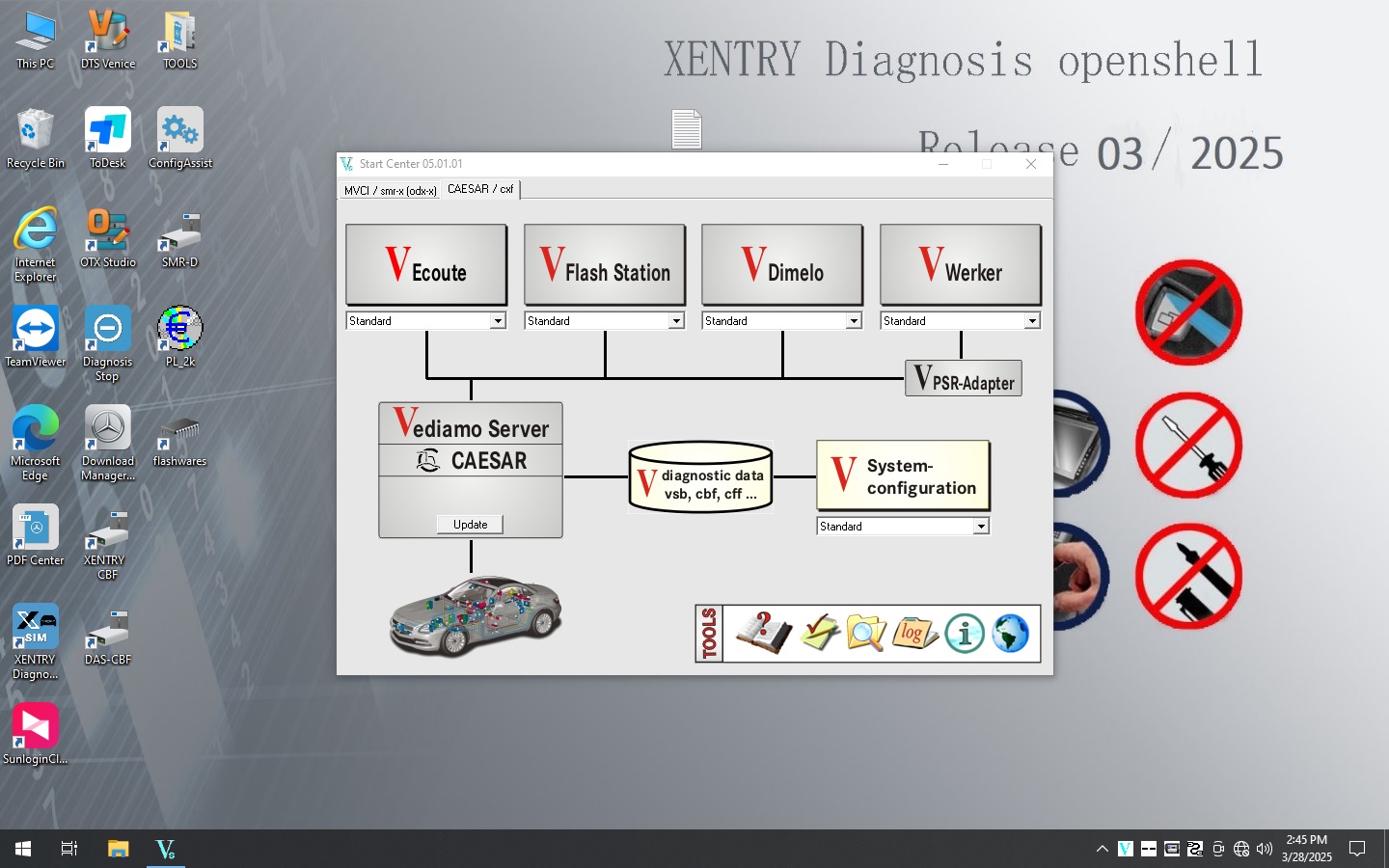
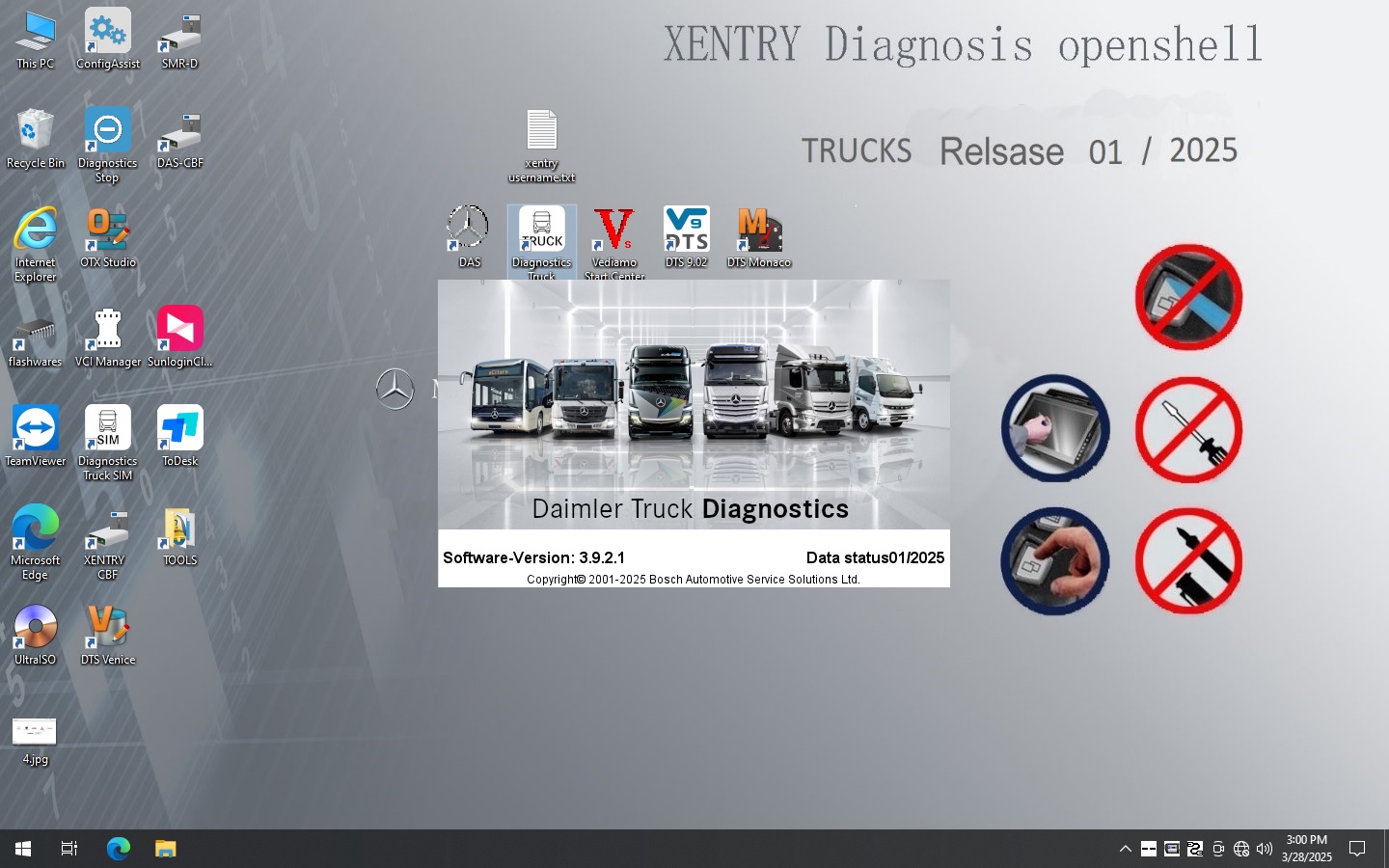
Unlock your Mercedes-Benz's full potential with our guide to professional benz diagnostic tools. Compare the official XENTRY DAS, the reliable MB Star C4, and other advanced equipment to choose the right solution for your needs.
Why Professional BENZ Diagnostic Tools are a Necessity
For Mercedes-Benz owners and professional technicians, a standard OBD-II scanner is not enough. Modern BENZ vehicles are sophisticated machines, with complex electronic control units (ECUs) that require advanced diagnostic software and hardware to properly diagnose, service, and repair. This guide provides a comprehensive overview of the most popular and powerful Mercedes-Benz diagnostic tools available, helping you understand their features and select the best one for your situation.
The Core of Mercedes-Benz Diagnostics: XENTRY DAS and MB Star
The cornerstone of professional Mercedes diagnostics is the combination of XENTRY software and a compatible hardware interface, known as a multiplexer.
XENTRY DAS:
This is the official Mercedes-Benz diagnostic software, standing for "Diagnostic Assistance System." It is the gold standard for comprehensive diagnostics, coding, and programming across the entire range of BENZ vehicles. XENTRY provides a dealer-level analysis, allowing users to access all vehicle modules, read and clear fault codes, view live data, and perform advanced functions.
MB Star:
MB Star refers to the series of hardware interfaces, or multiplexers, that bridge the connection between the XENTRY software on a laptop and the vehicle's diagnostic port. The different versions, such as the MB Star C3, C4, C5, and C6, represent generations of this technology. The MB Star C4 is particularly well-regarded for its reliability, extensive vehicle coverage for both older and newer models, and robust design. The latest versions, like the C5 and C6, introduce support for modern communication protocols like DoIP (Diagnosis over Internet Protocol), which is essential for diagnosing the latest Mercedes-Benz models.
When you are ready to invest in a diagnostic tool, consider these critical features to ensure you have the right equipment for the job:
Full System Diagnostics:
The tool should be capable of more than just reading engine codes. It must be able to communicate with and perform diagnostics on all ECUs, including the engine, transmission, ABS, airbag, climate control, and other critical systems. This is the difference between a basic code reader and a professional-grade diagnostic scanner.
Live Data and Component Actuation:
Viewing real-time sensor data is crucial for troubleshooting. A powerful tool will allow you to monitor parameters like sensor readings, fuel pressure, and transmission temperature in real time. Furthermore, the ability to perform bi-directional tests and activate components (e.g., fuel injectors, pumps, or lights) helps in isolating problems and confirming repairs.
Benz SCN Coding & Online Programming:
Modern Mercedes-Benz vehicles require SCN (Software Calibration Number) coding to correctly replace and program new control modules. A tool with these capabilities is vital for workshops and serious DIYers who perform module replacements or software updates. This functionality ensures that new parts are properly recognized and calibrated by the vehicle's system.
Extensive Vehicle Coverage:
The tool you choose must support your specific BENZ model and year. While the MB Star C4 provides excellent coverage for a vast range of vehicles, owners of the newest Mercedes-Benz models may need a more advanced multiplexer like the MB Star C6 with DoIP support to ensure full diagnostic capability.
Benz Software Updates:
The automotive industry is constantly evolving. Regular software updates are non-negotiable for a professional diagnostic tool to remain compatible with new BENZ models and to receive the latest bug fixes and features.
How to connect MB STAR C4 with laptop and Benz car
Connecting an MB Star C4 multiplexer to a laptop can be done in a couple of ways, primarily using a wired Ethernet cable or a wireless Wi-Fi connection. The process requires careful configuration of network settings on the laptop to ensure proper communication.
Wired Connection (Ethernet) Initial Connection: Use the supplied Ethernet cable to connect the MB Star C4 multiplexer to your laptop. Ensure the multiplexer is powered on, either through the vehicle's OBD-II port or an external power source. Configure IP Address: On your laptop, you need to set a static IP address for the local area connection. This is typically done in the Network and Sharing Center settings. Set the IP address to 172.29.127.24 (or a similar specified IP, depending on the software version). Set the Subnet mask to 255.255.0.0. Launch Software: Once the IP address is configured and the connection is established, you can open your diagnostic software like DAS/XENTRY. The software should now be able to communicate with the multiplexer and the vehicle.
Wireless Connection (Wi-Fi) Initial Wired Setup: For the initial Wi-Fi configuration, you must first connect the multiplexer to the laptop with an Ethernet cable. This ensures a stable connection for setting up the wireless parameters. Configure Wi-Fi Settings: Launch the SDconnect Toolkit software on your laptop. In the toolkit, go to the "Administration" section. Select your multiplexer and navigate to the WLAN settings. Choose your Wi-Fi network (or set up an Ad-Hoc connection for direct communication). Enter the network details, including the Wi-Fi password. Configure the static IP addresses for the wireless connection. Connect Wirelessly: After saving the settings, you can disconnect the Ethernet cable. The multiplexer should now be able to connect to the Wi-Fi network and communicate with the laptop wirelessly. Confirm the connection by checking the multiplexer's screen for a Wi-Fi icon and verifying its status in the SDconnect Toolkit on your laptop.
This video shows you how to connect the MB STAR C4. Three icons will appear when you power it on. When these three yellow icons appear on your computer, it indicates a successful connection between the MB STAR C4 and your computer. The MB STAR C4 supports both Wi-Fi and Ethernet connections. If you use an Ethernet cable, you'll need to change both IP addresses.
Conclusion: Your Partner in Mercedes-Benz Maintenance
Whether you're a professional mechanic seeking to expand your workshop's capabilities or a dedicated Mercedes owner who performs their own maintenance, a professional BENZ diagnostic tool is an indispensable asset. The combination of an MB Star C4 multiplexer with XENTRY DAS software provides the power and depth of a dealer-level tool, giving you the ability to perform complex repairs, save money, and keep your vehicle in peak condition. For the latest models, an investment in a newer multiplexer like the MB Star C6 is a smart move to future-proof your diagnostic capabilities. Choose the right tool, and you'll have a trusted partner for all your Mercedes-Benz diagnostic needs.