Need a GM Tech 2 scanner with fast US shipping & no customs fees? This guide covers GM diagnostics, reprogramming, and the best Tech 2 alternatives—all available for quick delivery in the USA.
The GM Tech 2 scanner is a legendary diagnostic tool used by General Motors dealerships and independent mechanics for decades. Designed to work with GM, Saab, Opel, Suzuki, Isuzu, and Holden vehicles, this powerful scan tool provides advanced diagnostics, live data streaming, bi-directional controls, and module reprogramming.
Although GM discontinued the Tech 2, it remains a must-have tool for older GM vehicles (1992-2013) due to its reliability and deep system access. In this guide, we’ll explore:
What the Tech 2 scanner can do
Why it’s still relevant today
Why Buy GM tech 2 Scanner from a US-Based Seller?
Where to buy a GM Tech 2 scanner
The GM Tech 2 is a factory-level diagnostic tool used for troubleshooting and reprogramming GM vehicles. It was the official scan tool for GM dealerships before being replaced by the MDI (Multiple Diagnostic Interface) and GDS2 (Global Diagnostic System 2).
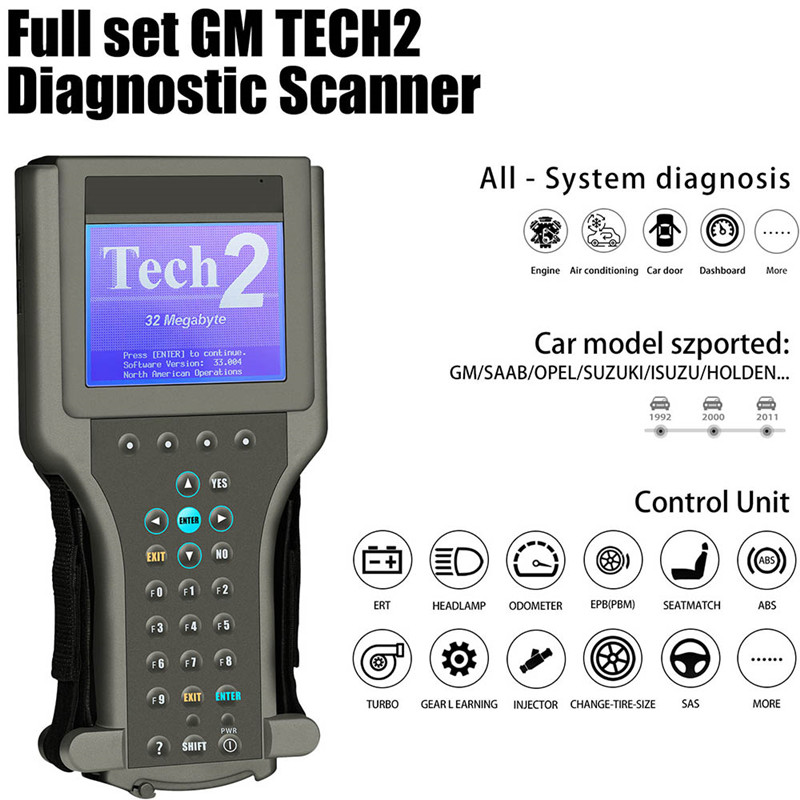
Key Features of the GM Tech 2 Scanner
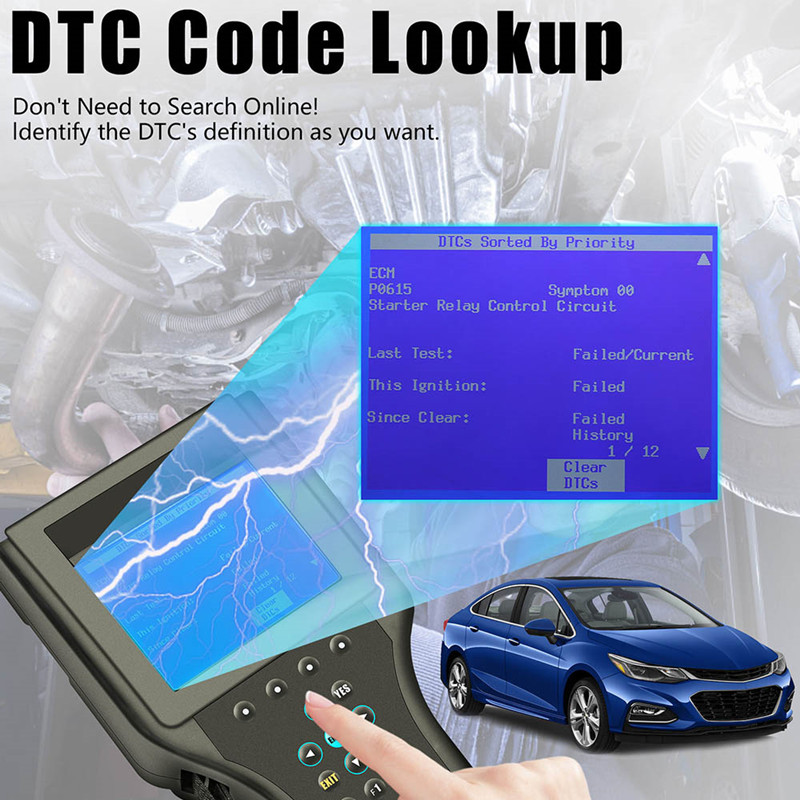
Full System Diagnostics – Reads and clears diagnostic trouble codes (DTCs) from engine, transmission, ABS, airbags, and more.
Live Data Streaming – Monitors real-time sensor data (RPM, fuel trims, oxygen sensors, etc.).
Bi-Directional Controls – Allows technicians to activate solenoids, relays, and other components for testing.
Module Reprogramming – Updates ECU, TCM, BCM, and other control modules using TIS2Web software.
Wide Vehicle Coverage – Works on GM, Saab, Opel, Suzuki, Isuzu, and Holden models (1992-2013).
Why is the GM Tech 2 Scanner Still Popular?
Despite being discontinued, the Tech 2 scanner remains a favorite among mechanics for several reasons:
1. Best Tool for Older GM Vehicles
Many pre-2013 GM cars and trucks still rely on the Tech 2 for deep diagnostics and module programming. Newer scan tools often lack full compatibility with these older systems.
2. Factory-Level Access
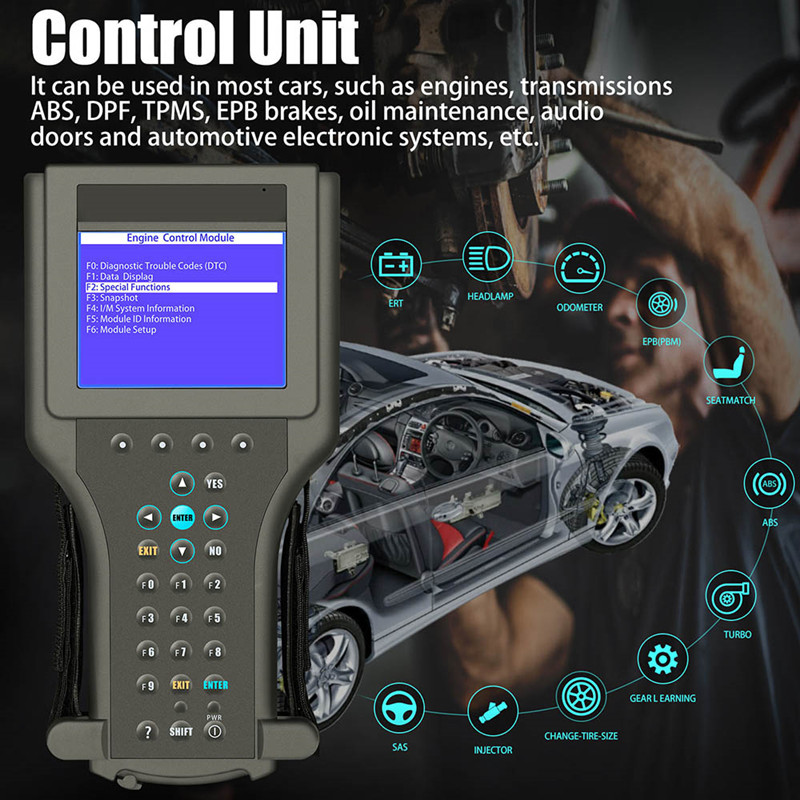
Unlike generic OBD2 scanners, the Tech 2 provides dealer-level access, allowing for ABS bleeding, airbag reset, injector coding, and security relearns.
3. Standalone Operation
The Tech 2 is a handheld device that doesn’t require a laptop, making it ideal for quick diagnostics in the shop or on the road.
4. Affordable Compared to Newer GM Tools
While the MDI & GDS2 setup is expensive, a used or refurbished Tech 2 scanner is a cost-effective solution for independent shops.
Why Buy GM tech 2 Scanner from a US-Based Seller?
When purchasing a GM Tech 2 scanner, buying from a US-based supplier like Cartooldeal.com ensures:
✅ No customs duties or import taxes (unlike ordering from overseas)
✅ Faster shipping (typically 2-5 business days in the USA)
✅ Reliable customer support (easy returns & warranty)
✅ Authentic, high-quality tools
Warning: Many eBay/Amazon sellers ship from China, leading to long delays + extra fees. For the quickest delivery, choose a US warehouse supplier.
For fast, hassle-free shipping, check:
🔹 Cartooldeal.com (US-based, ships within 1-3 business days)
🔹 Local automotive tool distributors (check for in-stock availability)
🔹 Reputable eBay sellers with US stock (verify location before buying)
✔ OEM-quality Tech 2 scanners (fully tested & refurbished)
✔ No hidden customs fees (100% USA fulfillment)
✔ Quick support & warranty coverage
How to Use the GM Tech 2 Scanner
Step 1: Connect to the Vehicle
Plug the Tech 2 into the OBD2 port (usually under the dashboard).
Turn the ignition on (do not start the engine).
Step 2: Select Vehicle Model & System
Choose year, make, model, and engine type.
Navigate to Powertrain, Body, Chassis, or Network diagnostics.
Step 3: Read & Clear DTCs
Select "Diagnostic Trouble Codes" to view stored codes.
Use "Clear Codes" after repairs.
Step 4: Live Data & Active Tests
Check live sensor data (fuel pressure, MAF, O2 sensors).
Perform bi-directional tests (fuel pump relay, fan activation).
Step 5: Module Reprogramming (If Needed)
Requires TIS2Web subscription and a pass-through device (like a J2534 tool).
Follow GM’s SPS (Service Programming System) instructions.
Frequently Asked Questions (FAQs)
Is the GM Tech 2 scanner still worth buying in 2024?
Yes, if you work on older GM vehicles (1992-2013). It’s the best tool for deep diagnostics & module programming.
What’s the difference between Tech 2 and MDI/GDS2?
Tech 2 = Older, standalone scanner (1992-2013).
MDI/GDS2 = Newer system for 2010+ GM vehicles, requires a laptop.
Can I reprogram a GM PCM with a Tech 2?
Yes, but you need a TIS2Web subscription and a J2534 pass-through tool for newer calibrations.
What’s the best alternative to the Tech 2?
The VXDIAG VCX Nano (for GDS2) or Autel MaxiSys (for general diagnostics) are good replacements.
Final Thoughts
The GM Tech 2 scanner remains one of the best diagnostic tools for older GM vehicles, offering unmatched access to modules, live data, and programming functions. While newer alternatives exist, the Tech 2 is still the go-to choice for many professional mechanics.
If you need a reliable Tech 2 scanner, check trusted suppliers like Cartooldeal.com for OEM-refurbished units. For newer GM models, consider VXDIAG or Autel tools as modern replacements.