Discover the OTC Plus 3 in 1 Diagnostic Tool – a powerful scanner for Toyota, Nissan, and Volvo vehicles. Features Toyota Techstream (TIS), Volvo VIDA DICE, and Nissan Consult 3 Plus. Learn installation, BIOS settings, and activation steps.
What is OTC Plus 3 in 1 Scanner ?
The OTC Plus 3 in 1 Diagnostic Tool is a professional-grade automotive scanner designed for Toyota, Nissan, and Volvo vehicles. It combines three essential diagnostic systems:
Toyota Techstream (TIS) – For advanced diagnostics and programming
Volvo VIDA DICE – Full system scanning and module coding
Nissan Consult 3 Plus – Comprehensive Nissan vehicle diagnostics
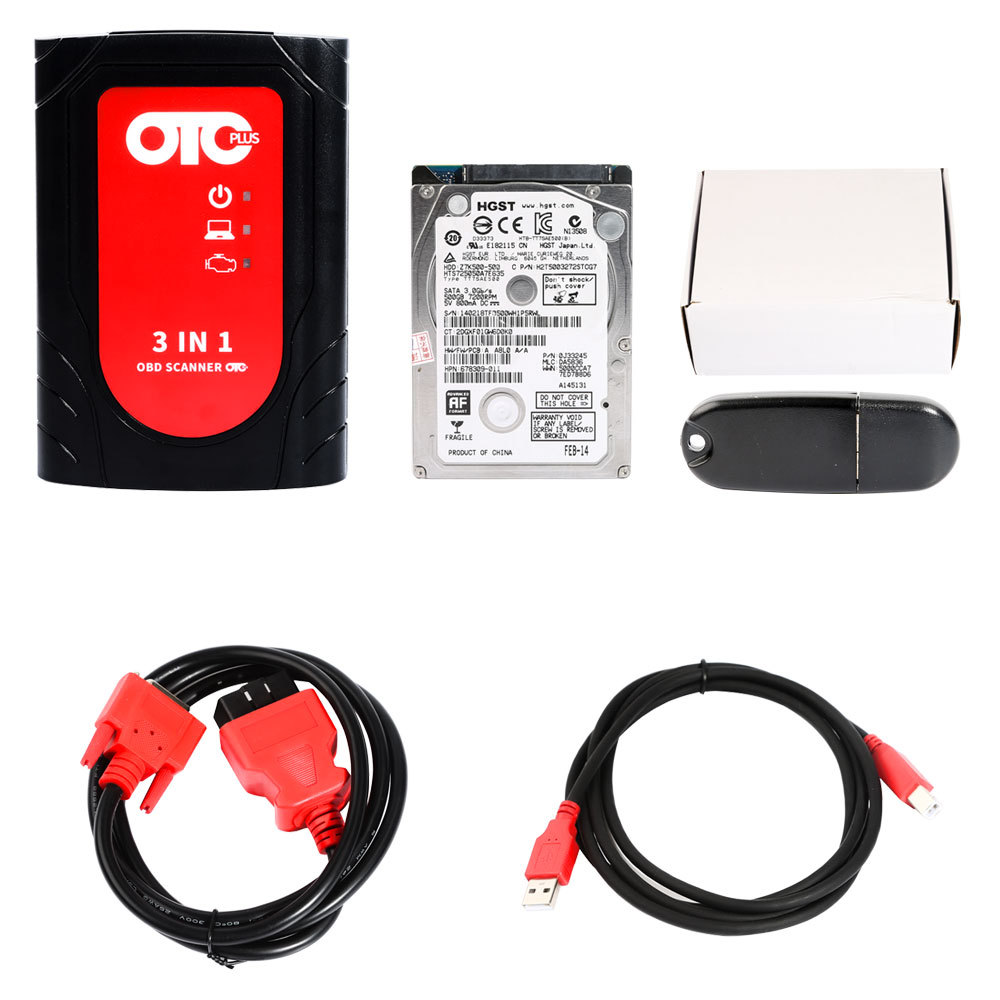
This OTC scanner comes with pre-installed software on an HDD, ensuring quick setup and reliable performance.
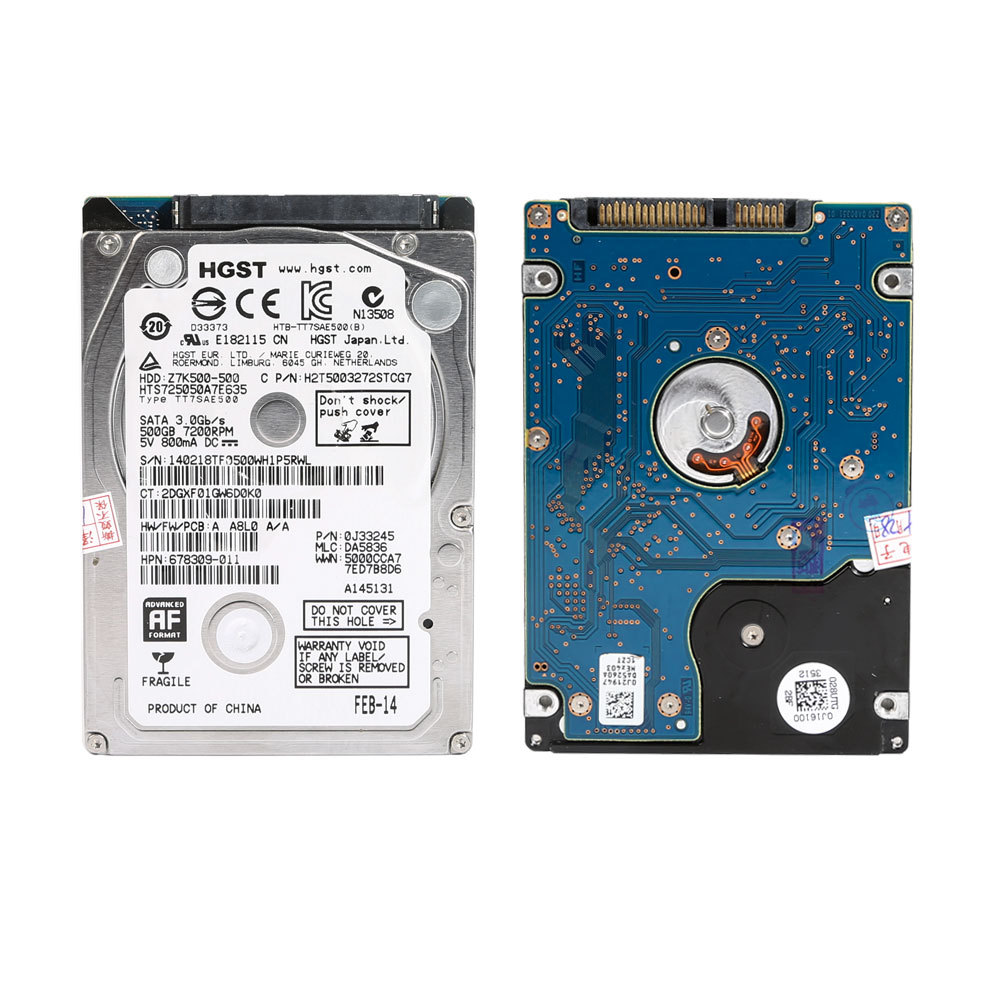
Key Features of OTC Plus 3 in 1 scanner
✔ Multi-Brand Support – Works with Toyota, Nissan, and Volvo (Note: Does not support Infiniti)
✔ Latest Software Versions:
Toyota TIS: V18.00.008
Volvo VIDA: 2014D
Nissan Consult 3 Plus: V71.40.00
✔ Multi-Language Support – English, Spanish, French, German, Italian, Chinese
✔ J2534 Protocol Compatible – Password: J2534
System Requirements & Installation Guide
Computer Specifications
Processor: 8th generation or lower (required for compatibility)
Hard Disk Mode: Must be set to MBR (not UEFI)
SATA Mode: Configured as SATA (not IDE)
OTC Plus 3 in 1 scanner Software Step-by-Step Installation
Install the HDD into your computer.
Enter BIOS Setup (usually by pressing F2, DEL, or ESC during boot).
Configure Boot Mode:
Set Hard Disk Boot Mode to MBR (Legacy)
Ensure Hard Disk Mode is SATA (not IDE)
Boot from the HDD and log in.
Contact Support for Activation:
After successful login, send TeamViewer ID and password to activate the Toyota Techstream software.
Important Notes:
⚠ Toyota Techstream (TIS V18.00.008) requires manual activation by engineers.
⚠ Nissan & Volvo software must run from the provided HDD.
⚠ Only supports J2534 protocol (Password: J2534).
Why Choose OTC Plus 3 in 1 Diagnostic Tool?
✅ All-in-One Solution – No need for multiple scanners
✅ Latest Software – Ensures compatibility with newer vehicle models
✅ User-Friendly – Multi-language support for global users
✅ Reliable Diagnostics – Ideal for mechanics, workshops, and car enthusiasts
Final Thoughts
The OTC Plus 3 in 1 Diagnostic Tool is a must-have for professionals working with Toyota, Nissan, and Volvo vehicles. With pre-installed software, easy setup, and powerful features, it simplifies diagnostics and programming.
Need activation help? Ensure your BIOS settings are correct and contact support with your TeamViewer details for seamless setup.



