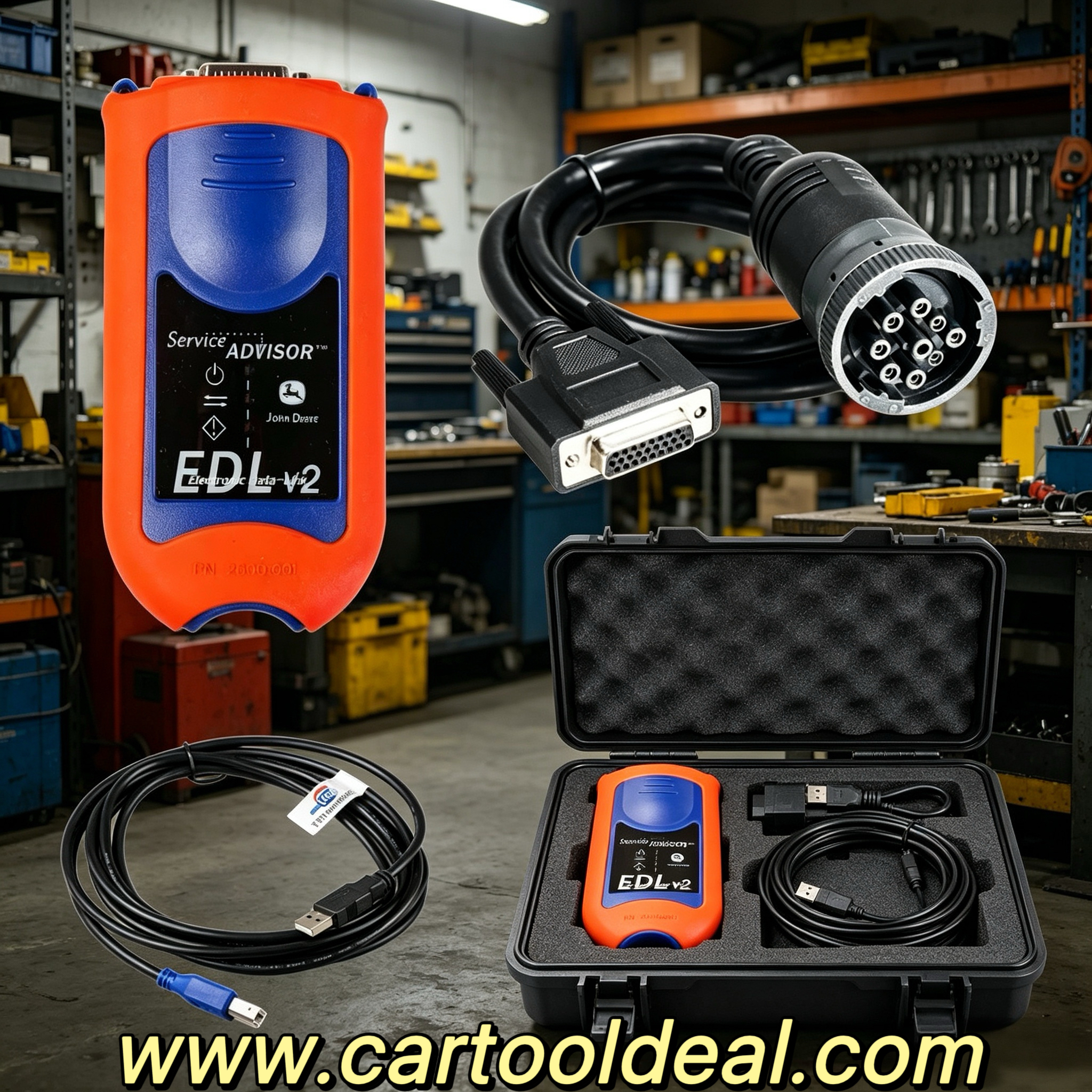
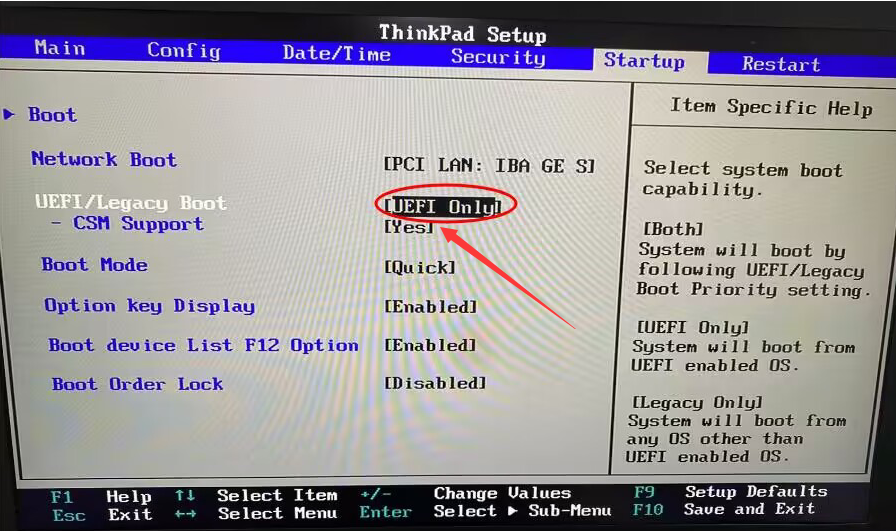
Discover the power of JPRO diagnostic tools, including the JPRO Truck Scanner, JPRO Diesel Scanner, and JPRO Adapter. Learn about JPRO Diagnostic Service Kits, JPRO license keys, and how to set up a JPRO laptop for professional fleet maintenance.
Introduction to JPRO Diagnostic Tools
JPRO is a leading name in commercial vehicle diagnostics, trusted by fleet managers, technicians, and repair shops. Whether you need a JPRO Truck Scanner, JPRO Diesel Scanner, or a complete JPRO Diagnostic Service Kit, this guide covers everything you need to know—including JPRO login, JPRO license keys, and hardware setup.
Why Choose JPRO scanner for Commercial Vehicle Diagnostics?
JPRO provides advanced diagnostic solutions for heavy-duty trucks, buses, and diesel engines. Key benefits include:
Comprehensive fault detection – Engine, transmission, ABS, and more.
User-friendly interface – Ideal for technicians of all skill levels.
Regular software updates – Stay compliant with the latest vehicle models.
Multi-brand compatibility – Works with Freightliner, Volvo, Peterbilt, and others.
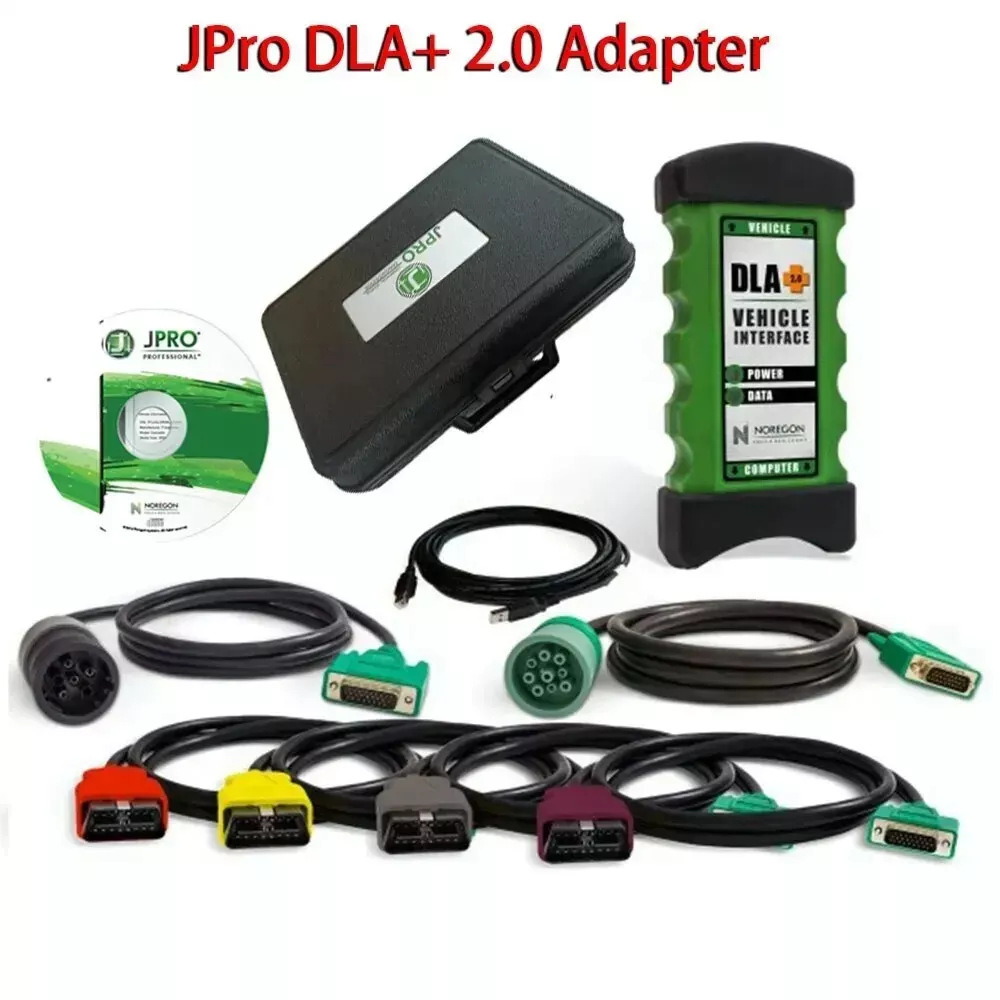
Top JPRO Diagnostic Tools
1. JPRO Truck Scanner
The JPRO Truck Scanner is a must-have for fleet maintenance. It offers:
Full-system diagnostics (engine, transmission, brakes, etc.)
Real-time data monitoring
DTC (Diagnostic Trouble Code) reading and clearing
Built-in repair guides
2. JPRO Diesel Scanner
Specialized for diesel engines, the JPRO Diesel Scanner helps with:
EGR, DPF, and SCR system diagnostics
Fuel system analysis
Emission compliance checks
3. JPRO Adapter
A JPRO Adapter ensures seamless communication between the diagnostic software and the vehicle’s ECU. Key features:
OBD-II and heavy-duty connectors
Bluetooth/Wi-Fi options for wireless diagnostics
Fast data transfer speeds
For a complete solution, the JPRO Diagnostic Service Kit includes:
Diagnostic software
JPRO Adapter
Cables and connectors
Training materials
5. JPRO License Key
To activate your software, you’ll need a JPRO license key, which provides:
Access to the latest diagnostic features
Multi-user options for fleets
Subscription-based or perpetual licenses
6. JPRO Laptop Setup
A dedicated JPRO laptop ensures smooth diagnostics. Recommended specs:
Windows 10/11 (64-bit)
8GB+ RAM, 500GB+ SSD
USB/Bluetooth for adapter connectivity
How to Access JPRO: Login and Setup
To use JPRO software, follow these steps:
Create a JPRO account (if you don’t have one).
Log in via JPRO login portal.
Enter your JPRO license key to activate the software.
Connect your JPRO Adapter to the vehicle.
Run diagnostics and generate reports.
FAQs About JPRO Diagnostics
Q: Is JPRO compatible with all truck brands?
A: Yes, JPRO supports major brands like Freightliner, Kenworth, Volvo, and more.
Q: Do I need an internet connection for JPRO diagnostics?
A: Only for software updates and license activation. Offline diagnostics are possible.
Q: Can I use JPRO on multiple vehicles?
A: Yes, depending on your JPRO license key type (single-user or fleet license).
JPRO diagnostic tools, including the JPRO Truck Scanner, JPRO Diesel Scanner, and JPRO Adapter, provide unmatched efficiency for fleet maintenance. With a JPRO Diagnostic Service Kit, a properly configured JPRO laptop, and a valid JPRO license key, technicians can streamline repairs and minimize downtime.
For the best results, ensure a smooth JPRO login process and keep your software updated. Whether you're an independent mechanic or a large fleet manager, JPRO delivers professional-grade diagnostics for commercial vehicles.