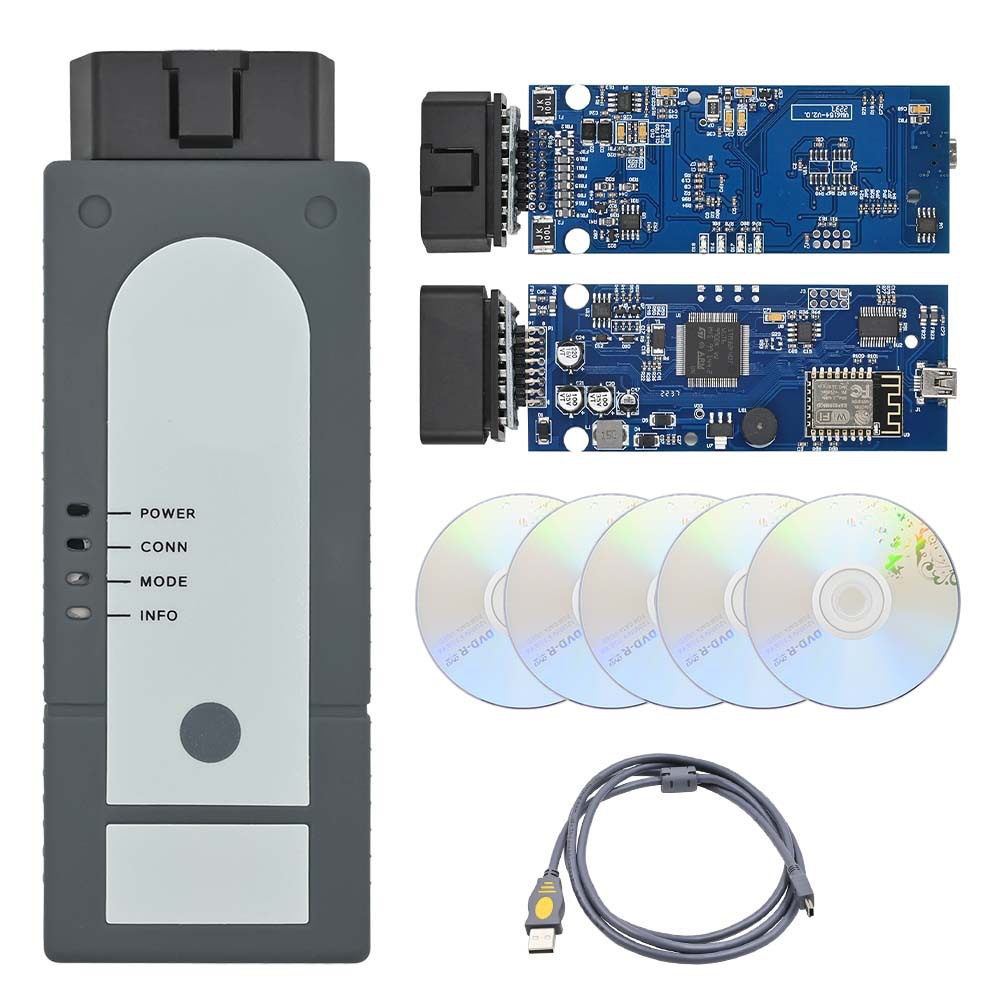
Learn how to use a VAS6154 clone V1.66 with Porsche PIWIS 3 for advanced diagnostics. Step-by-step setup, installation, and operation guide for seamless Porsche vehicle scanning and coding.
Introduction
The Porsche PIWIS 3 diagnostic system is the official tool used by Porsche dealerships for advanced vehicle diagnostics, coding, and programming. However, the original VAS6154 interface is expensive, leading many users to opt for clones such as the
VAS6154 V1.66 or VXDIAG VCX SE 6154.
This guide will explain:
✔ How to install PIWIS 3 remotely with a VAS6154 clone
✔ Connecting and configuring the VAS6154 interface
✔ Step-by-step operation methods for diagnostics
✔ Troubleshooting common issues
1. Requirements for PIWIS 3 with VAS6154 Clone
Before installation, ensure you have:
VAS6154 V1.66 (or VXDIAG VCX SE 6154) – Must be a compatible clone
Windows 7/10 (64-bit recommended) – PIWIS 3 runs best on a stable system
PIWIS 3 Software (v36 or newer recommended) – Must be properly cracked/patched
ODB2 Cable & Porsche Adapters – For vehicle connection
Remote Installation Support (if needed) – Some sellers provide setup assistance
2. Installing PIWIS 3 with VAS6154 Clone
Step 1: Prepare the System
Disable Windows Firewall & Antivirus (to avoid blocking installation).
Install Java Runtime Environment (JRE) and Microsoft .NET Framework 4.5+.
Step 2: Install PIWIS 3 Software
Run the PIWIS 3 installer as Administrator.
Follow prompts, selecting "VAS6154" as the interface.
When asked for license/dongle, use the provided crack files (if applicable).
Step 3: Configure VAS6154 Driver
Connect the VAS6154 interface via USB.
Install drivers (usually from CD or provided folder).
Verify in Device Manager that the device is recognized.
Step 4: Test Connection
Open PIWIS 3 Tester.
Go to "Diagnostics" and check if the interface connects.
If errors occur, reinstall drivers or check USB compatibility.
3. Using VAS6154 with PIWIS 3 for Porsche Diagnostics
Step 1: Vehicle Connection
Plug the VAS6154 into the Porsche OBD2 port.
Turn on ignition (do not start engine).
Launch PIWIS 3 and select vehicle model.
Step 2: Running Diagnostics
Fault Codes: Go to "Fault Memory" to read and clear DTCs.
Live Data: Check "Measured Values" for real-time sensor data.
Coding/Programming: Use "Individualization" for module coding.
Step 3: Special Functions
DPF Regeneration (for diesel models)
Steering Angle Sensor Calibration
Battery Registration
4. Troubleshooting Common Issues
| Issue |
Solution |
| VAS6154 not detected |
Reinstall drivers, try another USB port |
| PIWIS 3 license error |
Use correct crack files or request remote activation |
| Connection drops |
Check OBD2 cable, ensure ignition is on |
| Software crashes |
Run as Administrator, disable antivirus |
5. Alternative: Using VXDIAG VCX SE 6154 with PIWIS 3
Some users report success with VXDIAG VCX SE 6154, but it requires:
✔ Modified firmware (must support PIWIS 3 protocol)
✔ Correct driver installation (some versions need manual setup)
Note: Not all clones work perfectly. The VAS6154 V1.66 is more reliable.
Conclusion
Using a VAS6154 clone with
PIWIS 3 is a cost-effective way to perform advanced Porsche diagnostics. Proper installation, driver setup, and software configuration are crucial for success. Follow this guide carefully, and if issues persist, consider remote installation support from a trusted provider.
For more updates, check our Porsche diagnostic tools blog or join Porsche enthusiast forums for community support.