Discover the Ford VCM II, the essential diagnostic tool for Ford and Mazda vehicles. Learn about Ford IDS software, its installation process, and how this powerful combination enables precise vehicle diagnostics, module programming, and advanced troubleshooting for technicians.
For any professional technician or serious enthusiast working on Ford, Lincoln, or Mazda vehicles, the Ford VCM II (Vehicle Communication Module II) stands as the cornerstone of advanced diagnostics. This authentic OEM diagnostic scan tool, coupled with the sophisticated Ford Integrated Diagnostic System (IDS) software, provides dealer-level capabilities for comprehensive vehicle analysis and repair.
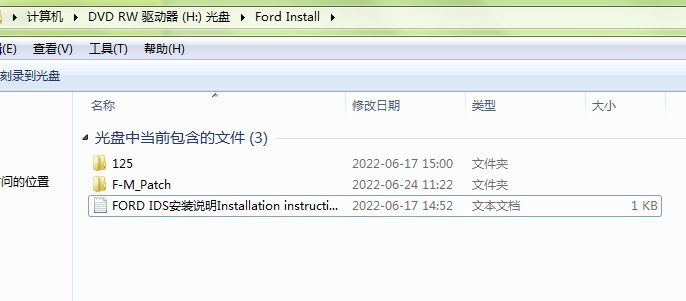
Ford IDS Software V129 Free Download Mazda IDS Software V129 Free Download Ford Mazda software patch Free Donwload 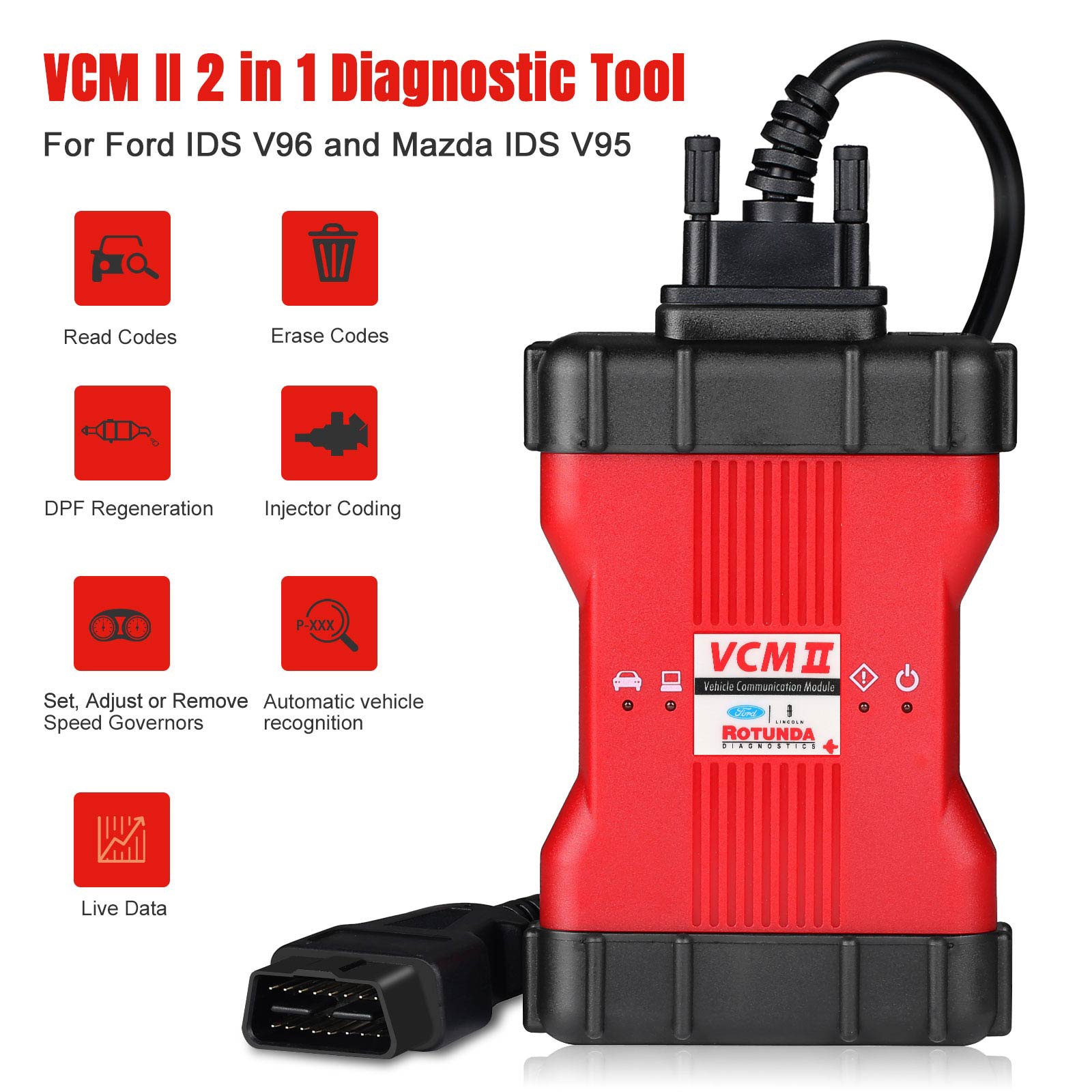
The VCM II is a crucial hardware interface that acts as the bridge between a technician's computer and the vehicle's onboard diagnostic systems. It allows for in-depth communication with various electronic control units (ECUs) within Ford, Lincoln, and Mazda models. Designed for durability and reliable performance, the VCM II supports both wired (USB) and enhanced 802.11 wireless connections, offering flexibility in the workshop.
Key features of the VCM II include:
Authentic OEM Diagnostics: Provides precise, manufacturer-level diagnostic capabilities.
Customer Flight Recorder (CFR) Functionality: With an optional pendant cable, the VCM II can record vehicle data while driving, invaluable for intermittent issues.
SmartPower Management: Protects the device in demanding environments.
LED Indicators: Offer continuous visual and audible feedback on operating status.
The true potential of the VCM II is unleashed through the Ford IDS software. This comprehensive diagnostic application is the official software used by Ford and Mazda dealerships worldwide. It provides a vast array of functionalities, including:
Reading and Clearing Diagnostic Trouble Codes (DTCs): Quickly identify and understand vehicle faults.
Live Data-stream with Recording & Playback: Monitor real-time sensor data, analyze trends, and pinpoint performance issues.
Programming & Installation of New ECUs: Essential for replacing or updating modules such as PCM, ABS, instrument clusters, airbags, and fuel pumps.
New Software Re-flash for Existing ECUs: Update vehicle software to address known issues or improve performance.
Guided Fault Finding: Step-by-step troubleshooting routines to efficiently diagnose complex problems.
Setting, Adjusting, or Removing Speed Governors: Customize vehicle parameters as needed.
Automatic Vehicle Recognition: Streamlines the diagnostic process by automatically identifying the connected vehicle.
Key Programming: Program new keys for the vehicle's immobilizer system.
DPF Regeneration and Brake Bleeding: Perform essential service functions.
Injector Coding: Calibrate fuel injectors for optimal engine performance.
Steering Angle Resets: Calibrate steering angle sensors after repairs.
Note on IDS Software Licensing: While installation packages may be available, full vehicle communication and diagnostic functionality with the Ford VCM II typically require an active, licensed subscription to the Ford IDS software. This ensures access to the latest updates and full capabilities. Mazda vehicles often require a separate, licensed Mazda IDS pass-through.
Installing Ford and Mazda IDS Software: A Step-by-Step Guide
The installation process for Ford and Mazda IDS software is crucial for successful diagnostic operations. Here's a general guide based on the provided information:
For Ford IDS Software:
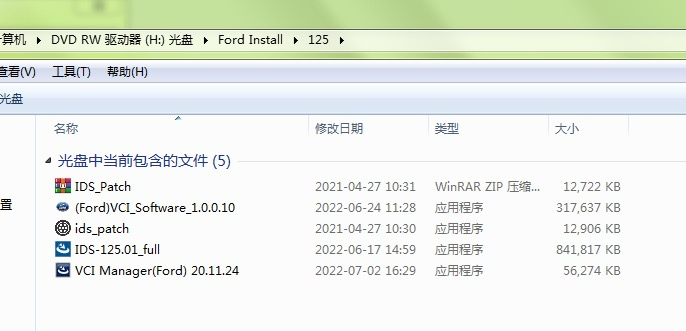
Install Ford IDS-*: Begin by running the main Ford IDS installation package.
Restart Computer: After the initial installation, restart your computer to ensure all changes are applied.
Install Ford Original VCI Software_1.0.0.10.exe: Install this specific VCI (Vehicle Communication Interface) software.
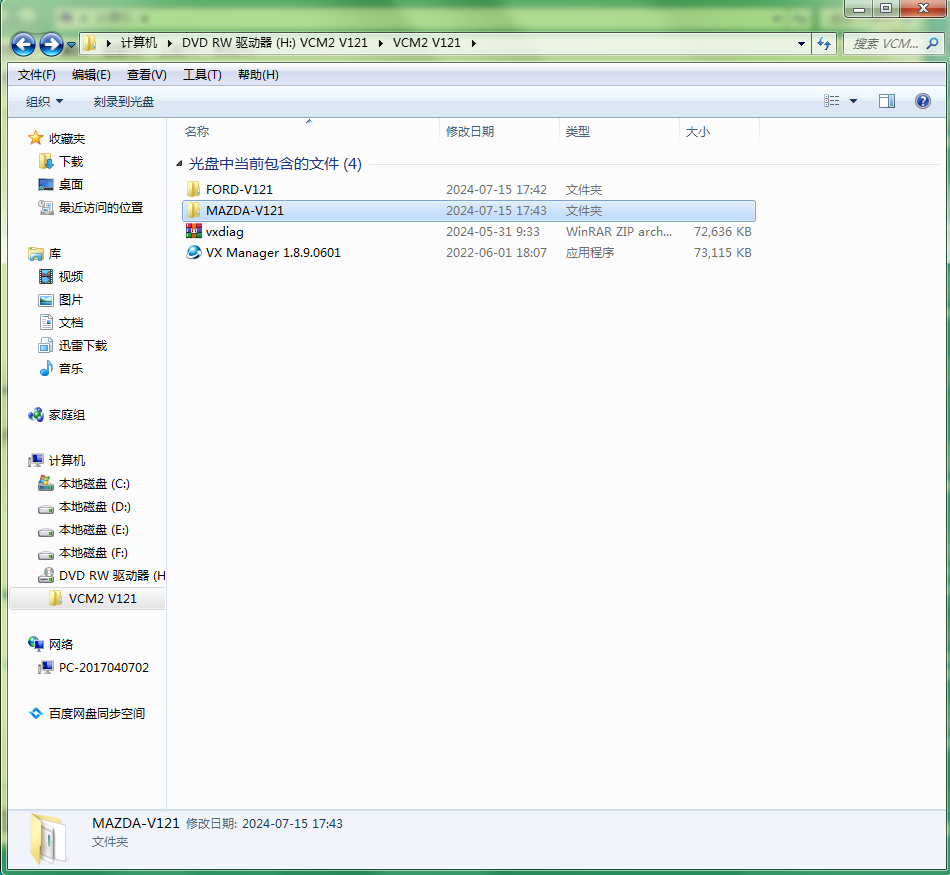
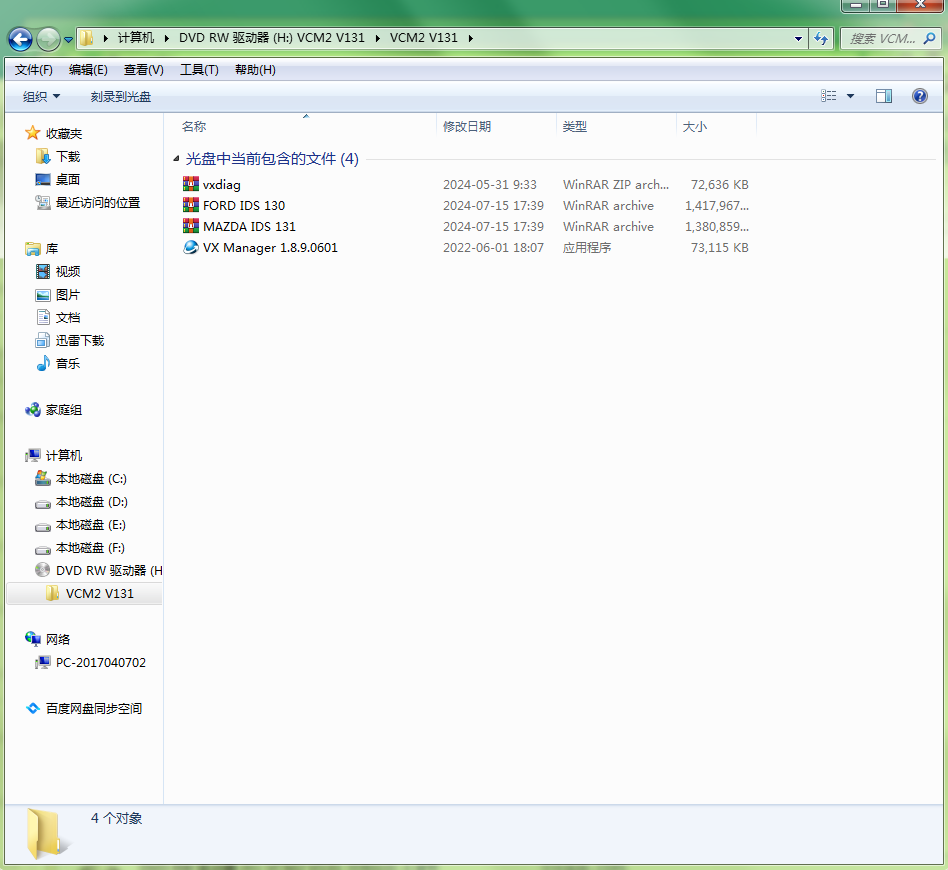
Install VX Manager and Ford IDS Driver: These components are often necessary for proper communication between the VCM II hardware and the IDS software.
Complete VX Manager and Ford IDS Driver Installation: Wait for these installations to finalize.
Connect VCX Device and Install idspatch: Connect your VCM II device to your computer and then run the idspatch tool.
Use idspatch to Open IDS and Start Diagnosis: Launch the IDS software through the idspatch utility to begin your diagnostic work.
For Mazda Diagnostic Software:
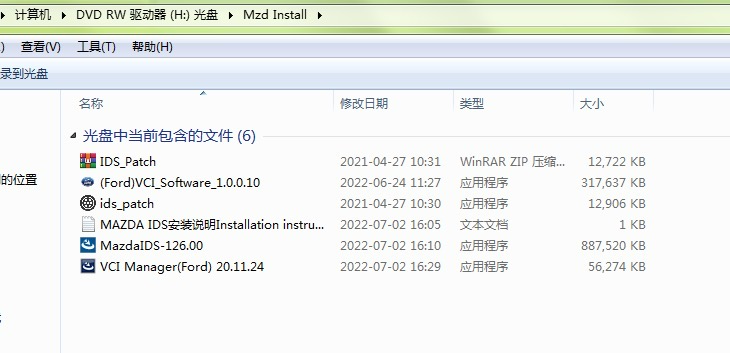
Install mazdaids-*: Start by installing the main Mazda IDS package.
Restart Computer: Restart your computer once the Mazda IDS installation is complete.
Install VX Manager and Ford IDS Driver: Similar to Ford, these drivers are often shared for the VCM II's compatibility with both Ford and Mazda IDS.
Complete VX Manager and Ford IDS Driver Installation: Allow these installations to finish.
Connect VCX Device and Install idspatch: Connect your VCM II device and run the idspatch tool.
Use idspatch to Open IDS and Start Diagnosis: Open the Mazda IDS software via idspatch to commence diagnostics.
Why Choose the Ford VCM II and IDS?
The Ford VCM II and IDS software represent the pinnacle of
Ford diagnostic tools. For repair shops and serious DIYers, investing in this system offers:
Comprehensive Coverage: Diagnose and service a wide range of Ford, Lincoln, and Mazda vehicles.
Dealer-Level Accuracy: Access to the same powerful diagnostic capabilities used by authorized service centers.
Future-Proofing: Ongoing software updates ensure compatibility with newer vehicle models and technologies.
Efficiency: Streamlined diagnostic processes and guided routines save time and improve accuracy.
Understanding and utilizing the Ford VCM II with its accompanying IDS software is essential for anyone serious about automotive diagnostics and maintaining the performance of Ford and Mazda vehicles.