Unlock Apple CarPlay in your 2018 Mercedes CLA 250 with the NTG5S1 OBD2 tool. Check compatibility, features, and a step-by-step activation guide.
NTG5S1 OBD2 Activation Tool for 2018 Mercedes CLA 250The Ultimate Guide to Unlocking Apple CarPlay & Android AutoIf you own a 2018 Mercedes-Benz CLA 250 (W117) and feel frustrated by the lack of smartphone integration on your factory screen, you are not alone. Many Mercedes drivers discover that their vehicle is equipped with the hardware for Apple CarPlay and Android Auto, but the features are locked behind a paywall or a simple software flag. Enter the NTG5S1 OBD2 activation tool—a small, plug-and-play device that claims to unlock these features in minutes. But does it actually work for the 2018 model?
In this comprehensive guide, we dive deep into the compatibility, functionality, and step-by-step process of using the NTG5 S1 CarPlay activation tool for your CLA 250.
The NTG5S1 (often stylized as NTG5 S1) is a diagnostic-style interface that plugs into your Mercedes-Benz’s OBD2 port . Unlike complex retrofits that require splicing wires or replacing screens, this tool utilizes original protocol communication, meaning it interacts with your car’s computer system the same way a dealer’s diagnostic machine would .
Its sole purpose is to activate the native Apple CarPlay and Android Auto functions already present in your vehicle’s NTG5.1 head unit .
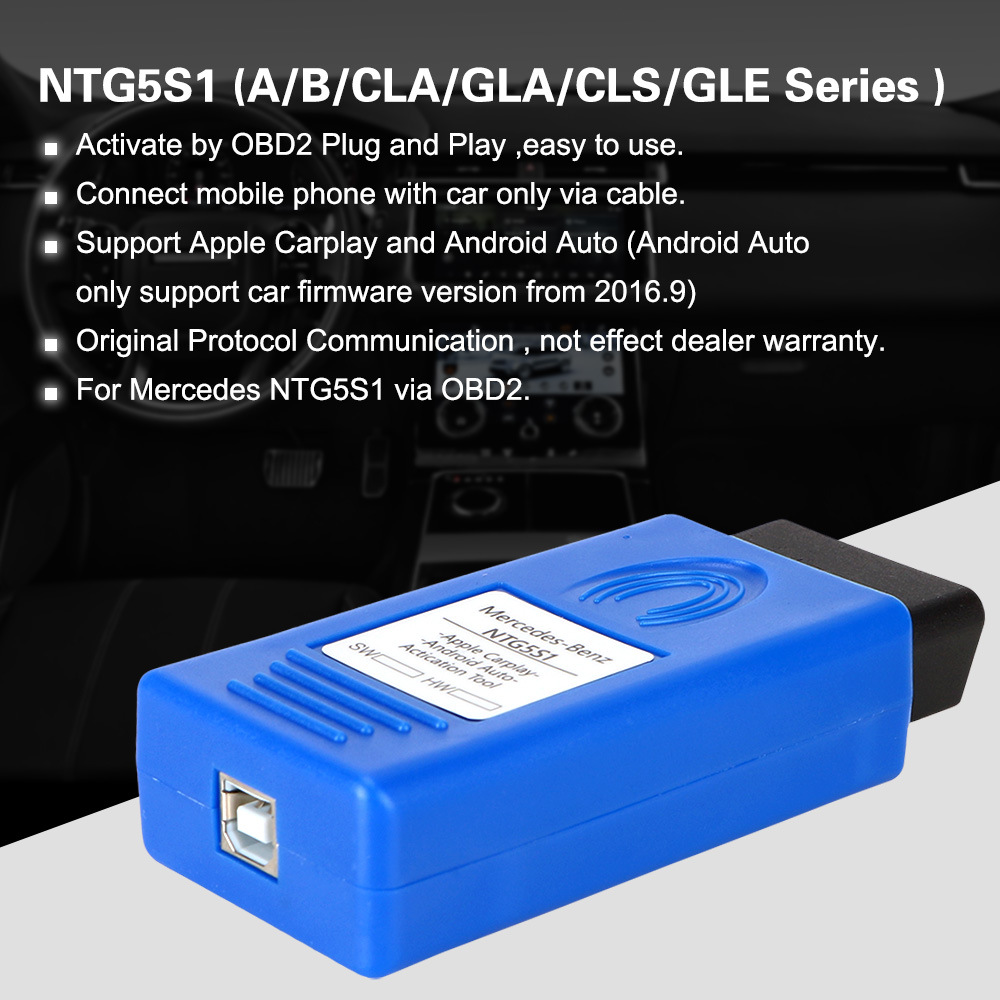
Does the NTG5S1 CarPlay Work on a 2018 Mercedes CLA 250?
Yes, it generally works. However, there is a specific nuance regarding the model year.
Based on product listings and user guides, the tool is explicitly designed for the CLA-Class (W117) with a manufacturing date ranging from January 2016 to December 2017 . This places your 2018 model technically outside the listed cutoff.
Why It Might Still Work
The "12.2017" date listed by most sellers is often a conservative estimate based on when the NTG5.1 software became standard. Many 2018 model year vehicles (which are often built in late 2017) share the exact same infotainment software as the late 2017 models. Therefore, the NTG5S1 tool is widely reported to work on 2018 CLA 250 models, provided the vehicle has the NTG5.1 head unit and not the older NTG5.0 .
Note: This tool will not work on AMG models or vehicles equipped with NTG5.0/NTG5E systems found in some C-Class, GLC, or S-Class models .
NTG5S1 Key Features and Benefits
If you confirm compatibility, here is what the NTG5S1 activation tool brings to your 2018 CLA 250:
Plug & Play Installation: There is no coding knowledge required. If you can locate your OBD2 port (under the dashboard near the steering wheel), you can install this .
Unlimited Use: Once activated, the feature remains active permanently. You do not need to keep the dongle plugged in. The tool itself can be used on multiple compatible vehicles .
Warranty Safe: Because it uses the original communication protocol, it does not affect the dealer warranty or require permanent modifications to the vehicle .
Dual Compatibility: Supports both Apple CarPlay (iOS) and Android Auto, though Android Auto requires a head unit firmware version from September 2016 or newer .
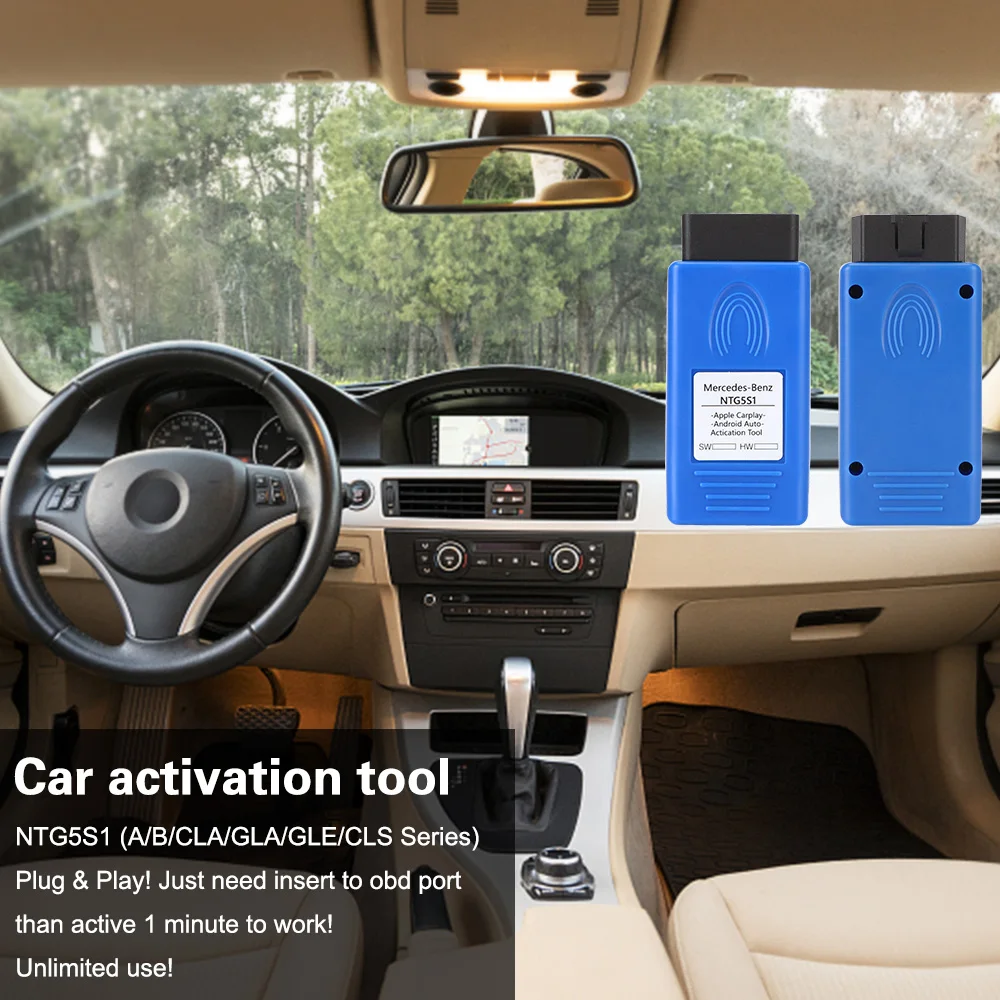
How to Activate CarPlay in Your CLA 250: Step-by-Step
Activating the system takes approximately one minute. Follow these steps carefully :
Turn the Ignition On: Turn the key or push the start button to turn on the ignition. Do not start the engine.
Locate and Connect: Find the OBD2 diagnostic port (usually located under the driver's side dashboard). Plug the NTG5S1 tool into the port.
Wait for the Restart: Look at your central infotainment screen. It should display the word "DIAG." After about 10 seconds, the head unit will automatically restart.
Remove the Tool: Once the system has rebooted, you can unplug the NTG5S1 tool from the OBD2 port. The activation is now saved to the vehicle.
Connect Your Phone: Use a high-quality, preferably original, USB cable to connect your iPhone or Android smartphone to the car’s USB port.
Enjoy: The CarPlay or Android Auto interface should now appear on your CLA 250 screen.
Important Prerequisites
Before purchasing, ensure the following conditions are met to guarantee success :
Siri Must Be Enabled: For Apple CarPlay to function, Siri must be turned on in your iPhone’s settings.
Use an Original Cable: Aftermarket charging cables often fail to transmit data. Use the cable that came with your phone or a certified MFi (Made for iPhone) cable.
Check Your Firmware: If you are using Android Auto, ensure your car’s firmware version is from 09/2016 or later. If the activation fails, the head unit may need a dealer-level firmware update first .
Troubleshooting Tips
The Screen Didn't Show "DIAG": Ensure the ignition is on and the tool is firmly seated in the OBD2 port. Try wiggling it slightly to ensure a good connection.
CarPlay Works but Android Auto Doesn't: This is usually a firmware issue. Your head unit version is likely older than 09/2016 .
Nothing Happened: Double-check that your CLA 250 actually has the NTG5.1 system. If your car is a very early 2018 build, it might still be on the unsupported NTG5.0 architecture .
For owners of a 2018 Mercedes-Benz CLA 250, the NTG5S1 OBD2 activation tool is the most cost-effective and straightforward method to unlock Apple CarPlay and Android Auto. While the official compatibility charts stop at 2017, the tool's functionality typically extends into the 2018 model year due to shared NTG5.1 hardware.
By following the simple plug-and-play instructions, you can modernize your driving experience with seamless smartphone integration without a trip to the dealership.



