Wifi wiTech MicroPod 2 Diagnostic Tool for Chrysler Dodge Jeep Fiat Online Version V17.04.27 Supports Car till 2018
wiTECH MicroPod2 Diagnostic Tool Highlights:
1. Wifi Version with Best Quality Firmware
2. Software Version V17.04.27,
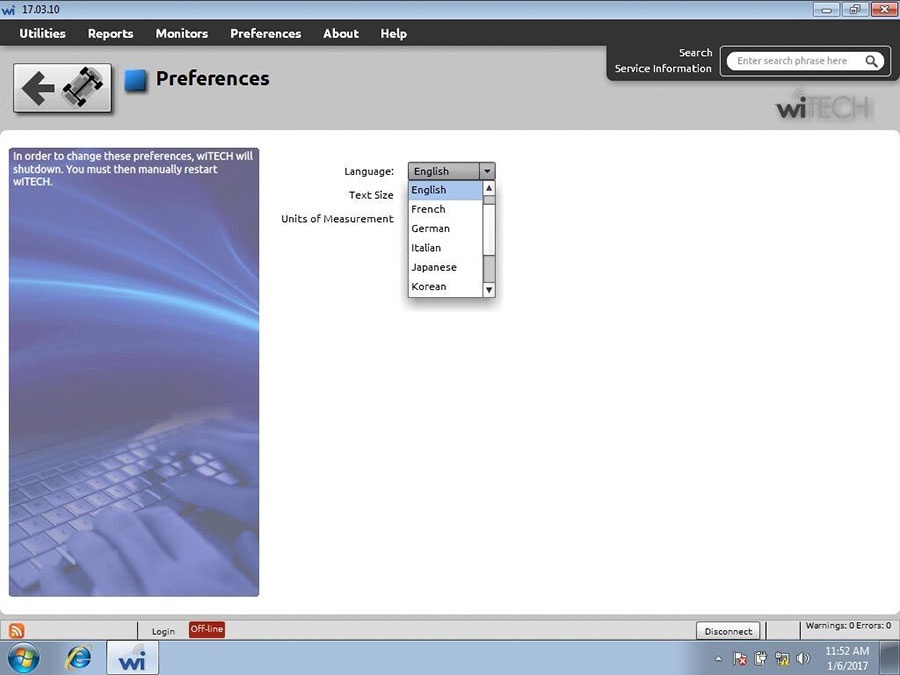
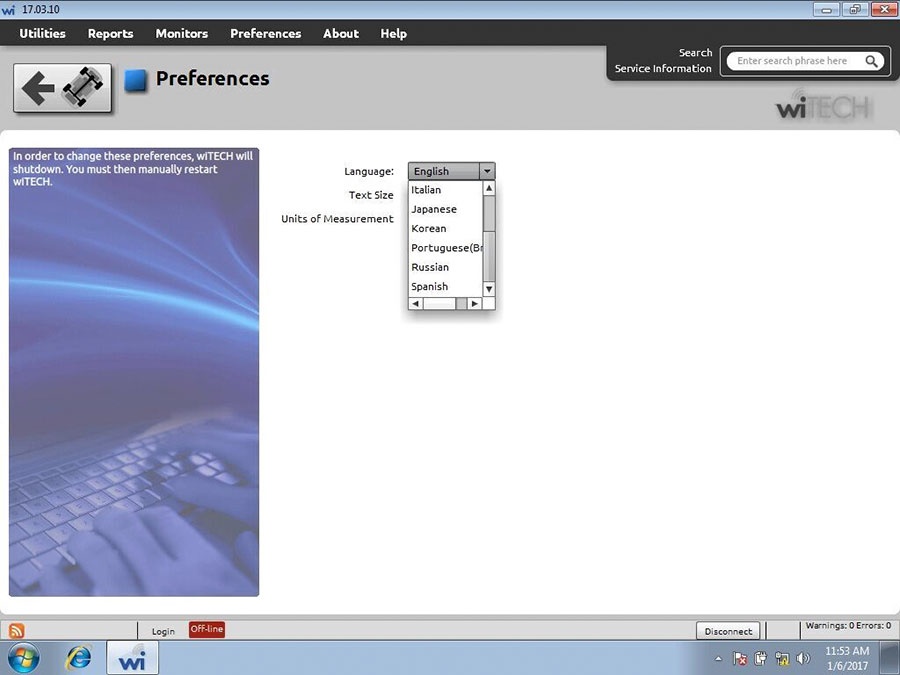
3. Multi-Languages: English, French, Spanish, German, Italian, Russian, Japanese, Korean and Chinese
4. PC-Based: Requires PC connection, WIFI Supported
5. Supports all the latest technologies and vehicle platforms including the latest Chrysler and Fiat Vehicles, offers 100% CAN - equipped coverage to 2018 for Chrysler, Dodge, Jeep, and Fiat vehicle platforms
6.Tested by lots of clients that a online subscription to TechAuthority can work with this MicroPod2. We don't provide the account to you. If you want to do programming functions, you must have an online account.
7. DRBIII Emulator is well tested by many customers and Fiat Software is available to choose too.
Note: The package does not include the DRB3 emulator.No return for refund service if you don't get DRB3 software installed.
Using Tips (Important):
1. Network connection needed.
2. First connect MicroPod II to vehicle, if the red indicator turns on, then connect it tolaptop and run software.
wiTECH V17 Software Function:
1) It can be used as diagnostic and programming tool by the dealerships. Replaces your StarMobile, StarScan, and wi-TECH POD,provides world-class diagnostic services to your customers.
2) A separate Tech Authority Subscription is required to access to Module Re-Flash Programming, TSBs, wiring diagrams, and repair information.
witech software Installation Steps :
1 installation AdobeAIRInstaller.exe
2 installation jre-6u45-windows-i586.exe
3 installation wiTECH_Install_17.04.27.exe
4. Restart the computer
WARNING
1. The computer must be real time.
2. The computer must be connected to the Internet
3. Connect the machine to the device to open the software
4. Tip registration, Turn off the software and turn it on Repeat several times You can use it normally
5.Before connect your device to laptop,do connect it to vehicle first.
To program keys with Micropod 2 ,you need to know:
1.You must be online to program key with micropod 2.
2.You can pull the pon code with other key tool like obdstar f104
3.If you input the wrong code over 3 times,BCM will be locked and you can not service the vehicle for 24 hours.
4.The key is one-time programmable.Once married to the vehicle it is locked to the car forever. The key can be erased from the car and put back into same car,but cant be switched to another car.
5.The placement of the key during initialization is important.It needs to be placed either behind the shifter or in the center console.
Package List:
1pc x MicroPOD II Wifi Version
1pc x USB cable
1pc x CD
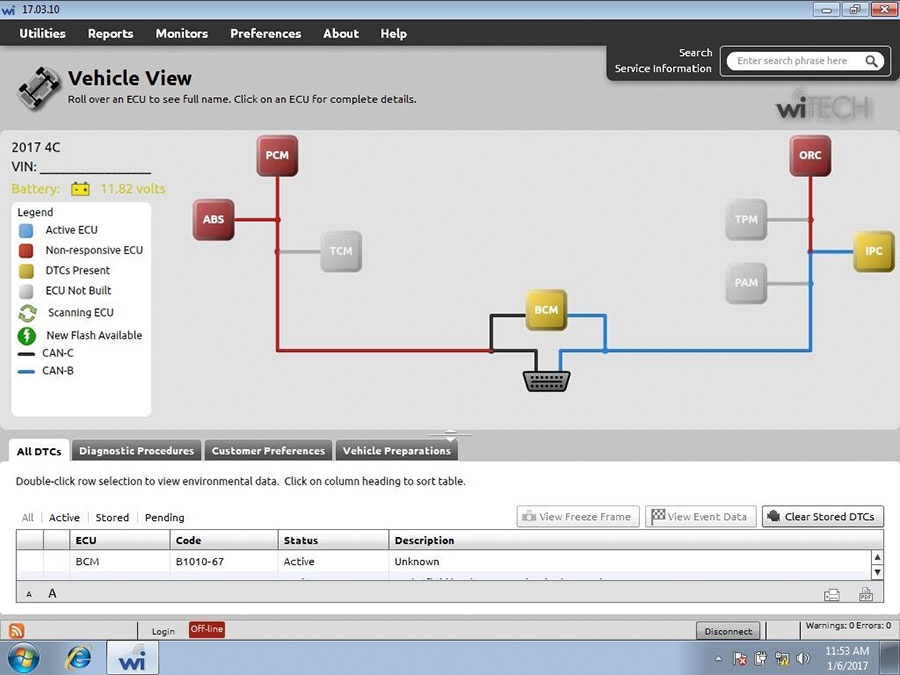
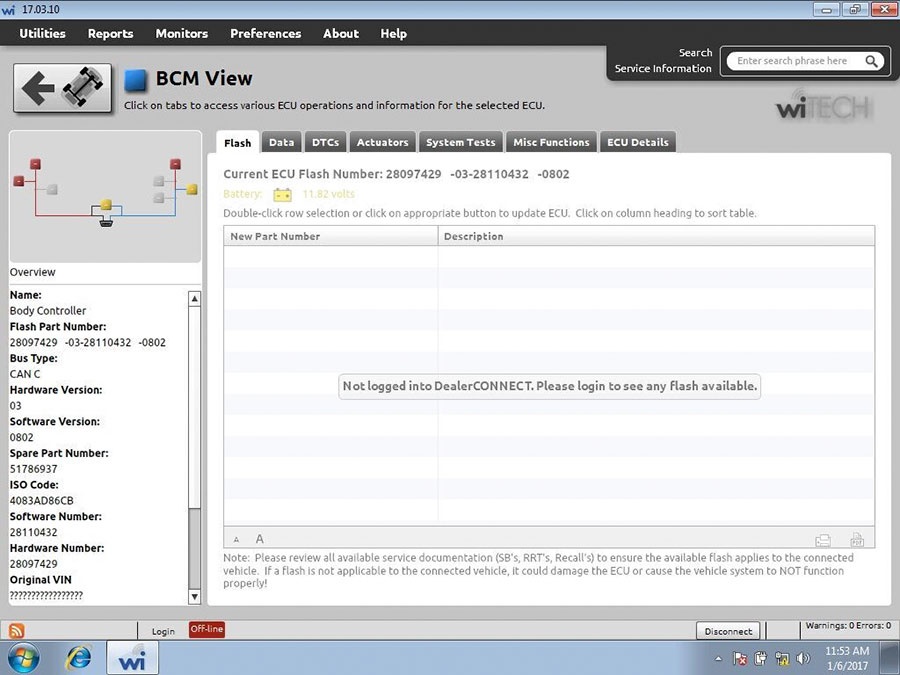
Micropod 2 Software Display: