For fleet managers and independent multi-brand repair shops, relying solely on single-brand OEM software can feel like trying to open a master lock with ten different keys. If your team is primarily using Cummins INSITE and QuickServe, you already know how deeply they handle engine and aftertreatment diagnostics.
However, a modern truck consists of dozens of other computers beyond the power plant. This reality drives many shops to consider Noregon JPRO Professional, a leading multi-brand, all-in-one universal diagnostic scanner.
If your team is evaluating a live demo, this breakdown details the real-world pros and cons of JPRO based on field technician experiences, highlighting how it performs across various engines, modules, and competing software options.
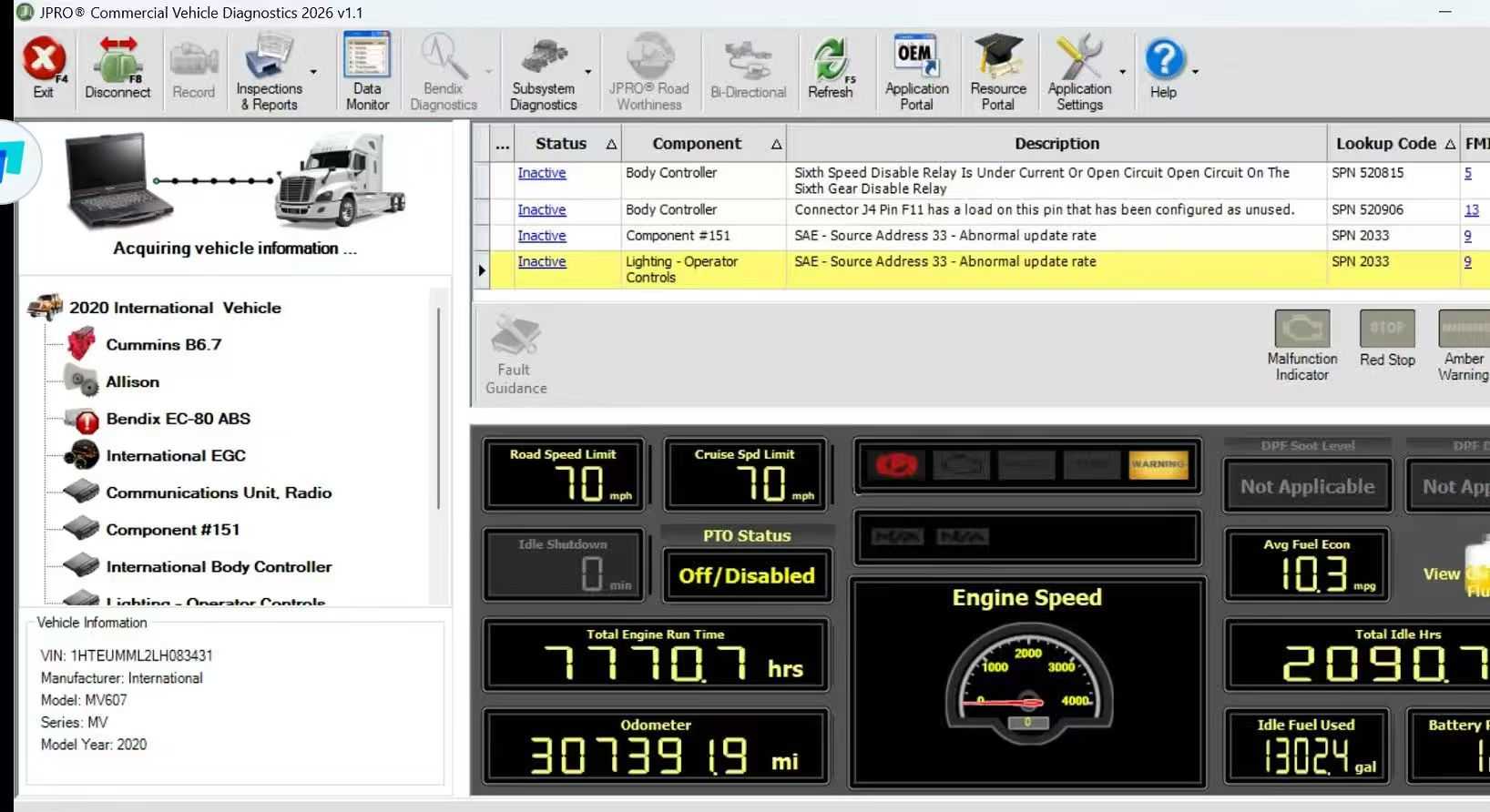
While Cummins INSITE excels at engine and emission systems, it cannot communicate with the rest of the chassis. A standard truck can feature over 15 distinct electronic control modules (ECUs). JPRO acts as a unified platform, scanning the entire vehicle simultaneously.
JPRO interfaces well with Cummins power plants, allowing technicians to run forced DPF regenerations, command DEF doser pump overrides, and perform cylinder cut-out tests directly through the platform.
For the majority of standard Diagnostic Trouble Codes (DTCs), JPRO breaks down the fault definition and offers intuitive troubleshooting steps to guide technicians toward the physical fault.
Recent software updates have extended JPRO's capabilities into the off-highway market.
Field use reveals that JPRO struggles with medium-duty import brands. Standard hookups frequently fail to capture comprehensive data on Hino, Isuzu, and UD Trucks, particularly concerning specialized aftertreatment controls.
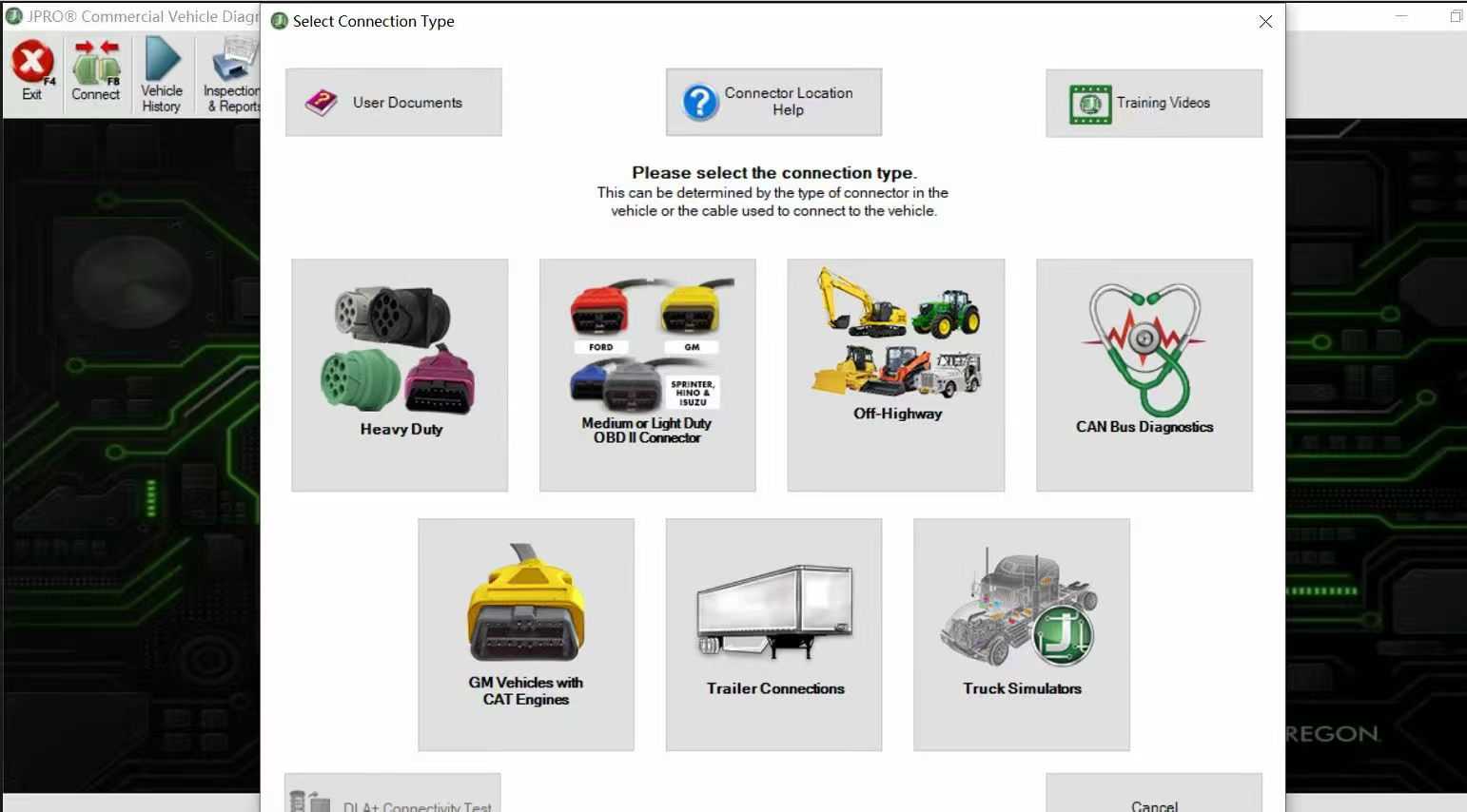
Tech Tip: Connecting to Hino or Isuzu systems through JPRO often requires a specialized purple adapter cable rather than a standard OBDII or 9-pin Deutsch connector.
While JPRO claims comprehensive Class 3-8 coverage, technicians note that its performance on Paccar MX engines feels closer to a basic generic code reader.
A multi-brand tool rarely replaces specialized dealer software entirely. For instance, while JPRO handles basic Detroit Diesel faults, running full Selective Catalytic Reduction (SCR) efficiency tests on newer DD8 or DD13/DD15 platforms typically demands Detroit DiagnosticLink (DDL). Furthermore, JPRO can struggle with commanding a complete derate clearance on specific proprietary systems compared to specialized competitors.
JPRO functions as a Windows-based software subscription restricted to standard laptops or specialized PC tablets.
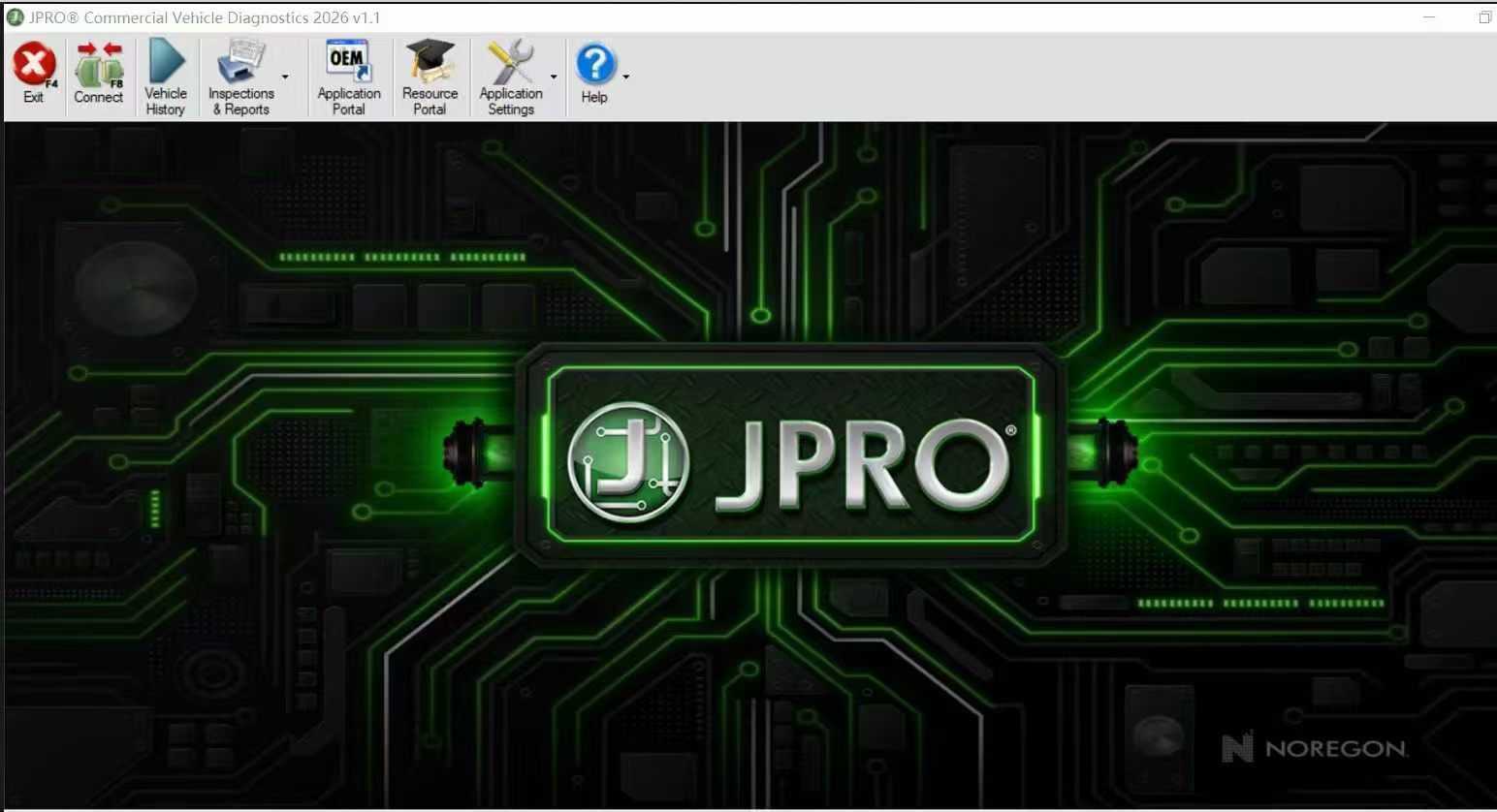
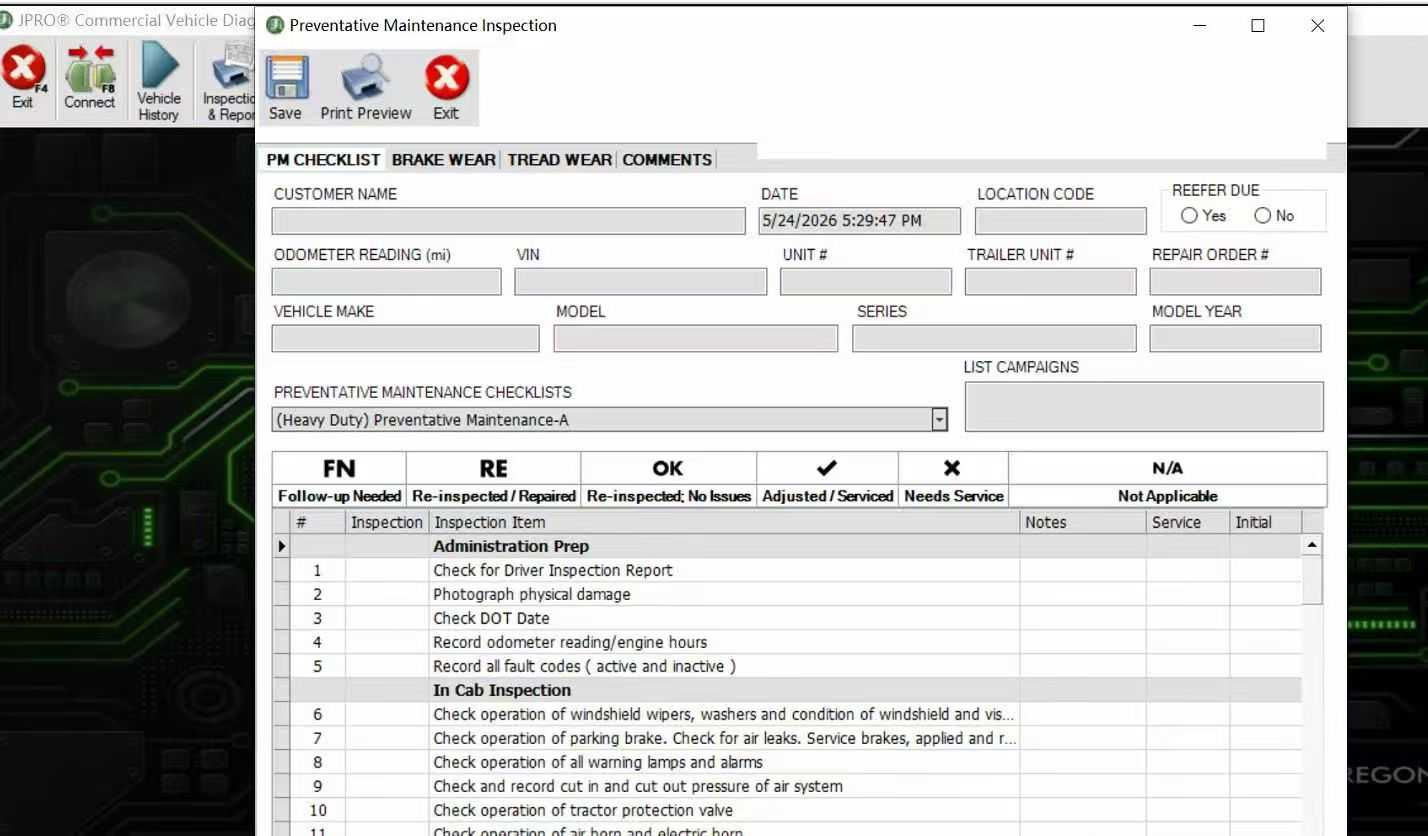
JPRO 2026 Software New Available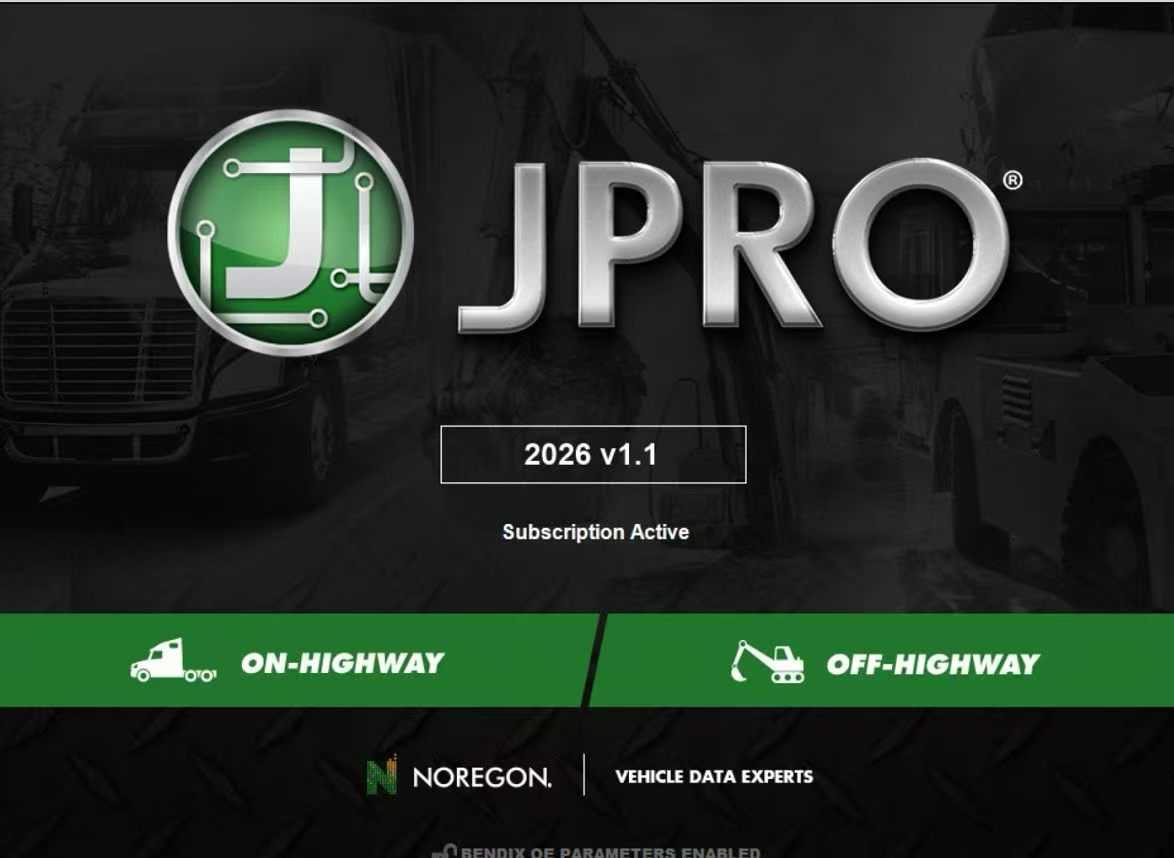
When evaluating a JPRO subscription fee, it is helpful to look at how it compares to the wider commercial vehicle diagnostic market:
| Software / Tool | Primary Strength | Weakness | Best Fit For |
| Noregon JPRO | Rapid bumper-to-bumper vehicle health check; exceptional Cummins/Detroit engine integration. | Weaker performance on medium-duty imports and Paccar platforms. | Mixed heavy-duty fleets requiring quick triage and multi-module scanning. |
| Jaltest / TEXA | Deep European style bi-directional coverage; superior capability in clearing critical engine derates. | Steeper initial learning curve; more complex software interface. | Full-service independent shops handling diverse global medium and heavy-duty brands. |
| Nexiq eTechnician | Stable vehicle communication using industry-standard USB-Link adapters. | Less visual user interface; fewer advanced bi-directional test routines. | Fleet mechanics prioritizing straightforward, reliable code reading. |
If your fleet is composed exclusively of Cummins engines and your technicians are fully trained on Cummins INSITE and QuickServe, adding JPRO might offer minimal value for pure engine diagnostics.
However, if your shop needs to diagnose ABS blocks, radar safety sensors, body control modules, or Allison transmissions across multiple truck brands without switching between individual programs, JPRO serves as an efficient tool for rapid vehicle triage. Use the upcoming live demo to test the software on your specific mixed-chassis configurations, checking its module visibility beyond the engine bay.