Looking for the best GM scanner to program or relearn modules like the EBCM, ECM, or BCM? This DIY guide covers J2534 tools, OEM options, and budget-friendly scanners for GM module programming.
If you're working on a GM vehicle and need to program or relearn modules like the EBCM (Electronic Brake Control Module), ECM, or BCM, you’ll need the right diagnostic scanner. Not all scan tools can perform these advanced functions, so choosing the correct one is crucial.
This guide will cover:✅ Best GM scanners for programming & relearning✅ OEM vs. aftermarket options✅ Budget-friendly choices for DIY users✅ Step-by-step process for EBCM relearn/programming
What Scanner Do You Need for GM Module Programming?
To program or relearn GM modules, you need a J2534-compatible pass-through device and GM’s Techline Connect software (paid subscription). Here are the best options:
1. OEM-Level GM Scanners (Dealership-Grade)A. GM MDI + Techline Connect (Best for Professionals)
What it does: Full programming, module replacement, and relearns (EBCM, ECM, TCM, etc.).
Requirements:GM MDI or MDI 2 interface
Techline Connect subscription (via TIS2Web)
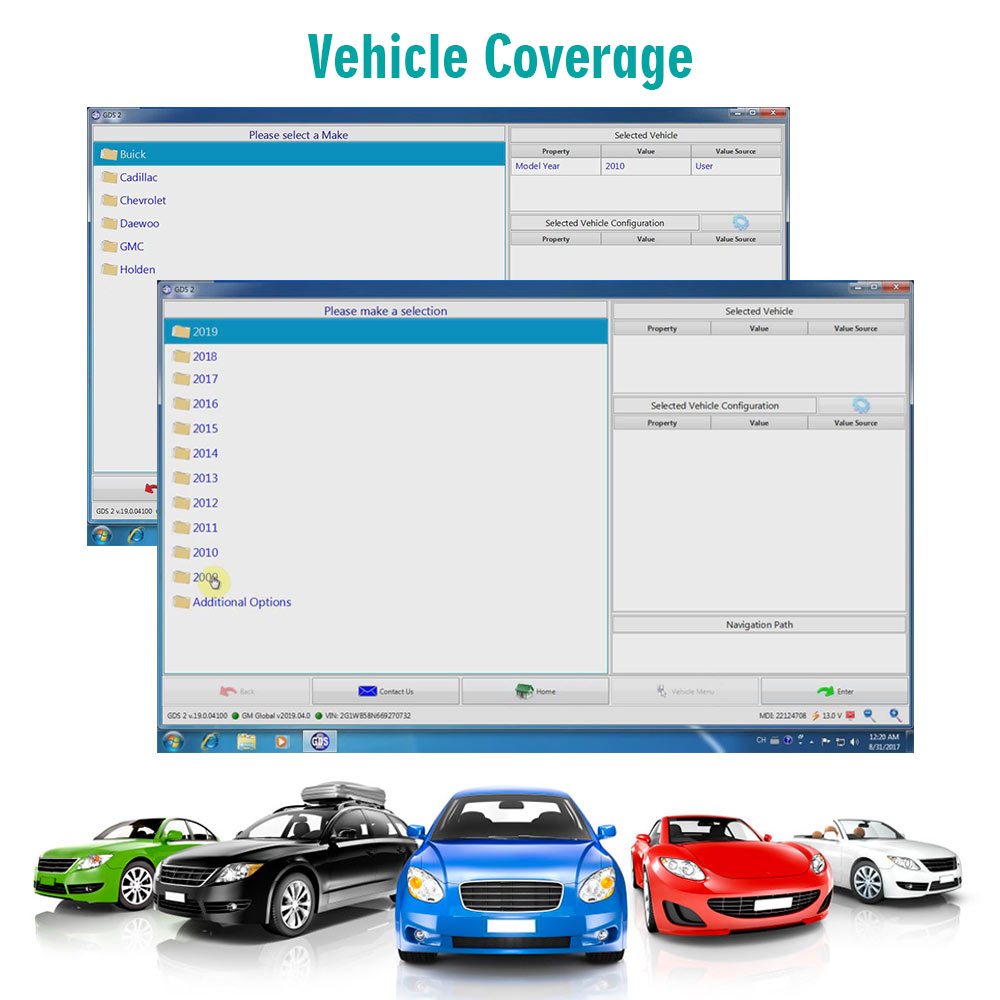
GDS2 software for diagnostics
Pros:Factory-level programming
Supports all GM models
Cons:Expensive (requires yearly subscription)
B. ACDelco TDS (Alternative to MDI)
Uses a J2534 device with GM’s software.
More affordable than GM MDI but still requires a subscription.
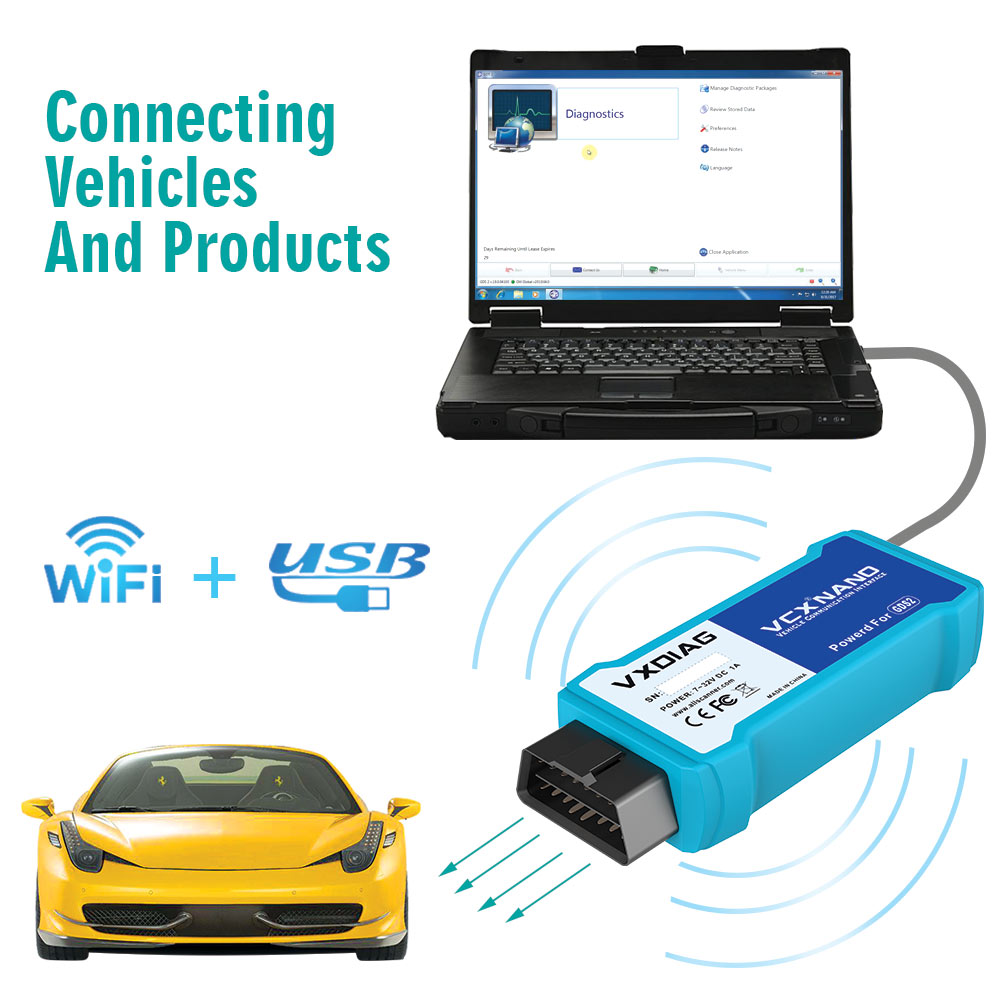
2. Budget-Friendly J2534 Tools (For DIY Users)If you don’t want to spend on an MDI, these J2534-compatible devices work with Techline Connect:
| Tool |
Best For |
Price |
| VXDIAG VCX Nano GM |
Cheapest GM-specific option |
100−200 |
| MongoosePro GM |
Reliable, used by shops |
$500+ |
| OTOFIX GM1 |
Good for SPS programming |
300−400 |
| DrewTech CarDAQ+ |
Professional J2534 tool |
$800+ |
Some high-end scanners can perform partial programming and relearns without a GM subscription:
Autel MaxiSys MS908/909 – Does some GM module programming.
Snap-On Zeus/MODiS Ultra – Limited but good for diagnostics.
Launch X431 Pro – Supports some relearn procedures.
How to Program or Relearn a GM EBCM (Step-by-Step)
If you’ve replaced the EBCM (ABS module), follow these steps:
1. Full Programming (New Module)Connect a J2534 tool (VXDIAG, MongoosePro, etc.).
Open Techline Connect and log in.
Select Service Programming System (SPS).
Follow prompts to flash the new EBCM.
2. Relearn Procedures (After Replacement)Some GM models require:
Brake Pedal Relearn (Pump brakes 3x, hold for 5 sec).
ABS Bleed Procedure (Use a scanner with bi-directional controls).
Steering Angle Sensor Reset (Drive straight after calibration).
Best Budget Option for DIY Users
If you’re a home mechanic, the
VXDIAG VCX Nano GM + Techline Subscription is the cheapest way to program GM modules.
Alternative (No Subscription Needed)
If you only need relearns (not full programming), consider:
Autel MaxiCOM MK808/AP200 (ABS bleed/relearn)
BlueDriver Bluetooth Scanner (Limited but good for codes)
Final Recommendation
| User Type |
Best Scanner Choice |
| Professional Mechanic |
GM MDI + Techline Connect |
| Advanced DIYer |
VXDIAG VCX Nano + Techline |
| Budget DIYer |
Autel MaxiCOM (for relearns) |
Conclusion
For full GM module programming, a J2534 tool (VXDIAG, MongoosePro) + Techline Connect is required. If you only need relearns, an Autel or Launch scanner may suffice.
Need help choosing? Let us know your budget and vehicle model in the comments!



